
Focused document reading
Filters a local project folder down to readable Markdown and HTML so you can focus on generated docs instead of source files, builds, and logs.

MD+HTML Reader is a macOS app for reviewing local Markdown and HTML documents from project folders. It is aimed at AI-assisted workflows where plans, reports, handoff notes, diagrams, and HTML artifacts need a focused read-only viewer.
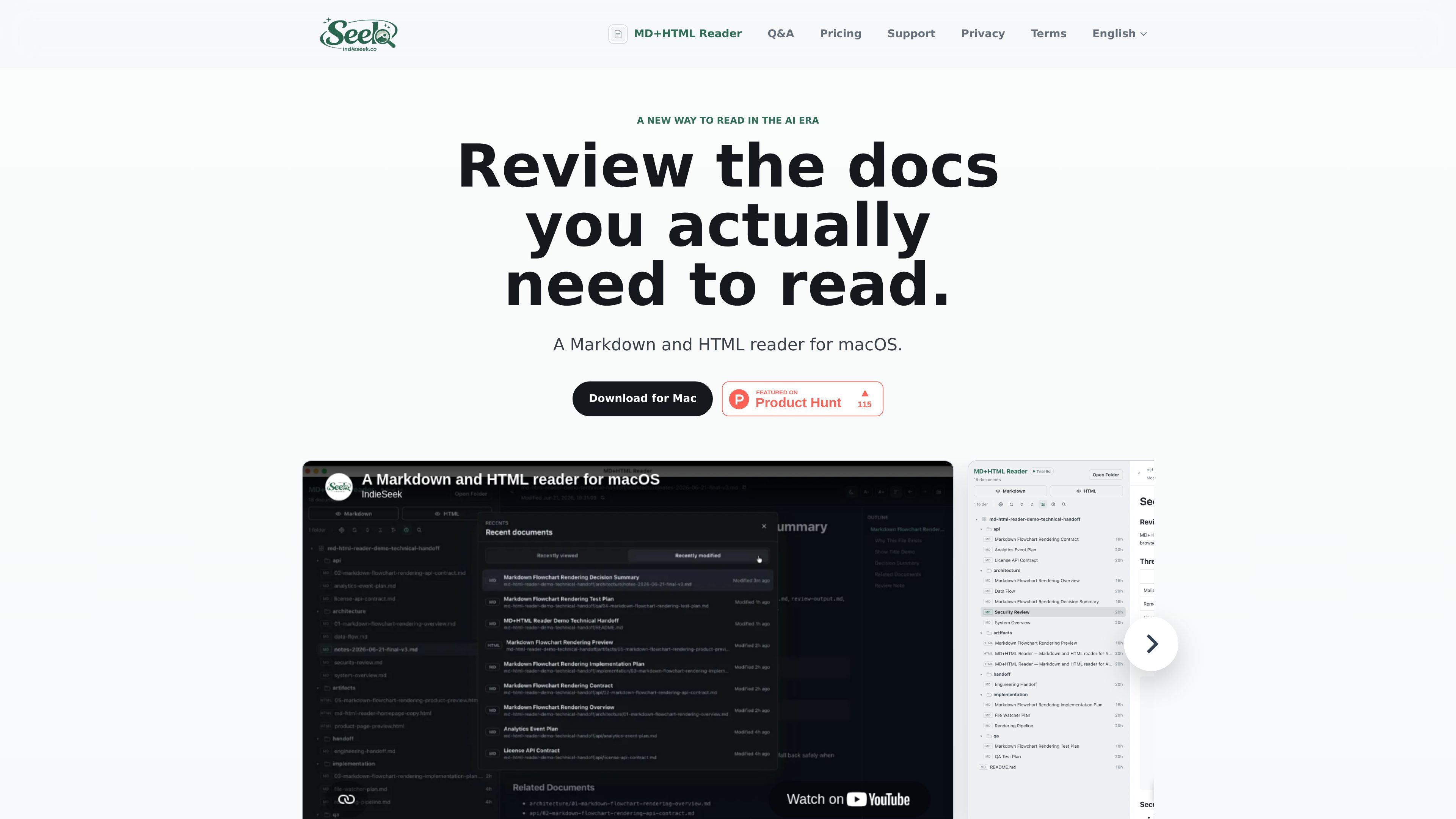
MD+HTML Reader is a macOS app for reading local Markdown and HTML documents from project folders. It is built for the review side of AI-assisted work, where the useful output is often a mix of plans, reports, handoff notes, diagrams, and HTML artifacts rather than source code.
The app presents those documents in a read-only workspace so you can inspect them without changing files. Its focus is on making generated docs easier to review before a prompt, commit, or handoff, while keeping recent documents easy to reopen and supporting Markdown and HTML formats that commonly appear in AI workflows.
Filters a local project folder down to readable Markdown and HTML so you can focus on generated docs instead of source files, builds, and logs.
Renders Markdown in read-only mode, with outline support and Mermaid diagrams for documents that include flowcharts or structured overviews.
Previews HTML artifacts inside a sandboxed reader with local CSS support, which is useful for AI-generated reports and exported docs.
Keeps recent viewed and modified documents close at hand so you can return to handoff notes, reports, or summaries without browsing the project tree again.
Includes search, live refresh, and reading history to help you revisit and update documents during an active workflow.
Supports keyboard shortcuts for moving through documents more quickly on macOS.
Review AI-generated plans, specs, reports, and release notes in one calm workspace before you copy them into the next prompt or hand them off to someone else.
Open handoff notes, agent summaries, and project updates without digging through source code, dependencies, or other repo clutter.
Check Mermaid diagrams, rendered Markdown, and HTML artifacts side by side as part of a documentation or implementation review.
Return to recently viewed or modified docs during active development so you can compare changes and follow the latest iteration without hunting through folders.
Use the read-only viewer to inspect generated documents without risking accidental edits to project files.
It reads local Markdown and HTML files from folders on your Mac. The app is designed for reviewing generated docs rather than editing them.
The source says Markdown is rendered with outline and Mermaid diagram support, while HTML is previewed in a sandboxed reader with local CSS support.
No. Document content is read locally only and is never uploaded. The source also says document content, local paths, and file names are not uploaded or read by the server.
No. MD+HTML Reader is intentionally read-only, so you can inspect Markdown and HTML without changing project files by accident.
The current app is for macOS. Windows and Linux versions are not available yet.

PDFTools is a browser-based suite of free and premium PDF utilities for editing, conversion, and document handling. It helps users work on PDFs locally in the browser without uploading files to a server.

Goldfish is an AI memory app for macOS that helps you reply, write, summarize, and continue using the context already on your Mac. It stores memory locally and writes in your tone.

Lasso is an ecommerce product data platform for enriching catalog records, processing supplier files, generating product content, and monitoring competitors. It combines a web app with a REST API, SDK, and MCP server for teams and developers.

Codex Plugins bundle reusable skills, app integrations, and MCP servers into workflows you can install in the Codex app or use from Codex CLI. They help extend Codex with connected-service tasks, reusable instructions, and shared team workflows.

Struere is an AI-native platform for turning spreadsheet data into structured operational software with dashboards, alerts, and automations. It is aimed at teams that want to replace manual spreadsheet workflows without building custom tools from scratch.

garden-md is an open-source Node.js CLI that turns meeting transcripts into a local company wiki. It links entities across transcripts, keeps the original text intact, and renders the result as a browsable wiki.