
Prompt-to-editable project workflow
Generate a first draft of an animation from story, copy, timing, and assets, then continue working from that project instead of a flat final render.

Motionly is an open source AI-native motion graphics editor for building editable animation projects from prompts and assets. It supports local visual editing, readable .motion source files, and local MP4 export.
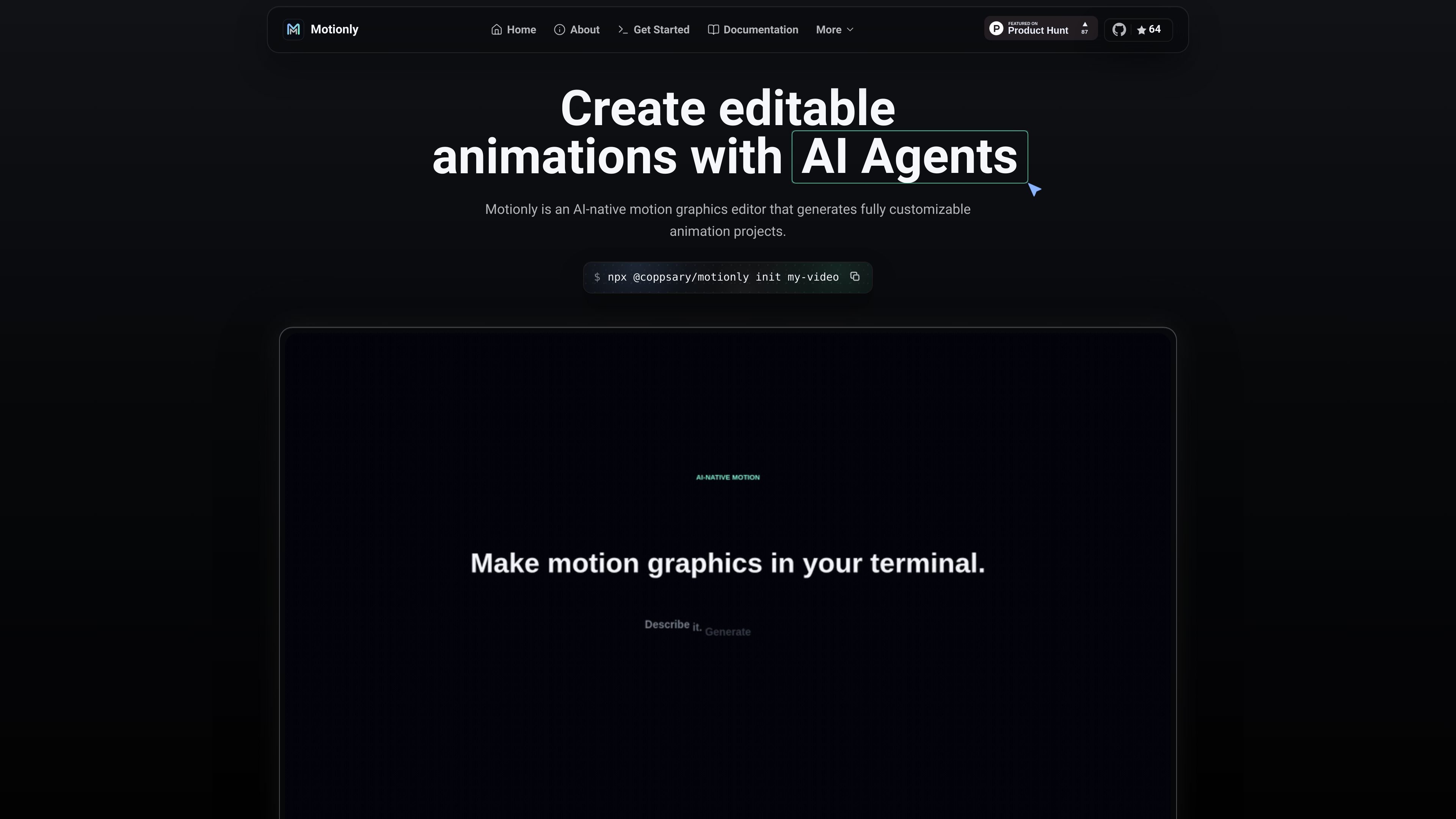
Motionly is an open source AI-native motion graphics editor for creating editable animation projects. It takes prompts, assets, and timing information and turns them into a working animation draft that can be refined visually and kept as readable source.
The product is built around a local-first workflow: generated scenes live in a .motion file, edits can be made on a canvas and timeline, and the final video can be exported to MP4 locally. The source also positions Motionly for use with AI agents and developer workflows rather than as a closed, render-only animation tool.
Generate a first draft of an animation from story, copy, timing, and assets, then continue working from that project instead of a flat final render.
Review generated scenes in a readable .motion file so changes can be tracked and follow-up prompts stay precise.
Open the draft in a canvas, timeline, inspector, and source view to move layers, tune timing, easing, and playback by hand.
Export finished motion graphics to MP4 locally after the visual pass, while project assets and source remain with the project.
Keep images, video, SVGs, GIFs, Lottie files, and audio in a project assets folder for a local-first workflow.
Use the Motionly skill with agentic tools such as Codex and Claude Code to fit the editor into existing AI-assisted workflows.
Create short promotional or feature-launch animations that start from an AI draft, then be adjusted for timing, motion, and asset placement before export.
Build SVG-based motion graphics and refine them visually while keeping the source project readable and version-friendly.
Work with AI coding agents to produce an editable animation draft, then continue the design manually in the editor without losing the underlying project file.
Organize animations as local projects with assets stored alongside source files, which is useful for teams that prefer Git-based review and file-based collaboration.
Motionly is designed for AI-generated motion graphics that remain editable. You can start from a prompt, review the draft on a canvas and timeline, and continue refining the same project in source.
The getting-started page says Motionly works locally and requires Node.js 20.19.0 or newer, npm, and FFmpeg on PATH for MP4 export.
The source describes a workflow that can be used with Codex, Claude Code, Antigravity, and other agents by installing the Motionly skill or using the provided prompt template.
Motionly exports MP4 locally after visual editing. It also keeps a readable .motion file in the project so the animation can be reviewed and versioned.
The source points to documentation, GitHub, Product Hunt, and an npm package. It does not publish detailed pricing numbers on the pages provided.

ngram is an AI video generator and editor for teams and individual creators. It turns prompts, uploaded files, or screen recordings into editable videos for demos, training, onboarding, sales enablement, explainers, and launches.

VIDEOAI.ME is an AI video generator for making spokesperson-style videos, ads, explainers, and social content from a script. It is aimed at founders, marketers, agencies, and creators who want to produce videos without filming.

Video Effects SDK adds real-time webcam effects such as background blur, background replacement or removal, denoising, framing, beautification, and color grading. It is built for teams shipping live video experiences on web, desktop, and mobile platforms.

Official HeyGen API documentation for building AI avatar videos, translations, lipsync, and interactive video-agent sessions. It supports direct API use plus MCP and CLI-style workflows for developers and AI agents.

DeepMotion is a web-based AI motion capture and 3D animation platform with Animate 3D for video-to-animation and SayMotion for text-to-animation. It helps creators and teams generate motion in a browser and export results in common production formats.

Zella is a screen recorder and on-device AI video editor for Mac and iPhone. It helps creators record screens or cameras, automatically clean up footage, add captions, reframe clips, and export videos without uploading the core project to the cloud.