
Question-led experiments
Start with a what-if question, select a setting such as a social feed, forum, group chat, town square, or workplace, and configure rounds and pace. The app provides a live preview while the experiment is being set up.

Sorcerer is a local-first macOS app for simulating how AI-driven character communities may react to a what-if scenario. It helps users explore hypotheses with contextual briefs, configurable communities, branching simulations, polls, and cited reports.
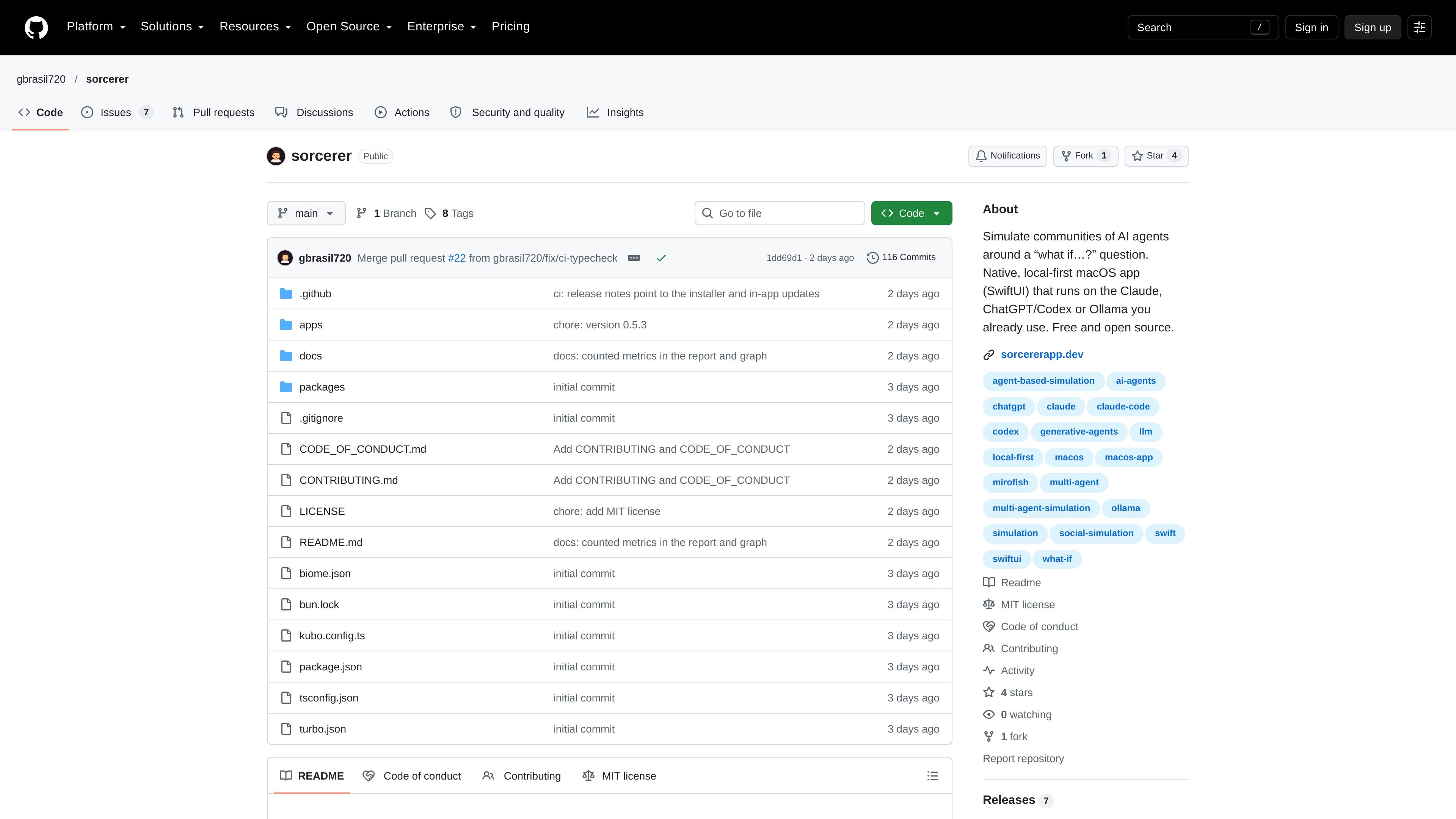
Sorcerer is a local-first SwiftUI application for macOS that simulates a community of AI-driven characters around a hypothetical question. Users define a scenario, provide relevant context, assemble a community, and observe how posts, reactions, opinions, and actions develop across rounds.
The tool is intended for exploring possible reactions, objections, and consequences rather than establishing real-world evidence. It can use Claude through the Claude CLI, ChatGPT through the Codex CLI, or a locally running Ollama instance, while retaining experiment data as local JSON files.
Start with a what-if question, select a setting such as a social feed, forum, group chat, town square, or workplace, and configure rounds and pace. The app provides a live preview while the experiment is being set up.
Build a brief from a GitHub repository through your gh login, a local folder, a website, or files. Facts are labeled by who knows them, including public, insider, and hidden knowledge. The stated reader excludes .env files, keys, credentials, node_modules, and build output.
Create or reuse communities and edit members before a run. Character profiles include personality, interests, goals, relationships, and memories; characters can reply, react, and weight attention toward people they are tied to.
Watch posts arrive round by round in a feed, switch to a relationship map or mood graph, and track listed actions such as choices supplied by a template or proposed from the question. Participants can also leave, return, or invite others into the world.
Ask the community a poll with custom options, either off the record or as a public event that affects the next round. Fork at a chosen round to explore another path, then use a report that compares branches and links findings to source posts.
Model how a fictional customer community could discuss a proposed subscription increase, including possible upgrades, cancellations, and poll responses. Treat the results as prompts for research rather than demand evidence.
Give the community a headline, announcement, or event and observe how responses can circulate through relationships in a group-chat, forum, or social-feed setting. Inject follow-up events to test how the discussion changes.
Load documentation from a repository, local folder, website, or files into a brief, distinguish common from insider or hidden information, and examine how each knowledge boundary changes a simulated discussion.
Fork an experiment at a previous round and alter a decision or event while retaining the community and its memories up to that point. Compare the branches through the report and its cited posts.
Sorcerer is a native macOS application. The latest release states it supports macOS 15 or later and is distributed for both Apple silicon and Intel Macs.
It uses AI tools you are already signed in to: the Claude CLI (Claude Code), the Codex CLI for ChatGPT, or Ollama running locally at localhost:11434. You can select models by provider and assign different models to characters, reports, and one-to-one chats.
Sorcerer stores its data in ~/Sorcerer as plain JSON, including experiments, reusable context briefs, and settings. It can export an experiment with its full history or export a fresh scenario without history for another person to run.
Create an experiment by defining a question and rules, providing context from supported sources or files, and setting up a community. Rounds then stream into the feed; you can pause, inject events, run polls, and fork a branch from a prior round.

Wallie is an open-source AI streamer that watches your screen, hears chat, and generates live commentary in a configurable persona. It runs locally on your machine with your own keys and is aimed at faceless content, autonomous streams, and real-time reactions.

PixelForge turns a single photo into a game-ready 2D character sprite pack, including a 4×4 sheet, transparent frames, direction strips, and looping walk GIFs. It is designed for engine-ready use in Godot, Unity, Phaser, GameMaker, and web games.

Artflow is an AI photography studio for generating character-based images and videos from uploaded photos, templates, and prompts. It helps users create reusable identities, scene variations, and edited outputs for personal or project use.

Hermes plugin is a Humalike add-on for Hermes Agent bots that adds social-intelligence behaviors such as turn-taking, persona, theory of mind, and social learning. It is presented as a one-install way to make a bot behave more naturally in group conversations.

SCAIL 2 is a browser-based AI video generator that animates a reference character from a driving video without skeleton extraction or rigging. It offers Animate and Replace modes, 480p or 720p output, and a free starting balance of 15 credits with no card required.

Cast is an AI character casting platform for video production that lets teams browse or create photorealistic synthetic characters and export 4K reference sheets for use in AI video tools. It offers commercial licensing options, including free, one-time, subscription, and team sales paths.