
Cloud machine with browser, shell, and filesystem
The agent runs on a real Linux machine in the cloud, not just a chat interface. It can browse live websites, execute shell commands, and write or run code as part of the same session.

Octomind Cloud is an AI agent runtime that gives the agent its own Linux machine in the cloud. It helps people run multi-step work that needs a browser, shell, and persistent files without setting up local infrastructure.
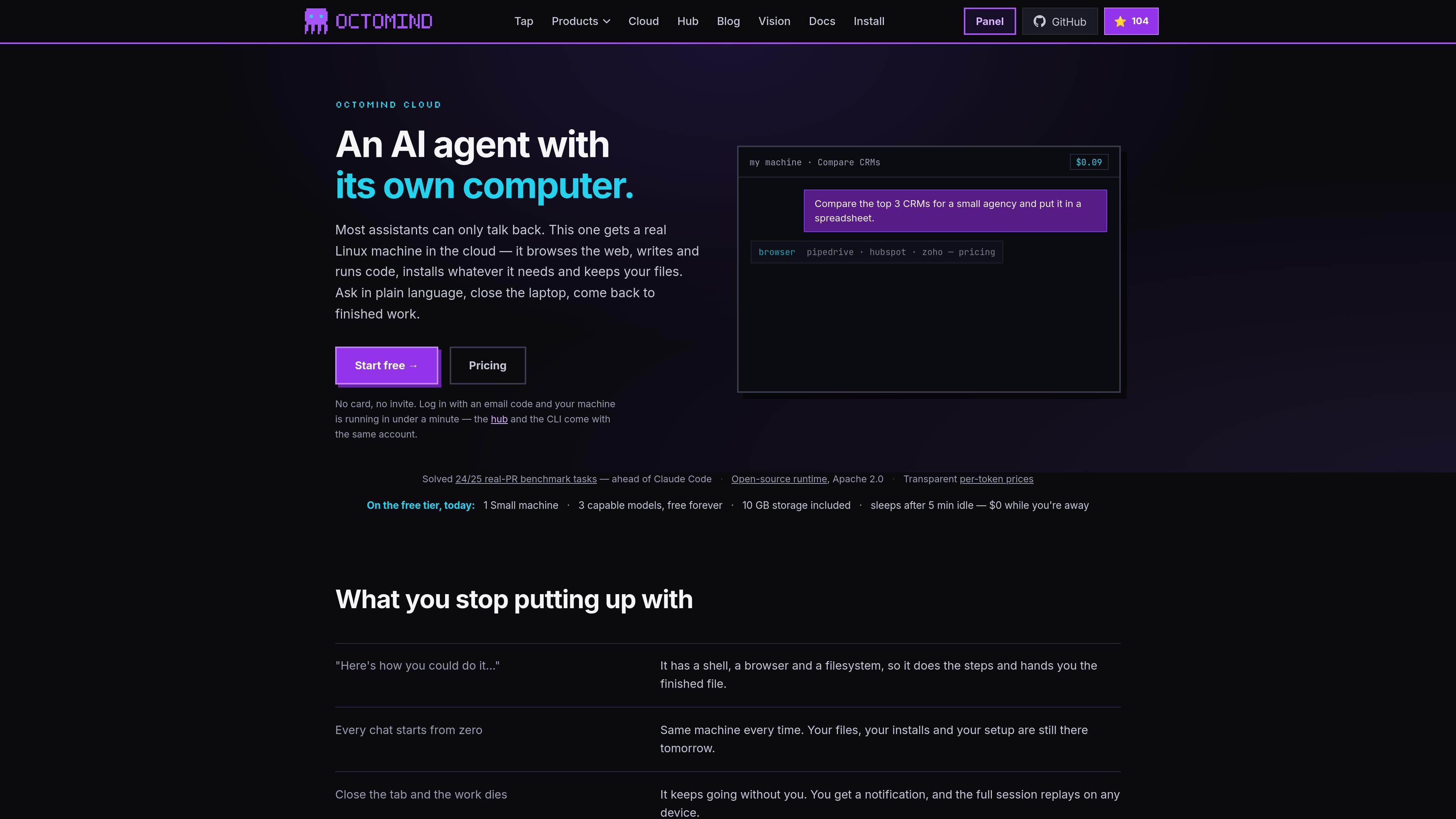
Octomind Cloud is an AI agent runtime that gives the agent its own Linux machine in the cloud. Instead of a text-only chat, it can browse the web, run commands, install tools it needs, and keep files from one session to the next.
The product is aimed at people who want an agent to carry out multi-step work rather than only suggest it. The source highlights tasks such as comparing product pricing, generating spreadsheets, running refactors, indexing codebases, and continuing work after the laptop is closed.
The agent runs on a real Linux machine in the cloud, not just a chat interface. It can browse live websites, execute shell commands, and write or run code as part of the same session.
Files created by the agent stay attached to the machine and are available later from the Files tab. The page also says your installs, setup, and session history persist so the same environment can be reused.
Octomind Cloud uses email-code login and starts without local installation, API key collection, or manual configuration. The first login creates the account and the machine starts in under a minute.
The runtime can keep working after you close the tab or switch devices, and the full session can replay on another device. Notifications let you return to completed work instead of a dead process.
The panel exposes workflows, terminals, machines, and a config editor in Studio, while the same functionality is also available through a REST API. The page says the panel actions can be scripted with one developer key.
The product is bundled with a hosted model hub, so models are used through the built-in gateway rather than separate provider keys. The pricing page describes cloud and hub as one subscription.
Use the cloud machine to research live pricing, documentation, or other current web sources, then have the agent write the findings into a file or spreadsheet.
Run code-heavy tasks such as refactors, test runs, or package installs in the cloud so your laptop does not have to carry the workload.
Start a task on desktop, check progress later from a phone or another device, and return to the same session when the job is done.
Use the same account in the panel, CLI, or REST API when you want to automate machine creation, prompt handling, or file retrieval from your own scripts.
Let the agent continue overnight or while you are away on longer jobs such as migrations, research sweeps, or batch processing.
You sign in with an email code, and the machine appears after your first message. The page says no install, no configuration, and no API key setup are required for cloud use.
The cloud product is built around a real Linux machine with a browser, shell, and filesystem. It can browse the web, run code, install tools it needs, and keep files across sessions.
Yes. The pricing page says cloud machines and hosted models are part of one subscription, with a free tier available and paid plans for larger caps and more machine slots.
The source says sessions can replay on any device and continue across devices, while files remain available in the Files tab for download.
On the free tier, the page mentions one small machine, 3 capable models, and 10 GB of included storage, with the machine sleeping after 5 minutes of inactivity.

ByteAsk is a terminal-first AI coding agent for C and C++ that edits repositories and verifies changes with the real compiler, debugger, sanitizers, and tests before showing a diff. It offers a free tier plus paid plans, with editor connectors and zero-retention handling described in the source.

CreateOS Sandbox is an isolated compute environment for running code and agent workloads inside Firecracker micro-VMs. It is designed for workflows that need machine-level isolation, private networking between sandboxes, and programmatic control through SDK, CLI, or MCP.

hob is an independent workspace for coding agents that keeps agent sessions, terminals, history, and follow-up work organized around the tools and providers you already use. It is aimed at developers who want local control over routing, history, and workspace structure rather than a bundled model stack.

Manta AI is an autonomous web app testing tool for teams that want to map application behavior, catch regressions, and generate tests without writing scripts or maintaining selectors. It works from a URL and supports plain-English test flows, run results with screenshots, and scheduled or deployment-triggered checks.

SonOf connects to your repo and PM tool, audits the codebase and surrounding product context, and turns approved work into shipped tickets with senior engineering review. It is aimed at founders and engineering leaders who need backlog help without hiring a full team immediately.

Macuse is a macOS app that lets AI assistants control native Mac apps through MCP and use Computer Use for any app. It works with clients like Claude Desktop, Cursor, and Raycast, and keeps automation on-device.