
Slack-native interaction
Users tag @O in Slack to ask questions or delegate work in channels, threads, or DMs without switching to a separate app.

Ogment is an AI coworker that works inside Slack so teams can ask questions, delegate tasks, and automate routine work in plain English. It is aimed at business users who want connected workflows without switching to a separate app.
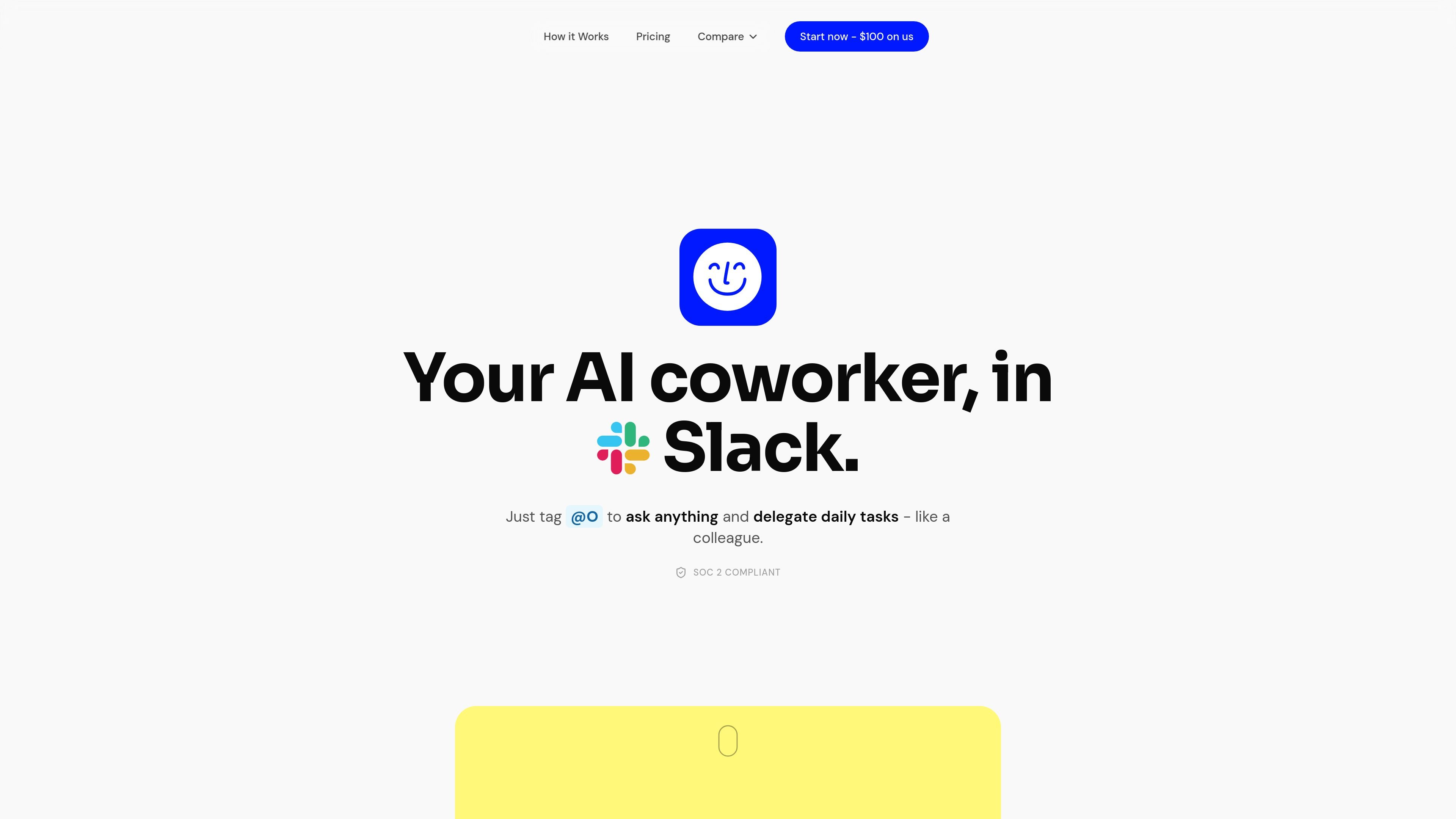
Ogment is an AI coworker that lives in Slack and is designed for business teams that want to delegate routine work in plain English. Users tag @O in a channel, thread, or DM to ask questions, trigger actions, or set up automations without leaving their workspace.
The product is positioned as a shared workplace agent rather than a single-user chatbot. The site says it connects to 1,000+ tools, supports shared organizational memory and a skill library, and can run scheduled or event-triggered automations so teams can standardize repetitive tasks.
Users tag @O in Slack to ask questions or delegate work in channels, threads, or DMs without switching to a separate app.
The product can build skills in plain English, and the site says it works with no code or workflow builder.
Administrators approve connectors once, after which employees can use them from Slack across the workspace.
The site says Ogment connects to 1,000+ integrations, including custom API integrations for internal tools.
O can spot repetitive patterns and suggest automations before a user asks, and it also supports scheduled and event-triggered automations.
Usage analytics show who is using @O, how much time it is saving, and which teams may need a nudge.
Teams can tag @O in Slack to look up information, answer operational questions, or summarize context without leaving the conversation.
Employees can delegate repeatable tasks in plain English, such as creating reports, updating records, or sending messages across connected tools.
Administrators can approve connectors once and enable the whole workspace to use approved tools through Slack.
O can suggest automations for repetitive patterns and run scheduled or event-triggered jobs while the team is offline.
Managers can review usage analytics to see adoption, activity, and where additional enablement may be needed.
No. The site says O is built for business users and that if you can describe what you want in plain English, you can use it. It also says there is no code, workflow builder, or setup beyond tagging @O in Slack.
O connects from a library of 1,000+ native integrations and also supports custom API integrations for niche software or internal APIs.
All data is encrypted in transit and at rest. The site also states that Ogment is SOC 2 compliant and GDPR compliant.
Ogment uses a shared credit pool for the organization rather than per-seat billing. Credits represent the underlying cost of running the agent, including AI tokens, web browsing, and infrastructure.
The site says setup is fast: install Ogment on a Slack workspace, approve connectors once, and the first automation can run in under 30 minutes.

Biji es una plataforma versátil diseñada para mejorar la productividad a través de herramientas y características innovadoras.

Macuse is a macOS app that lets AI assistants control native Mac apps through MCP and use Computer Use for any app. It works with clients like Claude Desktop, Cursor, and Raycast, and keeps automation on-device.

Dcyde is a decision log for product teams that captures what was decided, the reasoning behind it, and the source in one shared place. It supports pinning decisions from Slack, Figma, or inside Dcyde and keeps the record searchable over time.

Carbon Voice is an asynchronous voice messaging app for teams and individuals, with transcripts, AI catch-up, and cross-device access. It helps people and agents communicate without needing a live call.

Goldfish is an AI memory app for macOS that helps you reply, write, summarize, and continue using the context already on your Mac. It stores memory locally and writes in your tone.

Lasso is an ecommerce product data platform for enriching catalog records, processing supplier files, generating product content, and monitoring competitors. It combines a web app with a REST API, SDK, and MCP server for teams and developers.