
Link-based room access
A room is created from a link, and the link is the shared entry point for the group. People open it from a chat, type a name, and start contributing without creating accounts.

Peanut Split is a link-based expense splitter for groups that want to track shared costs without creating accounts. It helps people add expenses, handle multiple currencies, and settle balances from one shared room.
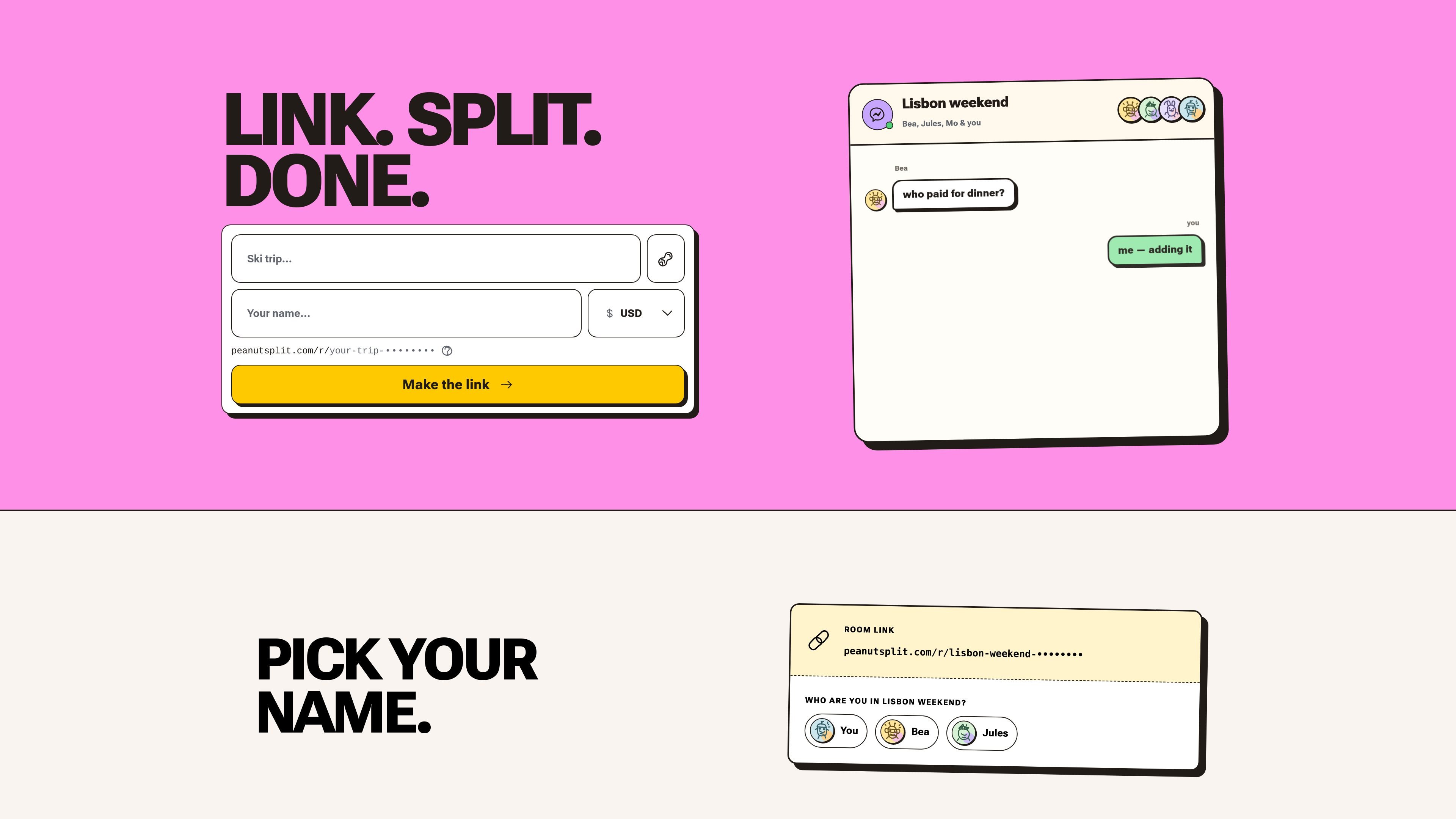
Peanut Split is a link-based expense splitter for groups that want to share costs without making everyone create an account. A room is created, the link is passed around, and each person can open the same room, choose a name, and add expenses.
The product is designed around small, temporary groups such as trips, dinners, and shared bills. It supports multiple currencies, several ways to split expenses, and a simple settlement view that shows who pays whom at the end.
A room is created from a link, and the link is the shared entry point for the group. People open it from a chat, type a name, and start contributing without creating accounts.
The app supports 162 room currencies and automatic conversion for 156 currencies, so a group can track spending in one room even when people pay in different currencies.
Expenses can be entered as equal shares, percentages, exact amounts, shares, or selected people, which covers both simple and uneven splits.
Balances are reconciled to the cent and the app suggests a short payment plan showing who pays whom, which helps groups close out a room cleanly.
New expenses appear for everyone immediately, and entries can sync once the device is back online if someone is temporarily offline.
The room can be reopened on the same device, and it can also be added to the home screen so it opens more like an app.
One person can start a room for a trip, paste the link into the group chat, and let everyone add what they paid as the trip unfolds.
Housemates can record shared costs in one room and settle the month’s balances without passing a spreadsheet around.
A dinner group can split the check after the meal using exact amounts, equal shares, or selected people, depending on how the bill was divided.
If some people paid in different currencies, the room can still keep one balance view and convert expenses automatically within the supported currency set.
Someone coming from Splitwise can bring a group’s history across by exporting the group as a spreadsheet and importing it into Split.
Anyone with the room link can join by opening it and choosing a name. The source says there is no email, password, or download required.
The hosted service is free to use and has no paid tier. The site also says the released software is available under AGPL-3.0-or-later for self-hosting.
The source says balances can be settled with cash or bank transfer, and it records whatever the group already uses to settle up.
The site says room links are kept out of search engines and cannot be guessed, but anyone who has the link can access the room.
The source says there is no cap on the number of expenses you can add to a room.

Timebook is a time tracking, invoicing, and bookkeeping app for freelancers and single-member LLCs. It combines hours, invoices, and basic books in one place, with optional Plaid bank sync and AI-agent support.

Finchum is a personal finance planning tool that aggregates accounts and forecasts future balances for users in the US and Canada. It supports secure sync without sharing bank passwords, with OAuth where available and file-based imports as a fallback.

KlutterAI is an AI-powered expense tracker that helps people capture receipts, categorize spending, and monitor budgets from iOS or Android. The product also surfaces recurring charges, spending alerts, and exportable reports.

CashPylot is finance software for startups and freelancers that combines invoicing, expense tracking, cashflow monitoring, budgets, and client management in one platform. It offers a 7-day free trial on a single paid plan.

Finamie is a personal finance app that uses voice input to log expenses and generate financial insights automatically. It supports English and Spanish, with a free tier and a Premium plan for heavier use.

SimplyPortfolio is a manual portfolio tracker for stocks, ETFs, gold, and silver that combines multiple accounts into one dashboard. It supports multi-currency reporting, cost-basis tracking, and CSV export, with a free tier for up to 3 holdings.