
AI uncrop and background expansion
Restores missing edges and expands an image’s background using generative AI, so cropped photos can be widened without manual compositing.

PhotoCat AI Image Extender is a free online tool for uncropping and expanding photos with generative AI. It helps users resize images for social posts, product visuals, portraits, and landscapes without manual editing.
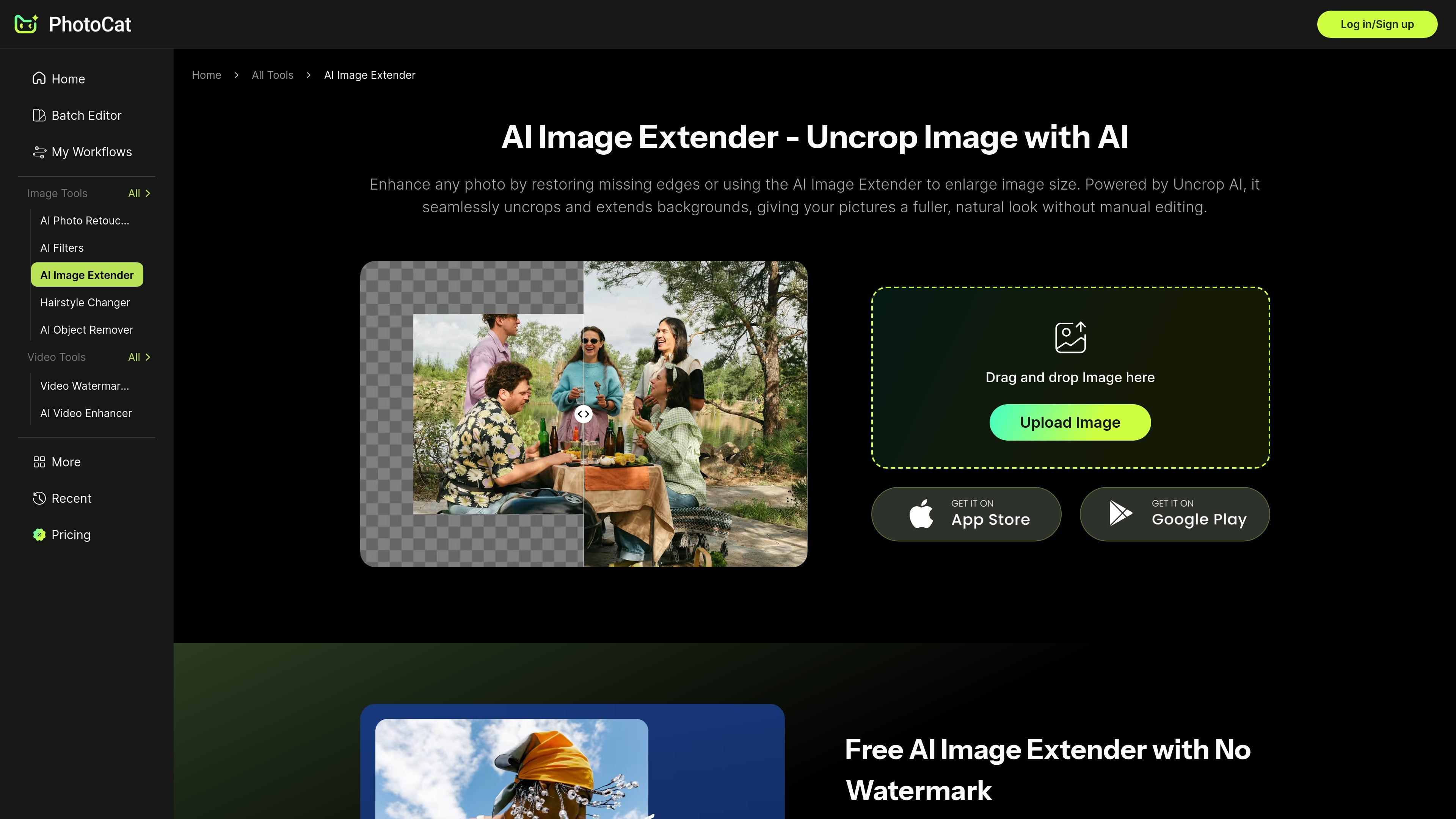
PhotoCat AI Image Extender is an online tool for uncropping and expanding photos with generative AI. It is designed to restore missing edges, widen backgrounds, and make an image fit a new size without requiring manual editing.
The page positions the tool for practical image formatting tasks such as social posts, product shots, portraits, and landscape photos. It also states that the service is free to use and that exported images are not marked with watermarks.
Restores missing edges and expands an image’s background using generative AI, so cropped photos can be widened without manual compositing.
Aims to keep new areas visually consistent with the original scene by analyzing the image before generating the extension.
Positions output as clean and natural rather than stretched, with no visible watermark on the final download.
Supports higher-resolution results and states that it can extend photos in 4K without pixel distortion.
Includes seven preset size options for common platform formats such as Instagram, TikTok, Facebook, and YouTube.
Lets users drag image borders to adjust the canvas manually before generating the expanded version.
Expand a cropped or tightly framed image so it fits a target aspect ratio for social platforms without stretching the original subject.
Add extra space around a product photo for promotional text, pricing badges, or cleaner layout placement in e-commerce creative.
Turn a narrow landscape capture into a wider composition for printing, framing, or a more panoramic presentation.
Fill in missing edges around selfies and family portraits so the image feels complete and balanced after uncropping.
Create banner-ready visuals for channels like Instagram, TikTok, Facebook, and YouTube by expanding the scene to the needed dimensions.
Yes. The page says the AI analyzes the scene and blends new areas so the expanded image looks natural and consistent with the original photo.
The source says the tool offers seven preset size options and also lets you resize the canvas by dragging the image borders before generating the result.
The page positions PhotoCat Image Extender as a free online tool and states that downloads are available without watermarks.
The source describes it as an uncrop and image expansion tool rather than an upscaler. The product pages also mention PhotoCat’s separate AI Image Enhancer for upscaling to 4K.
The page says you upload an image, choose a preset size or adjust the canvas, then click Generate and download the result.

Pixelcut is an AI photo editor for creating and editing product images, social content, and video assets. It offers free and paid plans, plus mobile app and browser access for individual users and teams.

Upscale.media is an AI image upscaling and enhancement tool from Pixelbin that enlarges low-resolution or pixelated images and improves clarity in the browser. It offers free individual image use, paid credit plans, and team-oriented workflows such as bulk processing and API integration.

PhotoAid’s AI Image Enlarger is a free browser-based tool for upscaling images without a standard blur-heavy resize. It supports JPEG, WEBP, and PNG uploads and is described as working best for photos with faces.

Airbrush is an AI-powered photo and portrait editor for web, desktop, and mobile. It helps creators, everyday users, and professionals retouch portraits, remove backgrounds, and enhance images with credit-based AI tools.

Aaavatar is a macOS portrait editor for teams that need consistent staff photos. It removes backgrounds, applies backgrounds or brand colors, and exports finished portraits to common professional channels.

Petalica Paint is a web service for automatically coloring line art and tracing line drawings from photographed images. The home page says it can be used under the stated terms for commercial and noncommercial work, but it is scheduled to end on 2025-07-31 at 16:00 JST.