
Capture from source files or live recording
Record on the spot or import existing audio, PDFs, images, and video. Processing is shown as a visible task, and a note appears only after processing succeeds.

Phrase is an Apple-native AI note-taking app that turns recordings, PDFs, images, and videos into editable notes with the original source attached. It helps students, researchers, and professionals verify, edit, and reuse source-backed notes across Apple-native workflows.
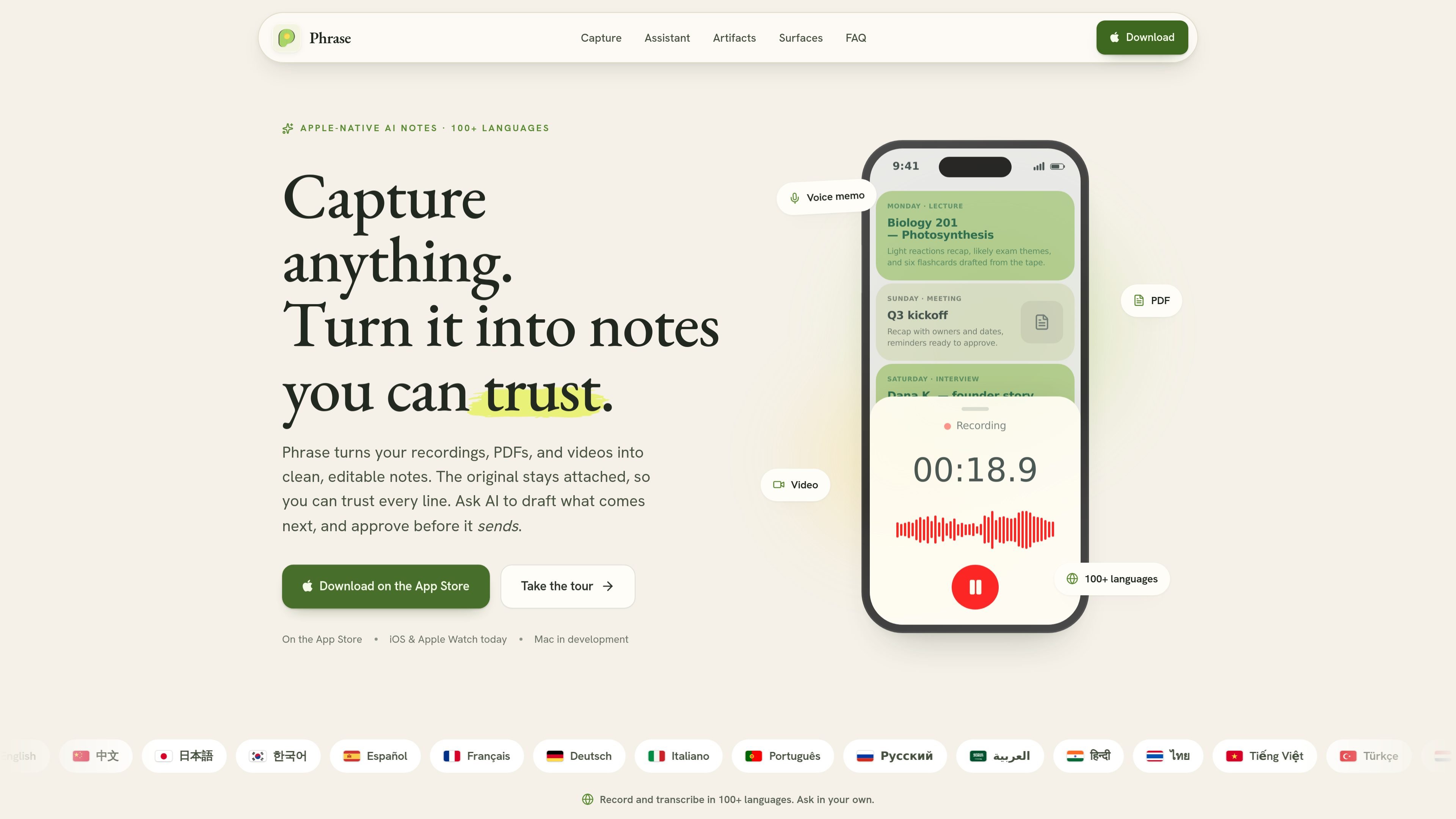
Phrase is an Apple-native AI note-taking app that turns recordings, PDFs, images, and videos into editable, source-backed notes. It is built for people who need their notes to stay tied to the original material so they can verify, search, and revise what AI produces.
The workflow starts from the source instead of a blank page: you record or import material, Phrase transcribes and organizes it into a structured note, and the original stays attached in Source Viewer. From there, you can edit in a native block editor, ask AI to draft follow-ups, or turn the note into decks, study sets, dashboards, pages, and other Artifacts.
Record on the spot or import existing audio, PDFs, images, and video. Processing is shown as a visible task, and a note appears only after processing succeeds.
Keep the original material attached to the note, then replay audio or video, search the live transcript, and reopen the source whenever you need to verify a line.
Edit notes in a native iOS block editor designed for long, mixed-media notes. Blocks can include headings, to-dos, code, formulas, Mermaid, audio, and rich text.
Ask Phrase to read a note, draft text, turn action items into Reminders, prepare Calendar events, or open a mail draft. Sensitive writes and system actions ask for confirmation.
Turn trusted notes into Artifacts such as slide decks, pages, dashboards, flashcards, quizzes, and mind maps, then present slide decks on AirPlay, USB-C, or HDMI.
Use widgets, Control Center, Lock Screen, Siri, Shortcuts, and Apple Watch to record or review without opening the app.
Record lectures or import class audio, then review the transcript, refine the note, and generate flashcards or quiz material for studying. The source stays attached so you can check the original explanation later.
Capture interviews, keep each quote linked to its timestamp, and reopen the source during editing or fact checking. This makes it easier to verify what was said before publishing notes or drafts.
Use Phrase for meetings when you need a recap, action items, and follow-up drafts instead of just a recording. The app can prepare reminders or messages for approval before anything is sent.
Turn a recorded idea dump or planning session into a structured note, then ask AI to outline a message, draft an email, or create a presentation-ready artifact.
Work from PDFs, screenshots, images, or video and keep the source attached while you organize the material into an editable note. This is useful when the original evidence matters as much as the summary.
Phrase is an Apple-native AI note-taking app that turns recordings and imported source files into editable, searchable notes. It can also generate Artifacts such as slide decks, pages, dashboards, flashcards, quizzes, and mind maps from notes you already trust.
Phrase is best when you need the source material to become a structured note rather than a standalone audio file or plain text page. The FAQ says it is suited to students, researchers, founders, builders, journalists, and other professionals working across Apple-native workflows.
Phrase can start from recordings, audio files, PDFs, images, videos, or a blank note. It keeps the original source attached, creates transcripts and summaries, and lets you refine the result in a native block editor or ask AI to create follow-on outputs.
No. Phrase is local-first: notes live on your device and sync through your own iCloud. Media is processed only to build the note, then nothing is kept on Eversight servers, and there is no separate Phrase account.
Phrase is available for iPhone today with Apple Watch companion surfaces, and macOS is in development. The support page also notes that billing and subscriptions are managed through your Apple App Store account settings.

recall is an AI flashcard app that turns reading and notes into study cards through Claude, ChatGPT, or another MCP client. It uses one-time lifetime access pricing and spaced repetition review.

Goldfish is an AI memory app for macOS that helps you reply, write, summarize, and continue using the context already on your Mac. It stores memory locally and writes in your tone.

Lasso is an ecommerce product data platform for enriching catalog records, processing supplier files, generating product content, and monitoring competitors. It combines a web app with a REST API, SDK, and MCP server for teams and developers.

Struere is an AI-native platform for turning spreadsheet data into structured operational software with dashboards, alerts, and automations. It is aimed at teams that want to replace manual spreadsheet workflows without building custom tools from scratch.

garden-md is an open-source Node.js CLI that turns meeting transcripts into a local company wiki. It links entities across transcripts, keeps the original text intact, and renders the result as a browsable wiki.

Falconer is an AI-powered company brain that keeps internal documentation accurate, searchable, and up to date by syncing with tools like GitHub, Slack, and Linear. It helps engineering and cross-functional teams centralize knowledge and answer questions from a shared source of truth.