
Daily tracking of WordPress.org signals
Track granular active-install estimates, downloads, directory ranking, rating and review activity, and support ticket tracking on a daily basis with history.

PluginTracker is a WordPress analytics product for WordPress.org plugin authors that tracks daily install movement, keyword ranks, reviews, support signals, competitors, and optional opt-in telemetry. It also offers AI tools for replies and analysis, plus a 14-day free trial with no credit card required.
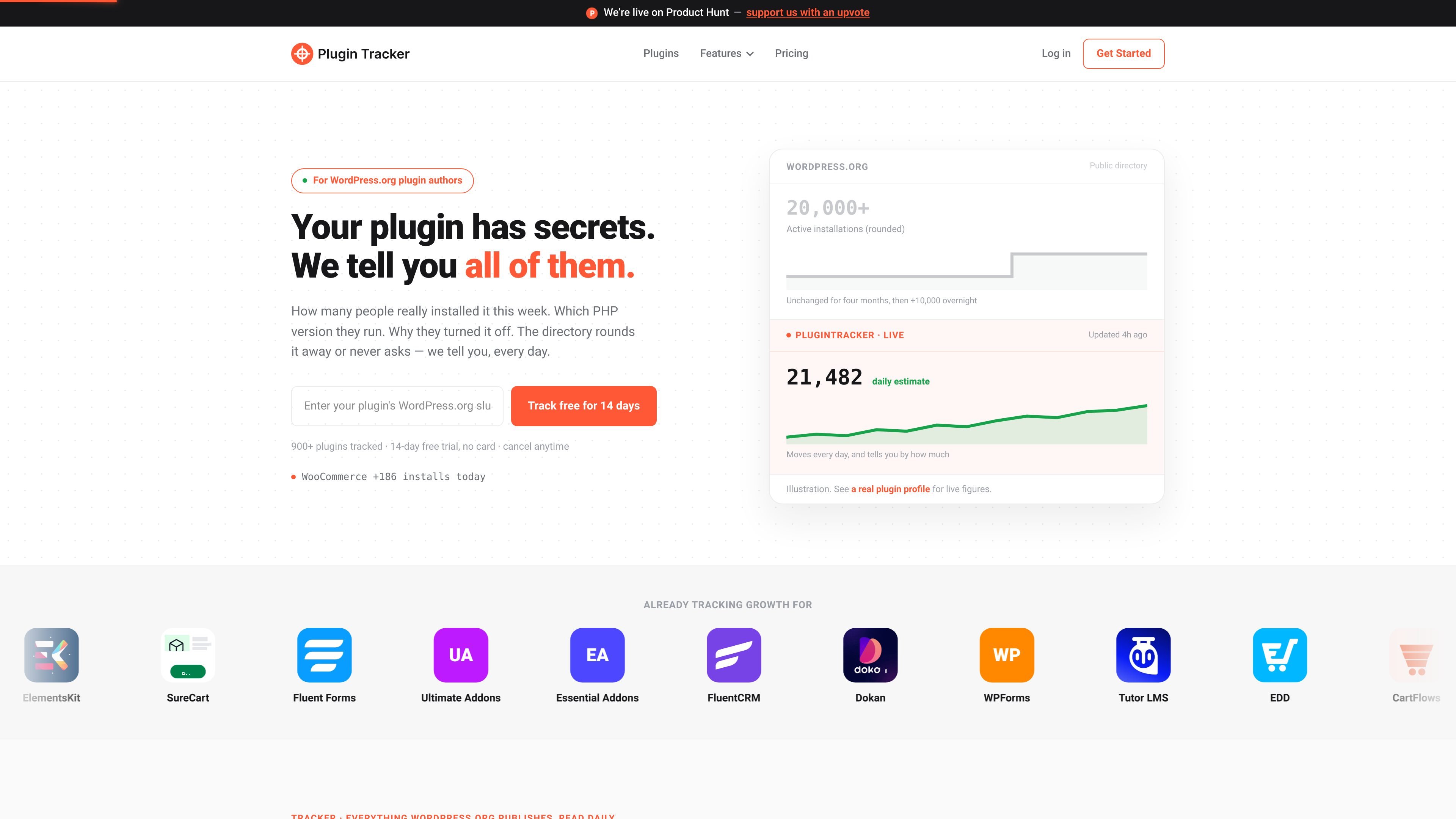
PluginTracker is a WordPress plugin analytics product for WordPress.org authors who want more detail than the directory exposes. It turns the public plugin slug into a tracked project and shows install movement, keyword ranks, review and support signals, competitors, and optional telemetry in one place.
The product is built around daily tracking. It reads the numbers WordPress.org publishes, preserves history, and adds context around movement so authors can see what changed instead of only seeing rounded directory buckets. For teams that need deeper install-level detail, the separate telemetry SDK collects consented environment and deactivation data from sites that opt in.
Track granular active-install estimates, downloads, directory ranking, rating and review activity, and support ticket tracking on a daily basis with history.
Receive same-day threshold alerts, weekly digests, and monthly reports when installs, reviews, or other tracked signals move.
Use AI tools to draft review replies, ticket replies, and analyze readmes, reviews, tickets, and sentiment before you respond.
Monitor keyword ranks, compare competitors, track goals, and publish a public plugin profile with embeddable badges.
Collect install-level telemetry from consenting sites with the optional SDK, including environment data and deactivation reasons.
Browse and compare public WordPress.org plugins on profile pages that show rounded metrics, review counts, support resolution, and 30-day trends.
Watch whether installs are actually moving from day to day, rather than relying on a rounded install bucket that can stay unchanged for months.
Keep keyword rank tracking, competitor comparison, and goal tracking in the same place when planning release and content work.
Get same-day alerts for drops, spikes, and review issues so you can respond before they turn into support or reputation problems.
Use AI drafting and analysis tools to speed up replies to reviews, support tickets, and readme or listing updates.
Collect consent-based telemetry when you need install-level details such as WordPress and PHP versions, server mix, locale, multisite usage, and deactivation reasons.
No. PluginTracker can track a WordPress.org plugin from its slug alone, and the telemetry SDK is separate and optional.
The telemetry SDK is optional. It is for plugin authors who want install-level environment and deactivation data from consenting sites, and nothing is sent without explicit site-owner opt-in.
The 14-day trial is uncapped and starts without a credit card. When it ends, you can choose a paid plan to keep access.
Yes. The source says you can cancel from billing settings, and access continues until the end of the current billing period.
PluginTracker reports daily movement inside WordPress.org’s rounded install buckets, plus history, keyword ranks, competitor comparisons, alerts, review and support signals in one place.

PromptScout tracks how ChatGPT, Gemini, Google AI Overviews, and Perplexity mention your brand or competitors, then pairs those results with source analysis and website audits. It helps teams decide what to fix in content, positioning, or site readiness next.

ClayHog es una plataforma de visibilidad en AI search para seguir cómo aparecen las marcas en ChatGPT, Gemini, Perplexity, Claude y Google AI Overviews. Centraliza citas, competidores, sentimiento y oportunidades de contenido.

beehiiv is a newsletter platform for creators, publishers, and brands that want to build, grow, and monetize email newsletters and websites from one place. It offers a free Launch plan, plus paid tiers for more advanced growth, monetization, and support features.

Skayle is a content and AI search visibility platform that researches topics before writing, publishes structured content to a CMS, and tracks whether brands are cited in AI search. It is aimed at teams that want one system for publishing, schema-rich content, and visibility monitoring.

SaveMRR is a Stripe retention tool for SaaS teams that scans billing data for churn and MRR leaks, then automates recovery through dunning, cancel-save offers, win-back emails, and onboarding nudges. It is built for founders and bootstrapped teams using Stripe.

Hype is a web tool for finding trending YouTube topics by category, time range, and scoring mode. It helps creators spot emerging ideas, inspect source videos, and decide what to cover next.