
Multiple interfaces in sync
Use Prism across the menu bar, full workspace, quick overlay, and browser while keeping conversations, attachments, and history in sync.

Prism is a native macOS AI workspace for chat, tools, and history. It combines multi-provider model access, browser automation, study tools, and file creation with optional hosted AI usage.
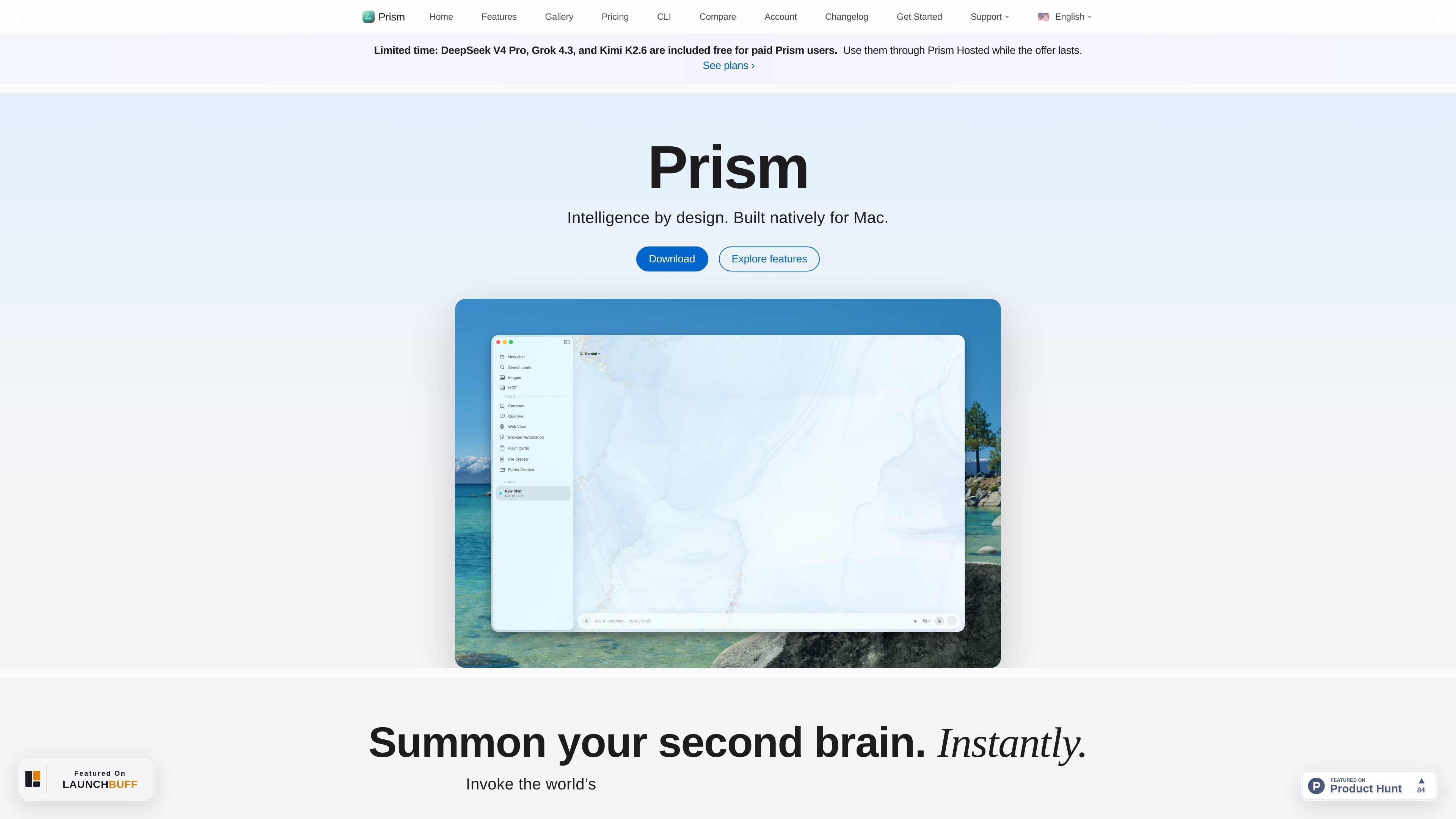
Prism is a native macOS AI workspace for chat, tools, and history. It brings together multi-provider model access, Prism Hosted, MCP registry support, Quick AI, browser automation, system-wide writing, study tools, and file creation in one Mac app.
The product is built for users who want to work with AI from any screen without leaving macOS workflows. Its feature set centers on comparing models side by side, connecting tools directly into the conversation, and using local-first or hosted providers depending on the task.
Use Prism across the menu bar, full workspace, quick overlay, and browser while keeping conversations, attachments, and history in sync.
Query hosted, local, and custom API models together and compare answers side by side before choosing a response.
Connect curated MCP servers and @-tools so you can work with files, databases, APIs, and other workspace tools from the composer.
Trigger Quick AI from any screen or app, write system-wide with inline autocomplete, and automate browser tasks through native macOS integration.
Automate browsing locally with Playwright and Puppeteer, including navigation, form filling, screenshots, and live progress streaming.
Create PDFs, Markdown, DOCX, and code from chat, with live previews and real-time revisions through @FileCreator.
Compare multiple models on the same prompt when you want to evaluate tone, depth, speed, or accuracy before choosing a final answer.
Use Quick AI, system-wide writing, and the menu bar or overlay to ask questions or draft text without leaving the app you are already using.
Connect files, databases, APIs, or curated MCP servers to a conversation when you need the assistant to work with real workspace tools.
Automate browser tasks such as navigation, scraping, form filling, and screenshots when a workflow has to happen in the browser.
Generate quizzes and flash cards from a chat thread when you want study materials with scoring, explanations, and spaced repetition.
Yes. The pricing page says you can upgrade or downgrade at any time, and changes take effect on the next billing cycle.
According to the pricing page, each subscription or license is for 2 people, with one seat defined as one user license.
Paid plans include an OpenAI-compatible local proxy in the Prism Mac app. It can route external tools such as coding CLIs through the models configured in Prism.
Prism offers full-featured Mac app access with a free tier, paid subscriptions, a lifetime license, and separate hosted AI usage packs. The free plan does not include Prism Hosted requests.

Goldfish is an AI memory app for macOS that helps you reply, write, summarize, and continue using the context already on your Mac. It stores memory locally and writes in your tone.

BookAI te permite chatear con tus libros usando IA simplemente proporcionando el título y el autor.

Lasso is an ecommerce product data platform for enriching catalog records, processing supplier files, generating product content, and monitoring competitors. It combines a web app with a REST API, SDK, and MCP server for teams and developers.

Biji es una plataforma versátil diseñada para mejorar la productividad a través de herramientas y características innovadoras.

Struere is an AI-native platform for turning spreadsheet data into structured operational software with dashboards, alerts, and automations. It is aimed at teams that want to replace manual spreadsheet workflows without building custom tools from scratch.

Ably Chat is a chat API platform for building custom realtime chat applications. It supports room-based messaging, typing indicators, presence, reactions, and message updates, with usage-based pricing options for different deployment stages.