
Plain-text story files
Write in .fountain for screenplays and stage plays or .md for novels and manuscripts. The story files remain plain text without River-specific content embedded in them.

River Writer is a macOS writing app for screenplays, stage plays, novels, and manuscripts. It uses portable Fountain and Markdown files with live formatted preview, PDF export, sidebar planning tools, and local Git-based revision workflows.
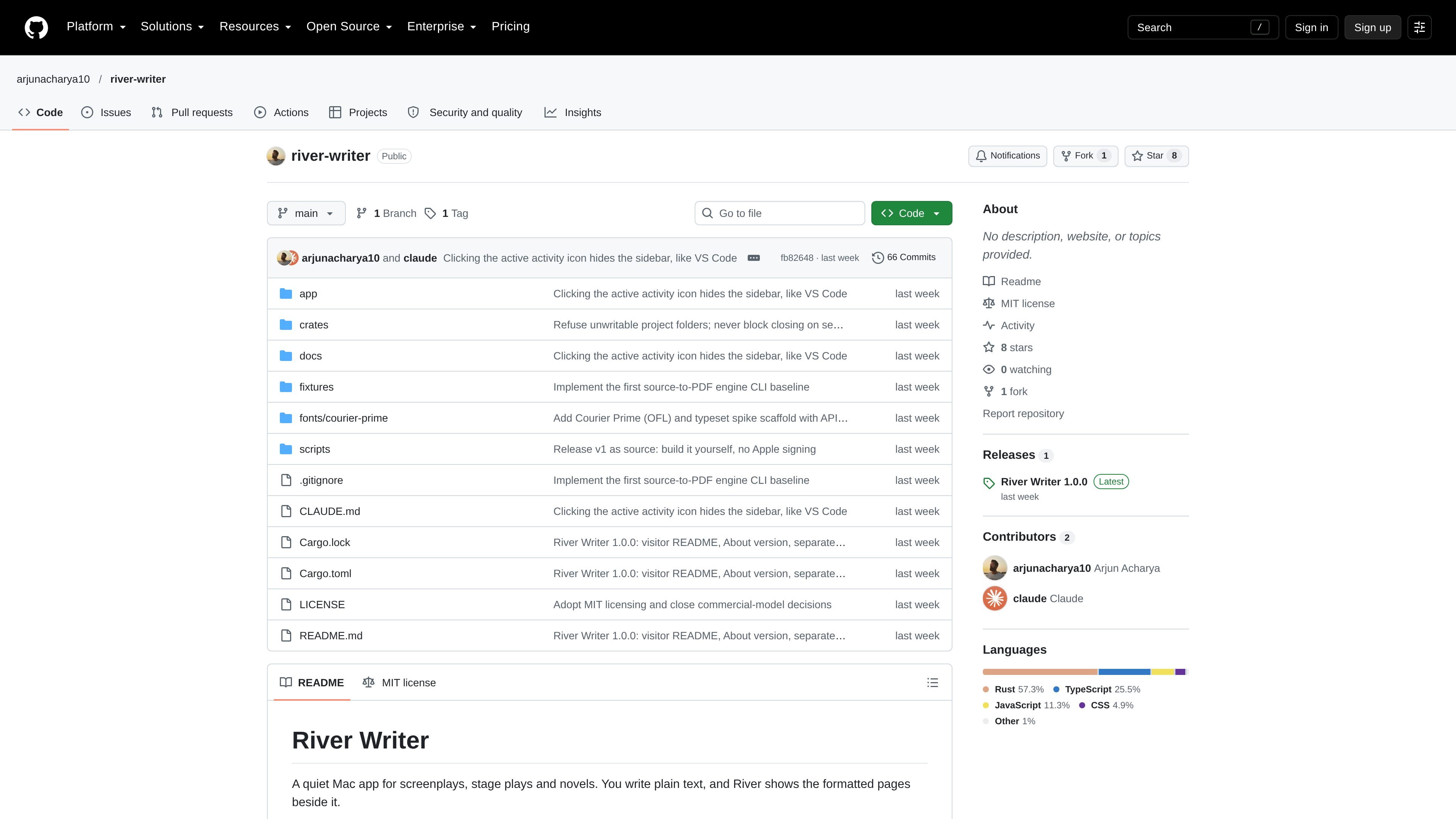
River Writer is a quiet macOS writing app for screenplays, stage plays, and novels. It separates source text from page presentation: writers edit plain-text Fountain or Markdown files while a formatted page preview appears beside the text.
A project is an ordinary folder, so story files remain accessible in other editors and tools. River includes PDF export, sidebar tools for outlining and notes, Git-based draft versioning, autosave, and crash recovery, while explicitly avoiding accounts, cloud sync, subscriptions, telemetry, network connections, and AI features.
Write in .fountain for screenplays and stage plays or .md for novels and manuscripts. The story files remain plain text without River-specific content embedded in them.
View formatted pages beside the source text while writing, with templates for Screenplay, Multi-cam, Stage Play, and Manuscript output.
Scene headings, character names, and dialogue are positioned according to the writing form, with suggestions for characters and locations.
Keep an outline, free-form scratchpad, and checkbox-based todos in the sidebar. These extras are stored as readable files in the project rather than hidden application data.
Use Git to commit drafts, browse previous versions, restore files, and explore alternate endings on branches. Autosave and crash recovery are also included.
Draft a screenplay or stage play in Fountain while River places scene headings, character names, and dialogue in the expected form and shows the resulting pages beside the source.
Write a novel or manuscript in Markdown and use the Manuscript template to inspect how the text is laid out as formatted pages without converting the source into a proprietary format.
Organize a project folder with several story files, an outline, scratchpad, and todos so planning material stays near the draft but remains available as plain text.
Commit a draft, compare earlier versions, restore a file, or develop an alternate ending on a Git branch while keeping the project local.
Prepare a shareable document by reviewing the live formatted preview and exporting the selected writing to PDF.
River Writer runs on macOS 13 or later. There is no Windows or Linux version documented in the repository.
The project is distributed as source code. Building it requires Xcode Command Line Tools, Rust 1.96 or newer, Node.js 22.12 or newer, and pnpm 9; the repository provides the build commands.
Screenplays and stage plays use .fountain files, while novels and manuscripts use .md files. Story files remain plain text and can be opened in other Fountain or Markdown tools.
Yes. River Writer includes built-in Git workflows for committing drafts, browsing earlier versions, restoring files, and trying alternate endings on branches. The project documentation also describes Git-based diff and merge behavior.
River Writer exports formatted pages to PDF. The repository describes live preview formatting for Screenplay, Multi-cam, Stage Play, and Manuscript templates.

MidReal is an AI story generator for creating novels and stories from a single sentence. The captured site also says the product has been sunset and points users toward Macaron.

Sudowrite is an AI writing partner for fiction authors. It helps writers brainstorm, outline, draft, revise, and expand long-form stories inside a fiction-focused workflow.

Goldfish is an AI memory app for macOS that helps you reply, write, summarize, and continue using the context already on your Mac. It stores memory locally and writes in your tone.

Gerty is a local AI assistant for Apple silicon Macs that handles chat, writing, documents, voice and selected Mac app tasks without sending data to the cloud. It works offline after model downloads and is designed for users who want private everyday AI without an account or subscription.

ProWritingAid is a writing assistant for storytellers that offers grammar checking, style editing, paraphrasing, and story analysis inside popular writing apps. It includes a free plan, paid tiers, and tools for chapter critique, manuscript review, and collaborative editing.

SpeakoFlow is a free, open-source desktop voice-to-text app for Windows, macOS, and Linux. It supports dictation into any app, voice-driven writing with Flow, cleanup, translation, and a screen-aware assistant.