
AI Copy to Talking-Head Video
After entering copy, it can automatically generate talking-head videos. The smart editing page also supports extracting copy from popular videos or article links and rewriting it with AI.

闪剪是一款 AI 视频生成与短视频智能剪辑工具,可用于数字人口播、配音、直播切片和批量成片。它面向个人创作者、企业和开发者,提供网页工作台、App 下载、会员套餐和开放平台接入。
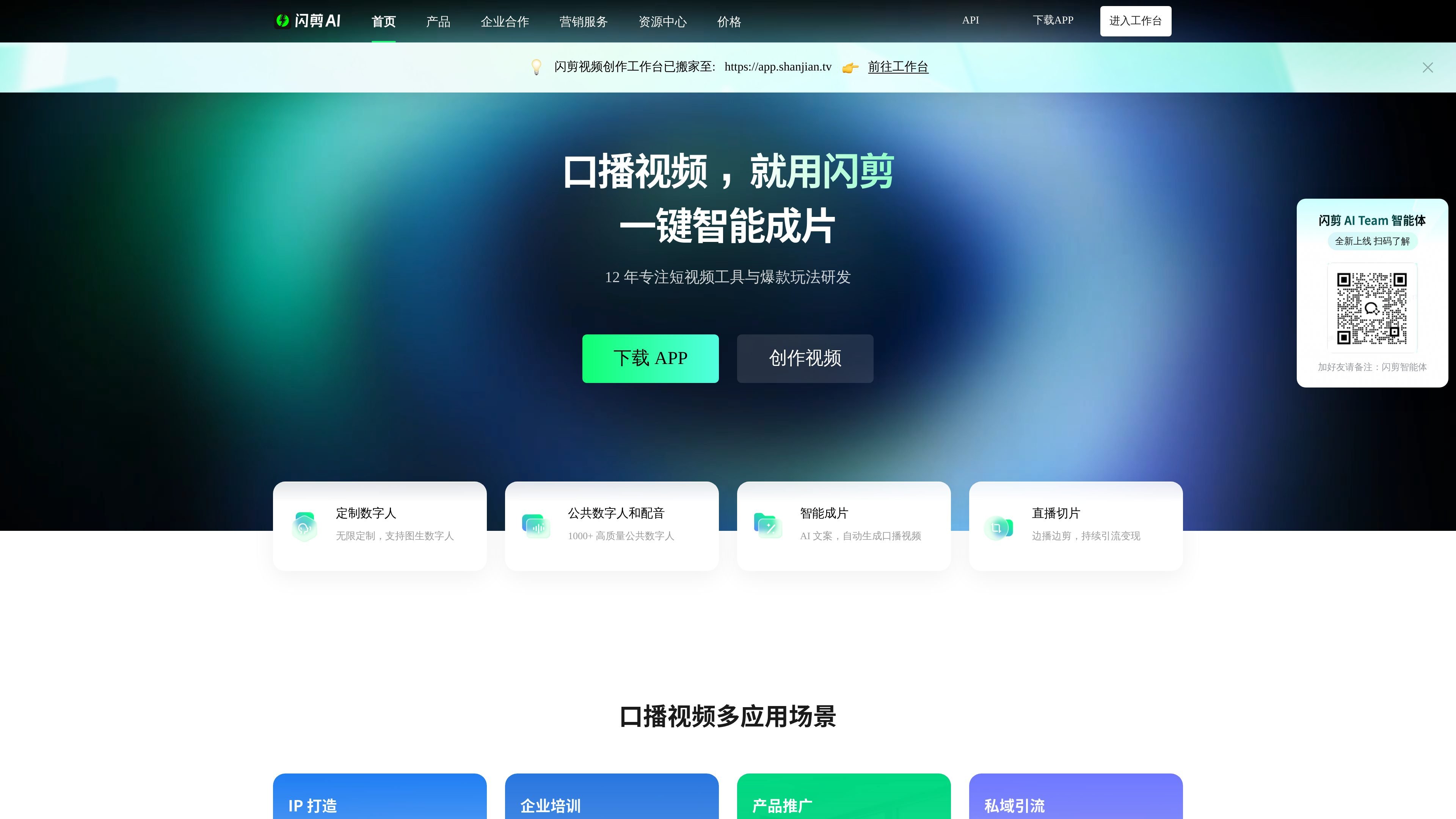
Shanjian is an AI video generation tool for short-form content creation. Its core use is to combine copy, assets, voiceovers, and digital humans into talking-head videos that can be published directly. The homepage, digital human page, voiceover page, and smart editing page all point to the same workflow: users enter text or import assets, and the platform handles digital-human appearance, voiceover, subtitles, editing, and final video generation.
From the public pages, the product covers several main areas: digital human customization, public voiceovers, live-stream clipping, smart editing, and open platform access. It can be used for personal IP, knowledge sharing, enterprise training, product promotion, and private-domain traffic growth, and it also provides branded digital-human mini-program deployment and API access capabilities.
After entering copy, it can automatically generate talking-head videos. The smart editing page also supports extracting copy from popular videos or article links and rewriting it with AI.
Supports unlimited digital human customization, including 1:1 facial and voice cloning, fast customization, standard mode, 4K ultra-clear customization, image-to-digital-human, and green-screen keying.
Provides 500+ public voice options, covering more than 20 languages including Chinese, English, Spanish, French, German, Indonesian, and Arabic.
Supports importing live-stream links for real-time recording, then automatically cutting them into highlight clips, making it easy to turn livestream content into short-form video assets.
Allows you to add personal assets, product assets, and store assets, and combine them with 50+ style templates, subtitle styles, BGM, and aspect ratio settings for mixed editing.
Provides an open platform and API for individual developers, enterprises, and branded mini-program deployment scenarios.
Suitable for personal accounts that need to quickly produce talking-head videos: enter copy, choose a digital human and a template, and generate content for emotional narration, knowledge explanations, or daily updates.
Suitable for enterprises to turn training, promotion, and product introductions into consistent video content, reducing the cost of on-camera appearances and repeated shooting.
Suitable for live-stream teams that want to automatically clip content after importing a live-stream link, quickly extracting highlight segments for redistribution.
Suitable for teams that need multilingual voiceovers or cross-market content production, directly using public voice resources to create narration, ads, or short-form video voice tracks.
Suitable for brands or service providers to deploy through an API or digital-human mini program and connect video generation capabilities to their own business processes.
Shanjian provides entry points for downloading the app and opening the workspace, and the homepage also notes that the “Shanjian video creation workspace has moved to https://app.shanjian.tv”. From the public pages, it supports a web workspace and mobile app downloads, but the full onboarding flow is not detailed there.
The pricing page shows that Shanjian offers free benefits, as well as membership plans purchased monthly or annually; it also has enterprise options and VIP services. Whether it is better suited for personal creation, batch production, or enterprise collaboration depends on the computing power, storage space, and feature range you need.
The smart editing page clearly says you can input copy and choose a template to generate the final video; the digital human page shows different customization options such as fast customization, standard mode, 4K ultra-clear customization, and green-screen keying. Overall, it supports workflows such as generating talking-head videos from text, digital human customization, voiceovers, and mixed editing of assets, but the public pages do not provide full team collaboration details.
Shanjian supports digital-human talking-head videos, live-stream clips, smart editing, photo-based digital humans, AI voiceovers, and a variety of subtitle, transition, and asset-mixing capabilities. It is more like a product centered on automated short-form video creation than a single editing app.
The public pages do not provide a unified export specification, maximum resolution, or a full compatibility list of supported platforms. What is clearly shown is support for 4K digital human training materials, as well as different generation durations tied to different membership plans.

Wallie is an open-source AI streamer that watches your screen, hears chat, and generates live commentary in a configurable persona. It runs locally on your machine with your own keys and is aimed at faceless content, autonomous streams, and real-time reactions.

VIDEOAI.ME is an AI video generator for making spokesperson-style videos, ads, explainers, and social content from a script. It is aimed at founders, marketers, agencies, and creators who want to produce videos without filming.

Video Effects SDK adds real-time webcam effects such as background blur, background replacement or removal, denoising, framing, beautification, and color grading. It is built for teams shipping live video experiences on web, desktop, and mobile platforms.

Official HeyGen API documentation for building AI avatar videos, translations, lipsync, and interactive video-agent sessions. It supports direct API use plus MCP and CLI-style workflows for developers and AI agents.

DeepMotion is a web-based AI motion capture and 3D animation platform with Animate 3D for video-to-animation and SayMotion for text-to-animation. It helps creators and teams generate motion in a browser and export results in common production formats.

艺映AI is a free AI video creation tool for generating video from text, images, or existing footage. It is positioned for short-form social content, promotional clips, and stylized AI video projects.