
Voice-controlled computer actions
Hold Control and Option, speak a request, and release. sideOS reads the current screen, carries out the relevant actions, and reports the result aloud.
sideOS is a macOS AI assistant that lives in the MacBook notch and turns spoken requests into screen-aware computer actions, dictation, background tasks, and meeting summaries. It is aimed at Mac users who want to control apps and coordinate work with voice commands.
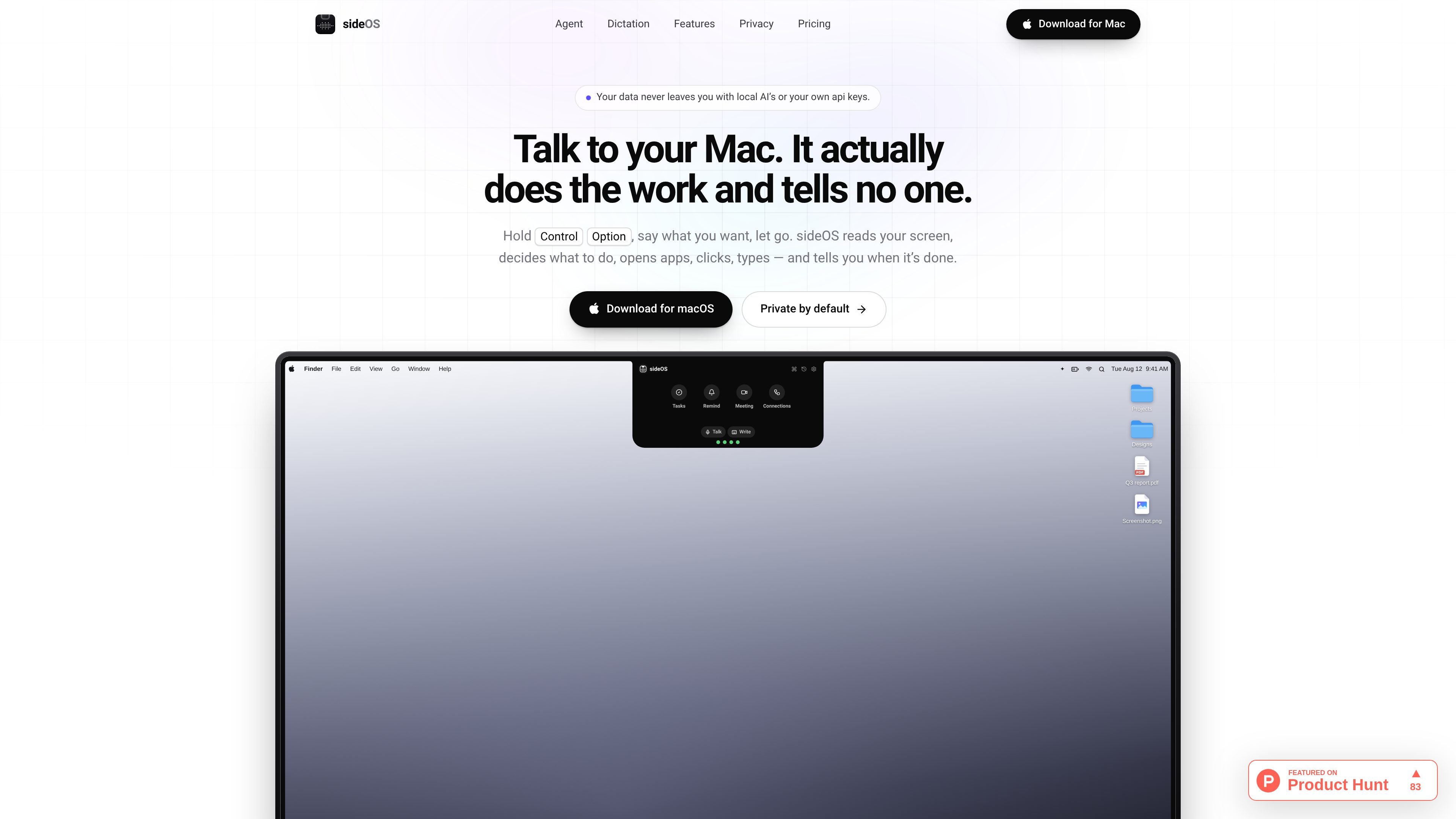
sideOS is a macOS AI assistant designed to sit in the MacBook notch and operate the computer through spoken instructions. Hold Control and Option, say what you want, and release; it can inspect the screen, choose an action, open apps, click, type, and tell you what happened.
The product combines foreground computer control with background tasks, on-device dictation, meeting transcription, reminders, connected services, and optional activity history. It is intended for workflows where a user wants to move from a natural-language request to an action or finished file without manually coordinating each application.
Hold Control and Option, speak a request, and release. sideOS reads the current screen, carries out the relevant actions, and reports the result aloud.
The accessibility tree provides named controls, while screen images serve as a fallback. A screen region can also be circled with the pointer and included with the request.
sideOS can open apps, click, type, use key combinations, and run AppleScript. It can work across Mail, Notes, Calendar, browsers, and other Mac applications.
Long jobs run separately from the chat and can use shell commands, files, web search, page reading, rendered PDFs, and AppleScript. Results are saved in Documents › sideOS Tasks.
The app can record meetings from Zoom, Meet, or Teams after offering a one-tap recording control, then transcribe on-device, separate speakers, and create summaries, decisions, and actions.
Connectors for Gmail, Calendar, Notion, Slack, and GitHub can add tools to the built-in toolbox. Write-capable tools are disabled until enabled, and custom MCP configurations can be pasted as JSON.
Ask sideOS to inspect a report or spreadsheet on screen, explain a change such as a revenue drop, and draft a message to colleagues. The request can include a region circled on screen for context.
Give it a longer research or document job while continuing to work. It can search the web, read pages and files, create a report, render a PDF, and place the outputs in the sideOS Tasks folder.
When a Zoom, Meet, or Teams window appears, use the offered recording control to capture a meeting. After recording stops, sideOS produces a transcript, separates speakers, summarizes decisions, and turns actions into reminders.
Speak text directly into the active field in almost any app, or use the clipboard when no editable field is focused. This suits quick notes, email drafts, and cross-application data entry.
Connect work services and ask for a multi-step result, such as replying to a message and adding an event to a calendar. Write-capable tools remain off until the user enables them.
sideOS is presented as a macOS app that lives in the MacBook notch. The main interaction is to hold Control and Option, speak, and release; a tap-based dictation mode is also available.
It can read the screen through macOS accessibility information, use images as a fallback, open apps, click, type, press key combinations, and run AppleScript. For longer jobs, it can also use shell commands, files, web search, page reads, rendered PDFs, and AppleScript.
Dictation uses macOS recognition engines and is described as on-device, with no internet request or separate usage charge. Dictation is available in 62 languages on the classic engine; the newer engine has no stated time limit.
Long-running work is placed in Documents › sideOS Tasks, with a notification when it finishes or needs attention. Meeting recordings are transcribed on the Mac, and summaries and action items are produced when recording stops.
Connections can be added through a browser sign-in for services such as Gmail, Calendar, Notion, Slack, and GitHub. Tools that can send, delete, or change data start disabled, and external MCP configurations can be added as JSON with secrets stored in the Mac Keychain.

SpeakoFlow is a free, open-source desktop voice-to-text app for Windows, macOS, and Linux. It supports dictation into any app, voice-driven writing with Flow, cleanup, translation, and a screen-aware assistant.

Flunkey is a voice-first productivity layer for Windows that converts speech into text, AI-assisted outputs, and remembered context. It is built for users who want to capture ideas and actions without leaving the app they are working in.

MeetStream is a meeting bot API for Zoom, Google Meet, Microsoft Teams, and Webex. It helps developers record, stream, and analyze meetings programmatically, with usage-based pricing and a $5 free credit to start.

Liam is an AI copilot for managing inboxes, writing replies, prioritizing email, and scheduling meetings. It is offered free for individuals, with custom pricing for teams and enterprise.

Una plataforma de IA todo en uno que combina herramientas para imagen, video, voz, escritura y chat para mejorar la creatividad y la colaboración.

Gemma AI is a phone call reminder app that calls you with scheduled reminders instead of push notifications. It helps people who want a more direct way to stay on schedule, with Google Calendar sync and conversational call interactions.