
Global shortcut access
Open a launcher-style palette from anywhere and access Mac actions without switching to the mouse.

Snap Deck HQ is a Mac productivity app that works as a keyboard-driven command palette for launching apps, searching clipboard history, managing files, and handling quick image or text tasks. The App Store page says it runs on-device, requires no account, and offers optional in-app purchases.
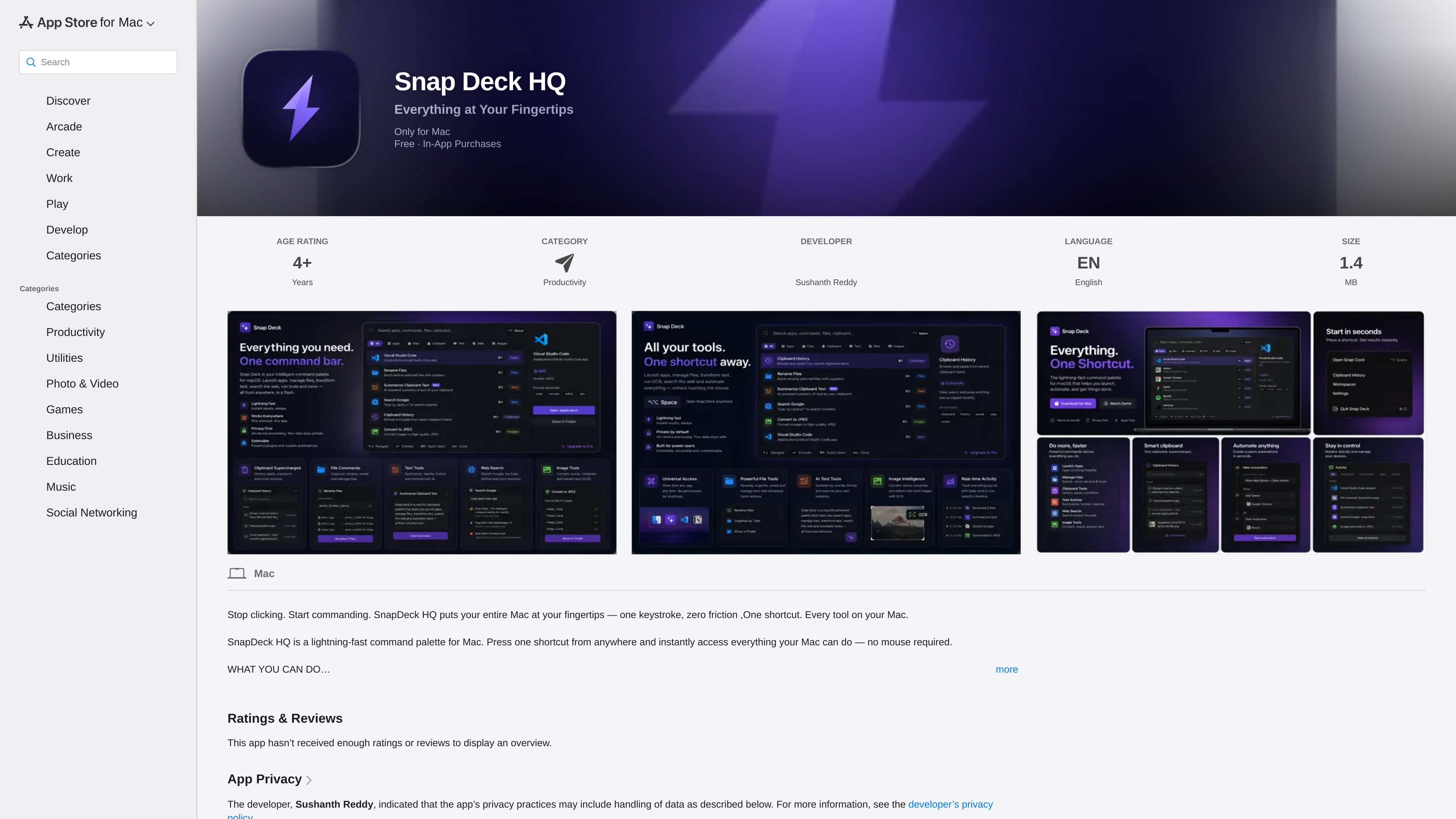
Snap Deck HQ is a Mac productivity app that acts as a command palette from the menu bar. The app is designed to reduce context switching by letting you trigger common actions from anywhere with a single shortcut.
Its core workflow centers on fast access to system and content tools: launching apps, searching clipboard history, managing files in bulk, converting images, and running quick searches or calculations. The app page also says it runs on-device, requires no account, and does not collect data.
Open a launcher-style palette from anywhere and access Mac actions without switching to the mouse.
Launch installed apps, search clipboard history, and reuse copied text from one place.
Rename, move, and organize files in bulk to speed up repetitive file management tasks.
Convert, resize, compress, and convert images to formats such as HEIC and WebP.
Run OCR on images or screenshots and extract text directly in the app.
Save your app layout and restore it later, which is useful when you want to return to a known workspace state.
Use Snap Deck HQ to launch apps, open tools, and start actions without leaving the keyboard.
Use the clipboard search and reuse flow when you need to find a previously copied snippet or paste something from history.
Use the bulk rename, move, organize, resize, and format-conversion tools when you need to process groups of files or images more quickly.
Use OCR and search tools when you want to pull text from a screenshot or jump directly to a web search, YouTube, or GitHub query.
Use workspace save and restore if you want to bring back a preferred app layout after switching tasks.
It is a Mac productivity app that works from the menu bar. You press a shortcut from anywhere to open a command palette for launching apps, searching clipboard history, batch file and image actions, and running quick searches or calculations.
The App Store page says it requires macOS 26.4 or later and is available only for Mac.
The app shows in-app purchases. Listed options are Monthly, Yearly, and Lifetime purchases, with subscription purchases auto-renewing until cancelled.
No account is required, and the page says everything runs on-device with no data collected.
The page does not list any specific integrations. It does mention searching Google, YouTube, and GitHub from inside the app.
MealTime es su compañero personal de recetas, diseñado primero para funcionar sin conexión, que le ayuda a guardar, organizar, planificar comidas y generar listas de compras inteligentes, todo mientras mantiene sus datos privados.

Osaurus is a native macOS AI agent platform for Apple Silicon that keeps models and data on your Mac. It can also connect to ChatGPT, Claude, or Gemini when a task needs a cloud model.

Goldfish is an AI memory app for macOS that helps you reply, write, summarize, and continue using the context already on your Mac. It stores memory locally and writes in your tone.

Biji es una plataforma versátil diseñada para mejorar la productividad a través de herramientas y características innovadoras.

Codex Plugins bundle reusable skills, app integrations, and MCP servers into workflows you can install in the Codex app or use from Codex CLI. They help extend Codex with connected-service tasks, reusable instructions, and shared team workflows.

Gemma AI is a phone call reminder app that calls you with scheduled reminders instead of push notifications. It helps people who want a more direct way to stay on schedule, with Google Calendar sync and conversational call interactions.