
Social preview checking
Check how a page’s shared link preview looks before publishing or sharing it, so you can verify the headline, image, and general appearance across supported networks.

Social Share Preview is a service for checking how website links appear when shared on Facebook, Twitter/X, LinkedIn, and Pinterest. It also offers Firefox and Chrome browser extensions for reviewing previews while browsing.
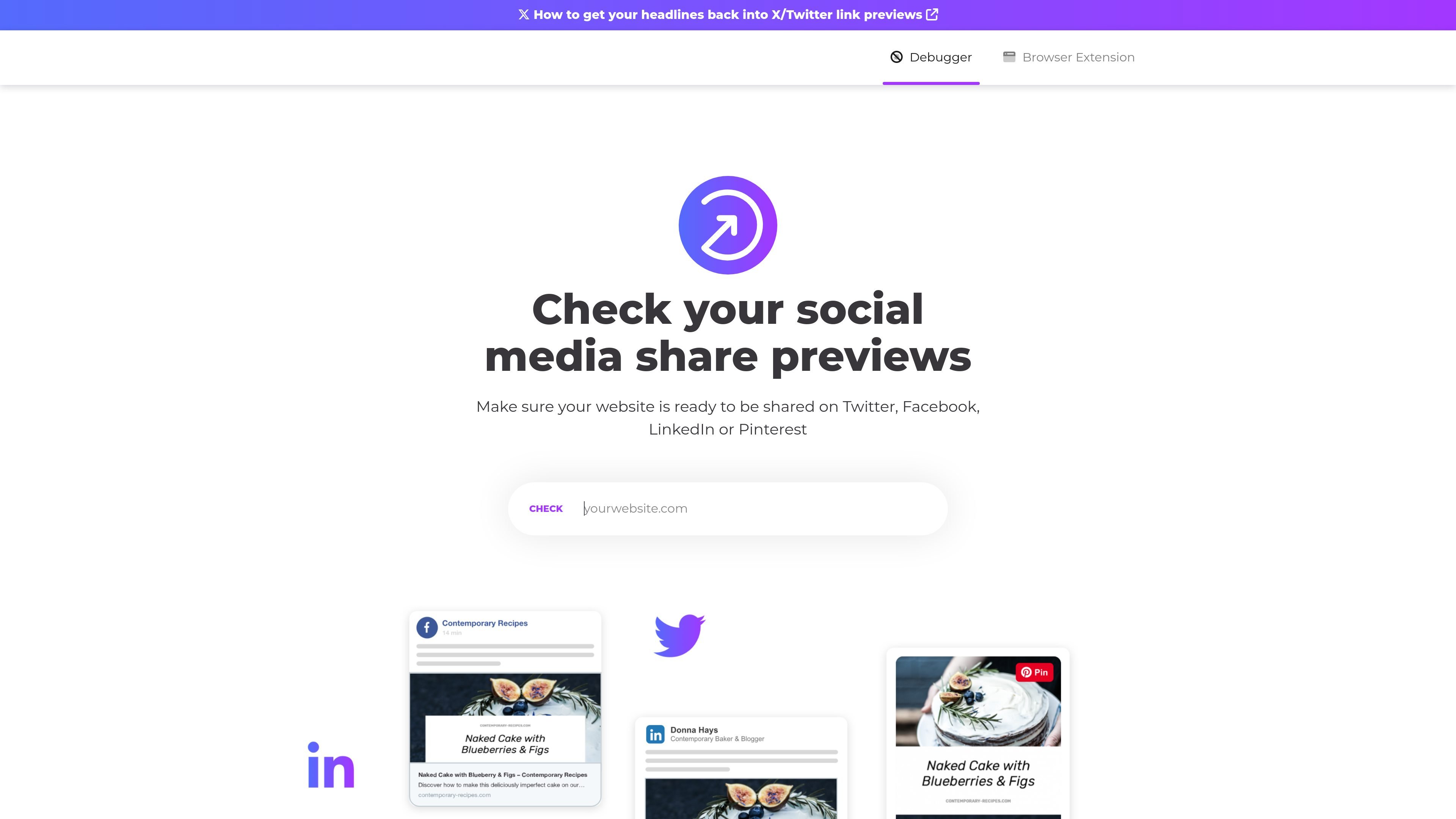
Social Share Preview is a web service for checking how a website’s link preview appears when shared on social platforms. The product page highlights previews for Facebook, Twitter/X, LinkedIn, and Pinterest, and it offers both a debugger-oriented flow and browser extensions.
The browser extension page shows the tool can be used while browsing sites, with plugins available for Firefox and Chrome. The site also frames it as part of Placid’s creative automation toolkit, alongside tools for generating social share images and other related plugins.
Check how a page’s shared link preview looks before publishing or sharing it, so you can verify the headline, image, and general appearance across supported networks.
Use a debugger-oriented workflow to inspect link previews, including a page focused on getting headlines back into X/Twitter link previews.
Install browser plugins for Firefox or Chrome to review previews directly while browsing websites.
Test share previews on the page you are viewing, rather than relying only on a separate manual review flow.
The site positions the product as part of Placid’s creative automation toolkit, with related tools for share-image generation.
Review how a page will look when shared on major social networks before publishing it, so you can catch preview problems early.
Inspect a specific page’s headline behavior in X/Twitter link previews when a title does not appear as expected.
Browse a website and test its share preview from the browser extension instead of switching to a separate manual workflow.
Validate share-image and preview presentation for landing pages, blog posts, or other public pages that will be circulated on social media.
It is a service for checking how a website’s link preview appears on social platforms such as Facebook, Twitter/X, LinkedIn, and Pinterest. The browser extension page also shows it can be used while browsing a site.
The source mentions browser extensions for Firefox and Chrome, and a debugger workflow for social share previews. The page text does not provide more detailed installation or setup steps.
The site explicitly mentions Facebook, Twitter/X, LinkedIn, and Pinterest. It does not list a broader platform compatibility matrix on the available pages.
The pricing page at /pricing returns a not found page in the collected evidence, so no pricing details are available from the source provided.

Topple.lol is a public pay-to-rank leaderboard where listings start at $1 and their bid balance decays over time and with clicks. It helps makers and marketers buy short-term visibility for product sites or X profiles while tracking live board stats.

Tweetmonk es un creador de hilos para X impulsado por IA: ayuda a redactar, programar y publicar, con analíticas y métricas para tu cuenta.

Radar is a self-hostable media intelligence and social listening app for monitoring public sources, analyzing mentions, and generating briefs or content outputs with optional Claude AI. It is aimed at individuals and small teams that want an enterprise-style workflow without a cloud account.

Frames te ayuda a crear carteles de lanzamiento y gráficos para redes sociales rápido con marcos de dispositivo premium y plantillas. Empieza gratis.

SocialEcho is an all-in-one social media AI workspace for publishing, engagement, listening, analytics, and automation across major networks. It is built for creators, brand teams, agencies, and businesses that want to manage multiple accounts from one system.

PostGod is a LinkedIn ghostwriting tool that helps professionals draft posts in their own voice. The site says you can generate free posts, then continue with a paid subscription for ongoing post creation.