
Flexible journaling
Start with a blank page, use guided templates, or choose a timed writing session for a more structured entry.

Spilr is a private journaling app for iPhone with blank-page, guided, timed, and conversational entry options. It tracks mood and recurring themes, offers optional AI reflections, and includes optional read-only Google Calendar context.
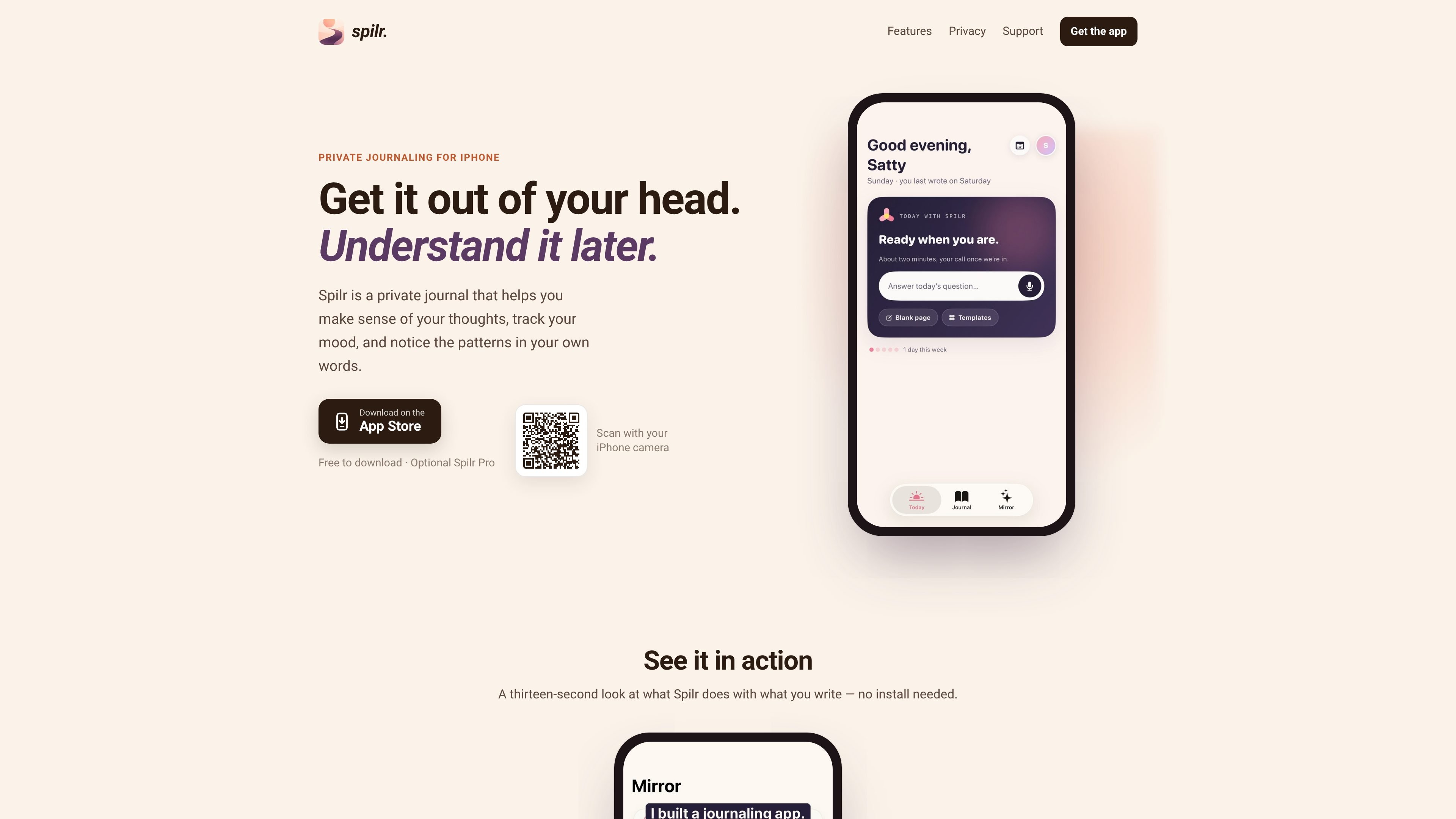
Spilr is a private journaling app for iPhone that helps users record daily experiences, track mood, and review recurring themes in their own writing. It supports both open-ended writing and more guided ways to begin an entry.
Users can write or speak through Daily Chat, receive reflections based on their journal text, and view mood and smart-tag patterns over time. AI features are optional, while Google Calendar is an optional read-only context layer rather than a required part of the journaling workflow.
Start with a blank page, use guided templates, or choose a timed writing session for a more structured entry.
Answer short questions about your day by typing or speaking; Spilr combines the responses into a journal entry.
Daily Chat, Echoes, Mirror, and CBT templates identify recurring themes and moods in the text you write.
Smart tags and mood tracking help show what affects your energy and how it changes over time.
Optional Google Calendar access places your day beside your journal. Access is read-only, and events are fetched live and kept only in memory on the device.
There is no social feed or sharing by default. Spilr says it does not sell data, show ads, or use journal writing to train AI models; entries and derived data can be permanently deleted from Settings.
Use the blank page, guided templates, or a timed session to capture thoughts when you want a private daily writing routine.
Answer a few short questions by voice or text when a conventional blank-page entry feels difficult to start.
Review mood changes, smart tags, and recurring themes to see how experiences and energy relate across entries.
Place read-only Google Calendar events next to journal entries to recall the context of a particular day without allowing the app to change your calendar.
Spilr is designed for iPhone and is available as a free download from the App Store. The site also mentions an optional Spilr Pro subscription, but does not provide pricing or plan limits.
You can start with a blank page, choose a guided template, use a timed writing session, or answer Daily Chat questions by typing or speaking. Daily Chat turns those answers into a journal entry.
AI Insights can be turned off in Settings. When disabled, nothing you write is sent to an AI model, and the app's features continue in a simpler form.
Google Calendar is optional and off by default. If connected, Spilr requests read-only access to display events in its Calendar view; it does not create, edit, or delete events, and you can disconnect it at any time.
Spilr describes itself as a journaling app, not therapy, medical care, or an emergency service. For urgent safety concerns, it directs users to contact local emergency services or a crisis line.