
Framework-first challenges
Work on components, state, data fetching, debugging, architecture, and other production-style tasks in frameworks such as React, Next.js, Vue, and Django rather than isolated algorithm puzzles.

Staffcoder is a browser-based coding practice platform for developers building practical skills in modern frameworks. It offers production-style challenges, an in-browser IDE, automatic grading, learning paths, progress tracking, and coding contests across frontend, backend, DevOps, data, mobile, and AI engineering topics.
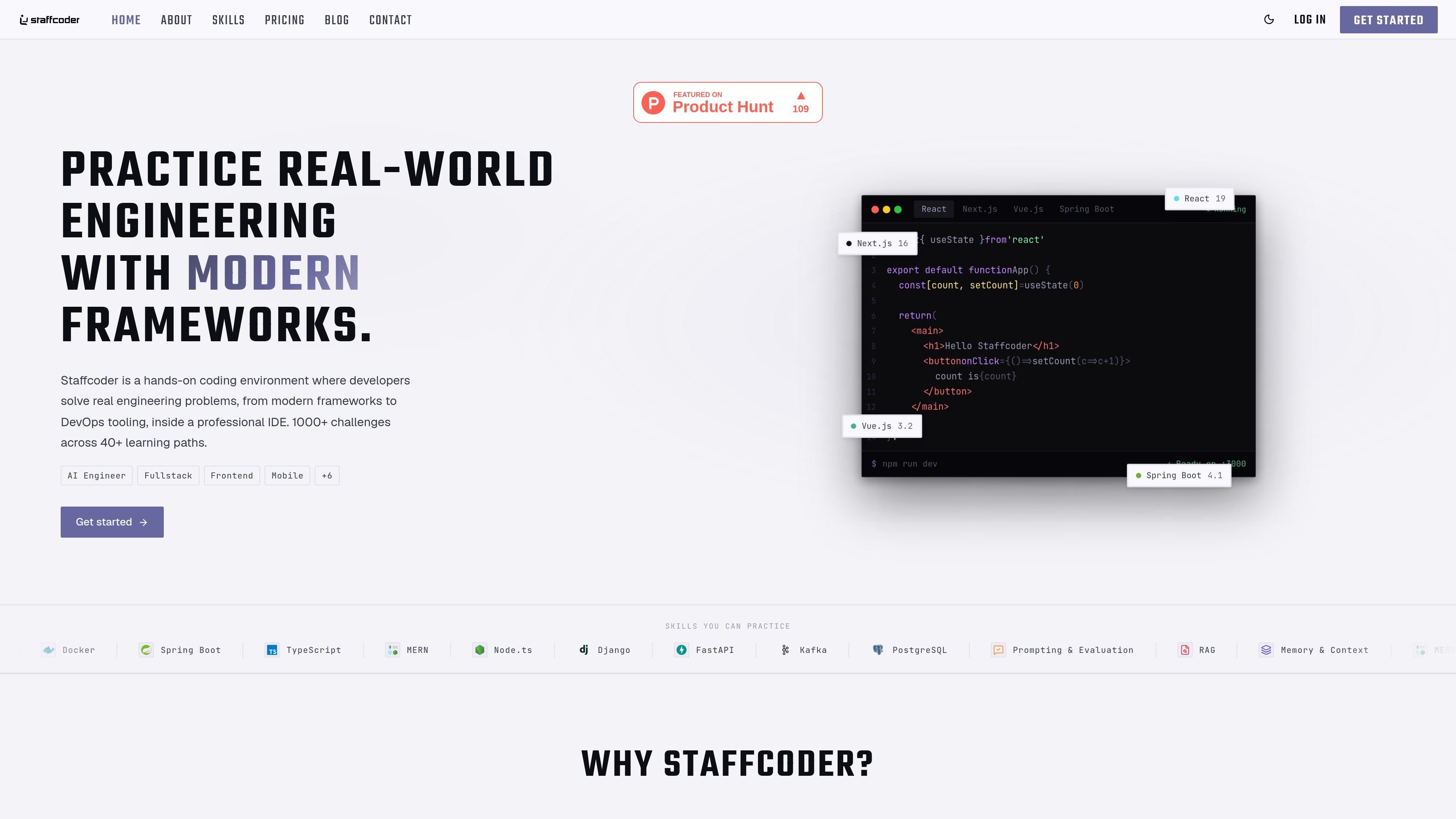
Staffcoder is a browser-based engineering practice platform for developers who want hands-on experience with modern frameworks and production-style coding tasks. Instead of focusing on isolated algorithm exercises, it places users in live environments where they build features, fix bugs, refactor code, and work with framework-specific tools.
The platform combines a catalog of more than 1,000 challenges across more than 40 learning paths with an in-browser IDE. Developers can select a framework, choose a challenge, code in a full workspace, and receive automated feedback from hidden tests. Progress features cover framework-level practice, streaks, points, and leaderboard ranking, while a separate contests area provides time-boxed challenge sets.
Work on components, state, data fetching, debugging, architecture, and other production-style tasks in frameworks such as React, Next.js, Vue, and Django rather than isolated algorithm puzzles.
Use a browser-based workspace with a file system, terminal, live preview, syntax highlighting, and autocompletion. Projects can be run and tested without local setup.
Choose from more than 1,000 challenges across more than 40 learning paths, with easy, medium, and hard difficulty tiers.
Automatic grading checks submissions against hidden tests and returns immediate pass-or-fail feedback similar to a CI check.
Monitor framework-level progress, daily streaks, points, and leaderboard position from the product dashboard.
Join time-boxed challenge sets across areas such as Spring Boot, .NET, React, and React Native. The contests page describes one attempt per question in a professional IDE.
Select a target stack such as React, Django, Node.js, Spring Boot, or Docker and solve progressively varied tasks in an environment that resembles day-to-day framework work.
Practice components, state, data fetching, APIs, debugging, and architecture in preparation for framework-focused frontend or backend interview exercises.
Use the terminal, file system, live preview, and automatic tests to reproduce a local development loop when you want hands-on coding without installing a project environment.
Follow learning paths and review framework-level progress, streaks, and points to maintain a regular skills-practice routine across multiple technologies.
Enter time-boxed contests to work through selected engineering problems under one-attempt-per-question conditions and compare results on a leaderboard.
No. Challenges run in a browser-based IDE, so there is nothing to install before coding.
Staffcoder covers frontend, backend, full-stack, DevOps, databases, data engineering, quality assurance, mobile, and AI engineering topics. Examples include React, Angular, Node.js, Django, Docker, Kubernetes, PostgreSQL, and Spring Boot, with languages such as JavaScript, TypeScript, Python, Java, C#, PHP, SQL, Kotlin, and Bash represented in the catalog.
Submissions are graded automatically against a hidden test suite, providing immediate feedback on what passed and what did not.
Yes. The challenges are designed around framework build tasks and debugging rounds similar to work used in frontend and backend interviews.
The free plan includes one hour of session time per week, challenges across every framework, free learning-path modules, and progress tracking. Pro adds solution unlocks, contests, personalized support, certification-ready tracks, and unlimited sessions subject to fair use. AI access is described as an introductory offer that may change.

ByteAsk is a terminal-first AI coding agent for C and C++ that edits repositories and verifies changes with the real compiler, debugger, sanitizers, and tests before showing a diff. It offers a free tier plus paid plans, with editor connectors and zero-retention handling described in the source.

CreateOS Sandbox is an isolated compute environment for running code and agent workloads inside Firecracker micro-VMs. It is designed for workflows that need machine-level isolation, private networking between sandboxes, and programmatic control through SDK, CLI, or MCP.

GitBot is a local browser-based workspace for creating reusable coding bots powered by Claude Code, Codex, or OpenCode. It helps developers run those agents across repository folders with persistent threads and configurable permissions.

hob is an independent workspace for coding agents that keeps agent sessions, terminals, history, and follow-up work organized around the tools and providers you already use. It is aimed at developers who want local control over routing, history, and workspace structure rather than a bundled model stack.

Ably Chat is a chat API platform for building custom realtime chat applications. It supports room-based messaging, typing indicators, presence, reactions, and message updates, with usage-based pricing options for different deployment stages.

Manta AI is an autonomous web app testing tool for teams that want to map application behavior, catch regressions, and generate tests without writing scripts or maintaining selectors. It works from a URL and supports plain-English test flows, run results with screenshots, and scheduled or deployment-triggered checks.