
Video-to-audio lipsync
Generates lip-synced video from any video and audio pair, with the product positioned as a single API for lipsync workflows.

Sync-3 is Sync’s lip-sync model for generating video that matches a target audio track. It is built for creators and teams that need performance-aware lipsync across varied footage and integration workflows.
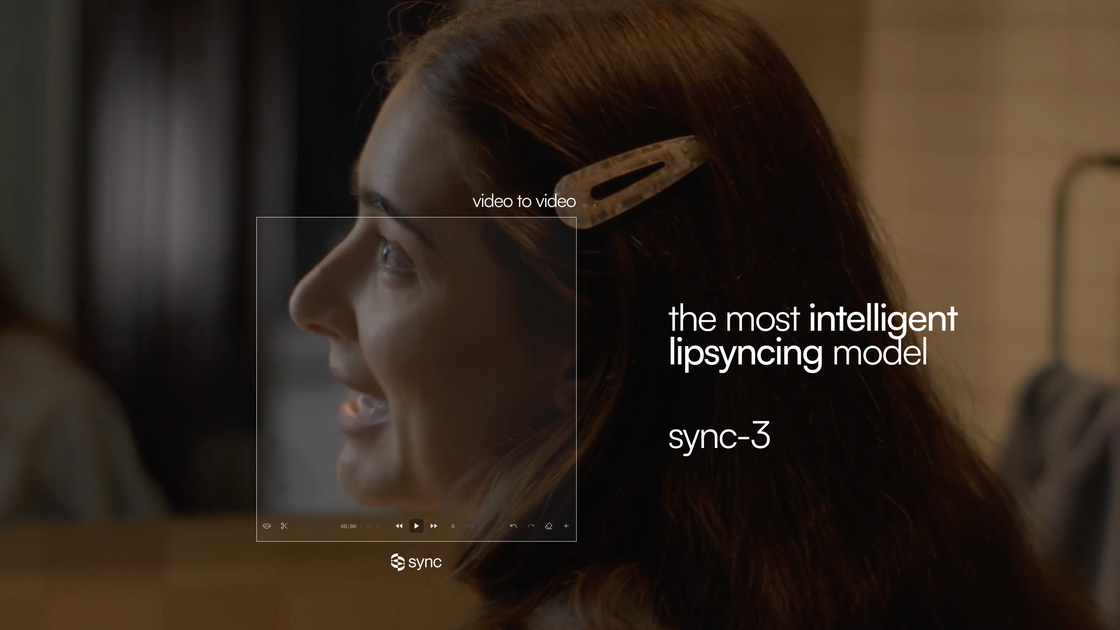
Sync-3 is Sync’s lip-sync model for generating video that matches a target audio track. The product page describes it as the company’s most intelligent model and says it uses spatial reasoning to understand the scene, not just the mouth region.
It is positioned for creators and teams that need lip-syncing across a range of real-world footage, including movies, podcasts, games, and animations. The site also frames it as a way to reduce retakes and manual fixes while preserving acting performance across languages.
Generates lip-synced video from any video and audio pair, with the product positioned as a single API for lipsync workflows.
Built to preserve acting performance across languages, rather than only matching mouth movement in simple shots.
The homepage emphasizes spatial reasoning so the model can account for scene context, not just the face in frame.
The model is presented as working across difficult footage such as sharp angles, side faces, close-ups, multiple speakers, low lighting, and shaky camera material.
Sync documentation and pricing reference multiple access paths, including web studio, API, SDKs, Premiere plugin, and a ComfyUI node.
The pricing page lists usage-based billing and plan-based limits, including longer video length, more concurrent jobs, and batch API on higher tiers.
Generate lip-synced versions of existing footage when the audio track changes, without rebuilding the whole scene from scratch.
Localize spoken video across languages while trying to keep performance and timing aligned to the original acting.
Run lipsync inside editing or node-based workflows through the documented Premiere and ComfyUI integrations.
Process footage with harder visual conditions such as angled faces, low light, or multiple speakers, where simple mouth matching may be less reliable.
Build product or creator workflows around a single lipsync API, including higher-volume usage on paid plans.
Sync-3 is available through Sync’s web studio and API, and the pricing page also includes SDK access on paid plans. The Premiere plugin and ComfyUI node are documented separately as integrations.
The homepage says Sync-3 is intended for any video content in the wild, including movies, podcasts, games, and animations.
The homepage describes Sync-3 as preserving acting performance across languages and handling difficult visual conditions such as sharp angles, side faces, close-ups, multiple speakers, low lighting, and shaky camera footage.
The pricing page shows a free Hobbyist plan, paid subscription tiers, and usage-based billing per second of generated video. Higher tiers add longer video limits, more concurrency, and batch API access.
The Adobe Premiere guide lists Adobe Creative Cloud, Adobe Premiere 2025 v25.6 or later, and a Sync Labs account as prerequisites for the plugin.

Caplo is an iPhone app companion that turns audio from other apps into real-time translated captions in a floating Picture-in-Picture window. It helps users follow live streams, anime, sports, podcasts, courses, news, and other live audio when subtitles are missing or not usable.

CAMB.AI Streams dubs live audio in multiple languages in real time for broadcasts on platforms like YouTube, Twitch, and X. It plugs into existing live workflows using common streaming protocols and avoids a post-production step.

Wallie is an open-source AI streamer that watches your screen, hears chat, and generates live commentary in a configurable persona. It runs locally on your machine with your own keys and is aimed at faceless content, autonomous streams, and real-time reactions.

Official HeyGen API documentation for building AI avatar videos, translations, lipsync, and interactive video-agent sessions. It supports direct API use plus MCP and CLI-style workflows for developers and AI agents.

Zella is a screen recorder and on-device AI video editor for Mac and iPhone. It helps creators record screens or cameras, automatically clean up footage, add captions, reframe clips, and export videos without uploading the core project to the cloud.

MagicSlides is an AI presentation generator that turns text, topics, documents, URLs, and videos into slide decks. It creates presentations in Google Slides by default and supports PowerPoint export, with multilingual output and AI-assisted editing.