
Temporary account provisioning
An agent can deploy a Cloudflare Worker without first creating a normal account or completing a browser-based auth flow.

A Cloudflare Workers feature that lets AI agents deploy a live Worker with `wrangler deploy --temporary` before a normal sign-in flow. The temporary account lasts 60 minutes and can be claimed later to become permanent.
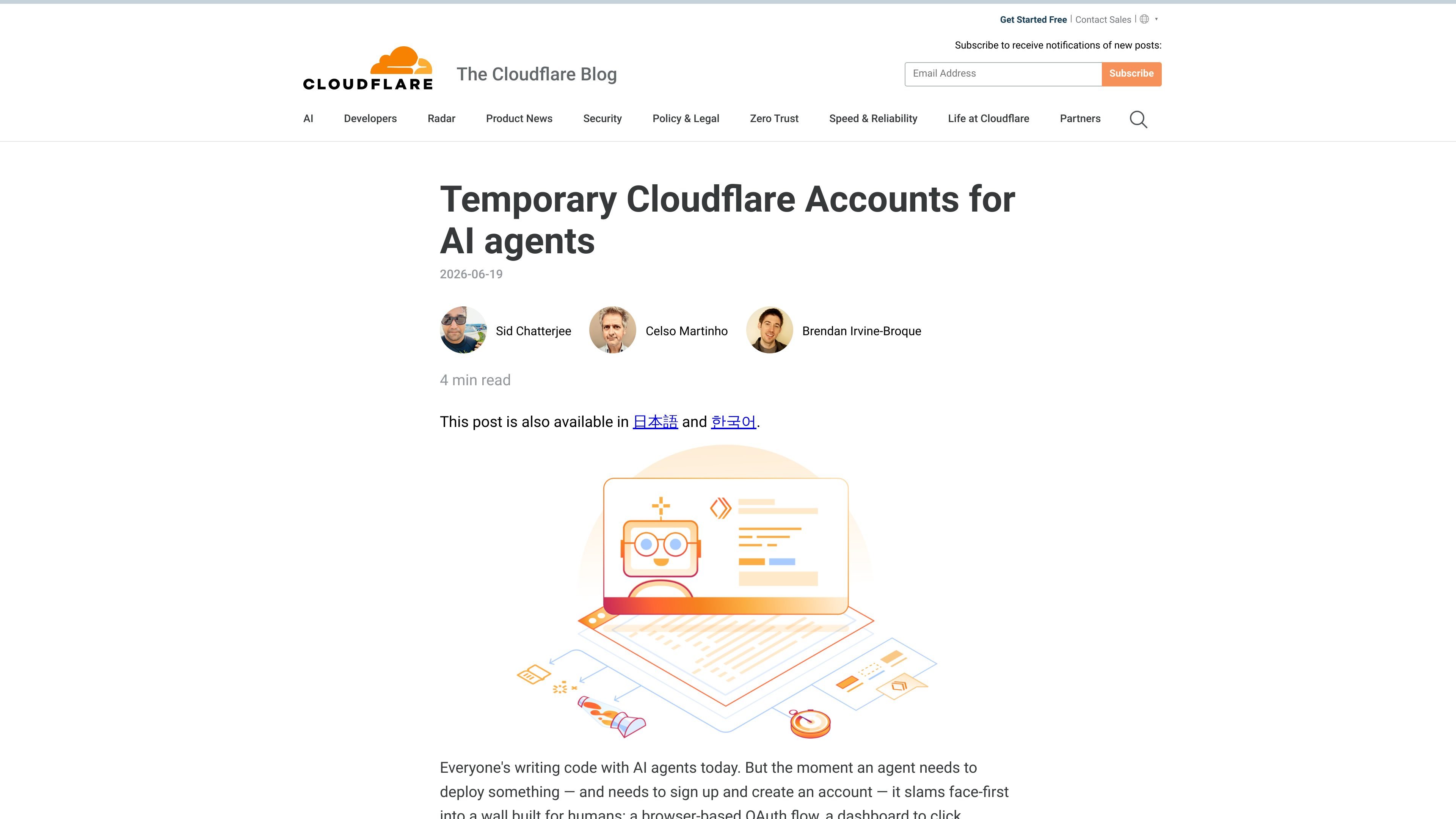
Temporary Cloudflare Accounts for AI agents is a Cloudflare Workers feature for letting an AI agent deploy code before it has a normal Cloudflare account or human sign-in flow. The launch post positions it as a way to remove browser-based OAuth, API-token copy-paste, and MFA prompts that stop background agents from shipping.
The workflow is centered on Wrangler. An agent can run `wrangler deploy --temporary`, receive an API token and claim URL, deploy a Worker, and keep iterating within a 60-minute window. If the account is claimed, it becomes permanent; if not, it expires and is deleted.
An agent can deploy a Cloudflare Worker without first creating a normal account or completing a browser-based auth flow.
The launch flow centers on `wrangler deploy --temporary`, which lets the agent produce a live Worker directly from the CLI-driven workflow.
A temporary deployment remains available for a 60-minute claim window, giving the agent time to iterate and verify results before ownership is finalized.
If the user wants to keep the deployment, the claim link opens a Cloudflare sign-up or sign-in flow and transfers the temporary account into a permanent one.
The post says claiming covers not only Workers but also resources such as databases and other bindings, so the temporary account is not limited to the Worker script itself.
Wrangler prompts the agent about the `--temporary` flag, helping the model discover the temporary path during deployment instead of getting stuck at authentication.
An agent can generate a small Worker, deploy it immediately, and verify the live output without waiting for a human to create an account or approve access.
A coding agent can modify a Worker multiple times during the same session, redeploy after each change, and curl the preview URL to check whether the result matches the code.
A human can let an agent do the initial deployment, then claim the temporary account later if the project should continue beyond the short-lived session.
Teams exploring agentic deployment flows can use the temporary-account path to keep agents moving in environments where traditional login and MFA steps would stop the workflow.
It lets an AI agent deploy a Cloudflare Worker without first completing a normal sign-up and authentication flow. The agent can run `wrangler deploy --temporary`, get a live deployment, and then hand back a claim link for a human to take over later if needed.
The temporary deployment stays live for 60 minutes. During that window, the account can be claimed and made permanent; if it is not claimed, it is automatically deleted.
The post describes the workflow around Wrangler and Cloudflare Workers. It does not provide a separate integration list, so the supported scope should be treated conservatively as the Wrangler-based Worker deployment flow described in the launch post.
The temporary account can be claimed through the claim link, after which you sign up for or sign in to Cloudflare and take ownership of the account that the Worker was deployed to. The claim also includes resources such as databases and other bindings mentioned in the post.

ByteAsk is a terminal-first AI coding agent for C and C++ that edits repositories and verifies changes with the real compiler, debugger, sanitizers, and tests before showing a diff. It offers a free tier plus paid plans, with editor connectors and zero-retention handling described in the source.

CreateOS Sandbox is an isolated compute environment for running code and agent workloads inside Firecracker micro-VMs. It is designed for workflows that need machine-level isolation, private networking between sandboxes, and programmatic control through SDK, CLI, or MCP.

hob is an independent workspace for coding agents that keeps agent sessions, terminals, history, and follow-up work organized around the tools and providers you already use. It is aimed at developers who want local control over routing, history, and workspace structure rather than a bundled model stack.

Manta AI is an autonomous web app testing tool for teams that want to map application behavior, catch regressions, and generate tests without writing scripts or maintaining selectors. It works from a URL and supports plain-English test flows, run results with screenshots, and scheduled or deployment-triggered checks.

SonOf connects to your repo and PM tool, audits the codebase and surrounding product context, and turns approved work into shipped tickets with senior engineering review. It is aimed at founders and engineering leaders who need backlog help without hiring a full team immediately.

Ghost es un asistente de IA para terminal para chatear, generar código y ejecutar tareas en la línea de comandos. Incluye modelos gratuitos, es compatible con Linux, macOS y Windows, y es de código abierto.