
Token modules
Manage colors, typography, border radius, spacing, shadows, sizes, breakpoints, and z-index from a workspace that keeps each active module separated.

UISqueezy is a design token management workspace for organizing token modules, exporting to CSS, SCSS, or LESS, and syncing supported tokens with Figma Variables. It includes a free plan, paid plans, and an enterprise option.
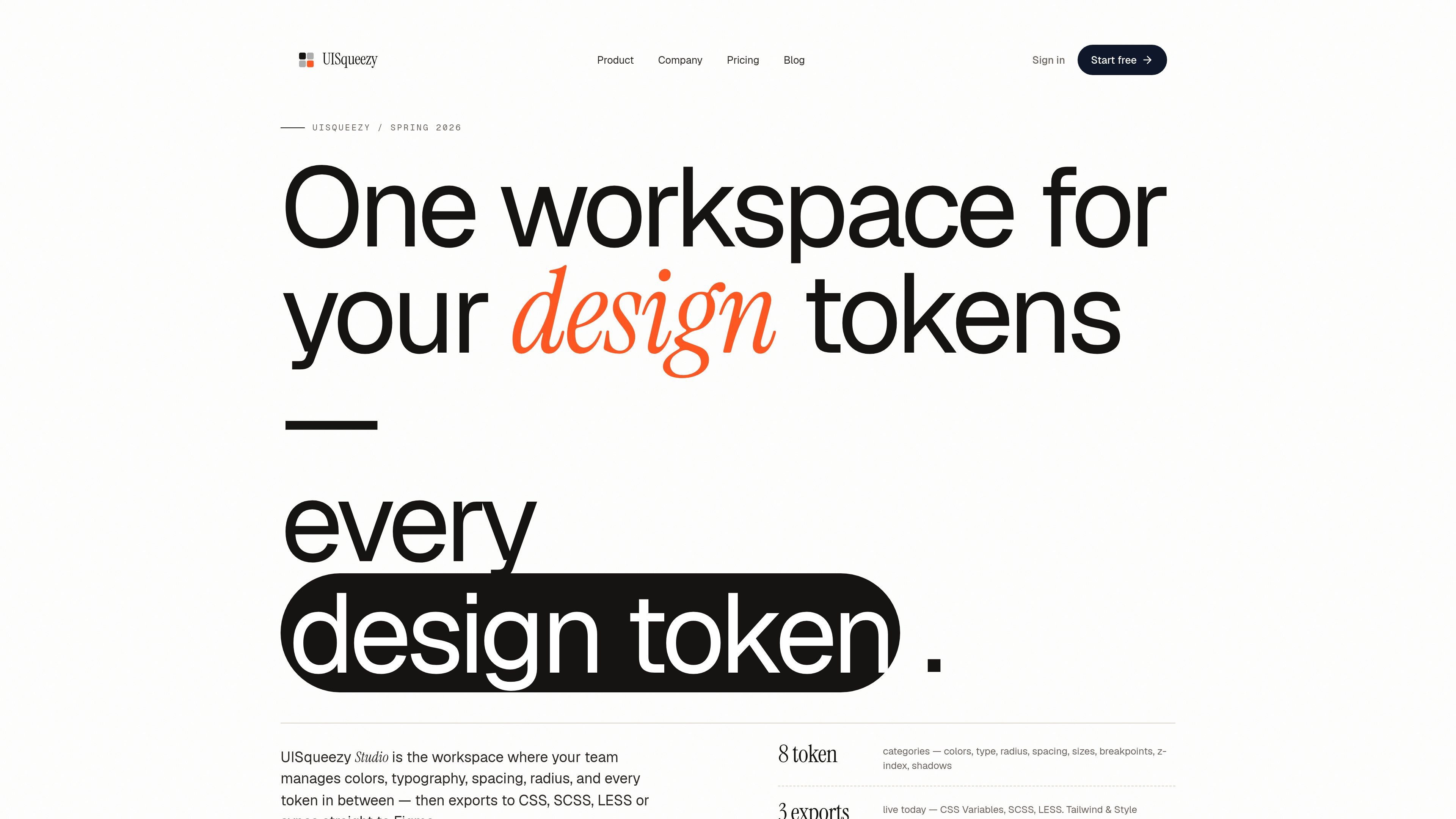
UISqueezy is a design token management workspace for teams and individual designers who need one source of truth for token values, exports, and Figma sync. It organizes token work by project and module so colors, typography, spacing, radius, shadows, sizes, breakpoints, and z-index stay tied to the same source data.
The product supports export to CSS Variables, SCSS Variables, and LESS Variables, and it connects to Figma through a plugin that can sync supported tokens to Figma Variables and pull supported updates back into Studio. Pricing is workspace-based, with a free plan, paid plans, and an enterprise option for organizations that need added controls and support.
Manage colors, typography, border radius, spacing, shadows, sizes, breakpoints, and z-index from a workspace that keeps each active module separated.
Export implementation-ready token data to CSS Variables, SCSS Variables, and LESS Variables directly from the same source your team edits.
Connect the UISqueezy Figma plugin to authenticated workspace projects and sync tokens to Figma Variables or pull supported updates back.
Use project selection, permissions, plan state, and action feedback to control what can be synced or pulled in the plugin.
Document token decisions with Stories, including publishable pages, snapshot history, and restore options on supported plans.
Choose a plan with workspace-based pricing, a free tier, trial on paid plans, and a 14-day money-back guarantee.
Maintain a structured token source for color, spacing, radius, shadow, size, breakpoint, and z-index values instead of tracking them across separate files and handoffs.
Prepare implementation output for developers by exporting the same token data to CSS Variables, SCSS Variables, or LESS Variables.
Keep Figma Variables aligned with the current token source by syncing from UISqueezy and pulling supported updates back when values change.
Document token decisions and share them with collaborators using Stories, public pages, and snapshot history where the plan supports them.
Use workspace-based pricing and role-aware access to support solo workflows, client projects, or team collaboration as needs change.
UISqueezy centers design token work in one workspace and lets you export tokens to CSS Variables, SCSS Variables, and LESS Variables. The Figma plugin connects through authenticated project selection so you can sync supported tokens to Figma Variables and pull supported updates back into Studio.
The plugin is part of UISqueezy. The pricing page says available actions can vary by plan, credits, and project permissions, and the app and plugin show the allowed state before sync or pull actions.
UISqueezy’s pricing page says the Free plan is for solo designers, while Team and Enterprise plans are built for collaboration with shared workspaces, members, and roles.
UISqueezy currently supports CSS Variables, SCSS Variables, and LESS Variables exports. Tailwind and Style Dictionary are listed as coming soon, not active export targets.
Yes. The pricing page offers monthly or yearly billing, and paid plans come with a 14-day money-back guarantee.

imgcook is a design-to-code tool that converts design drafts into front-end code. It supports plugin-based and developer workflows for Sketch, Photoshop, VS Code, and CLI usage.

ByteAsk is a terminal-first AI coding agent for C and C++ that edits repositories and verifies changes with the real compiler, debugger, sanitizers, and tests before showing a diff. It offers a free tier plus paid plans, with editor connectors and zero-retention handling described in the source.

CreateOS Sandbox is an isolated compute environment for running code and agent workloads inside Firecracker micro-VMs. It is designed for workflows that need machine-level isolation, private networking between sandboxes, and programmatic control through SDK, CLI, or MCP.

hob is an independent workspace for coding agents that keeps agent sessions, terminals, history, and follow-up work organized around the tools and providers you already use. It is aimed at developers who want local control over routing, history, and workspace structure rather than a bundled model stack.

Ably Chat is a chat API platform for building custom realtime chat applications. It supports room-based messaging, typing indicators, presence, reactions, and message updates, with usage-based pricing options for different deployment stages.

Manta AI is an autonomous web app testing tool for teams that want to map application behavior, catch regressions, and generate tests without writing scripts or maintaining selectors. It works from a URL and supports plain-English test flows, run results with screenshots, and scheduled or deployment-triggered checks.