Userlens icon

Userlens

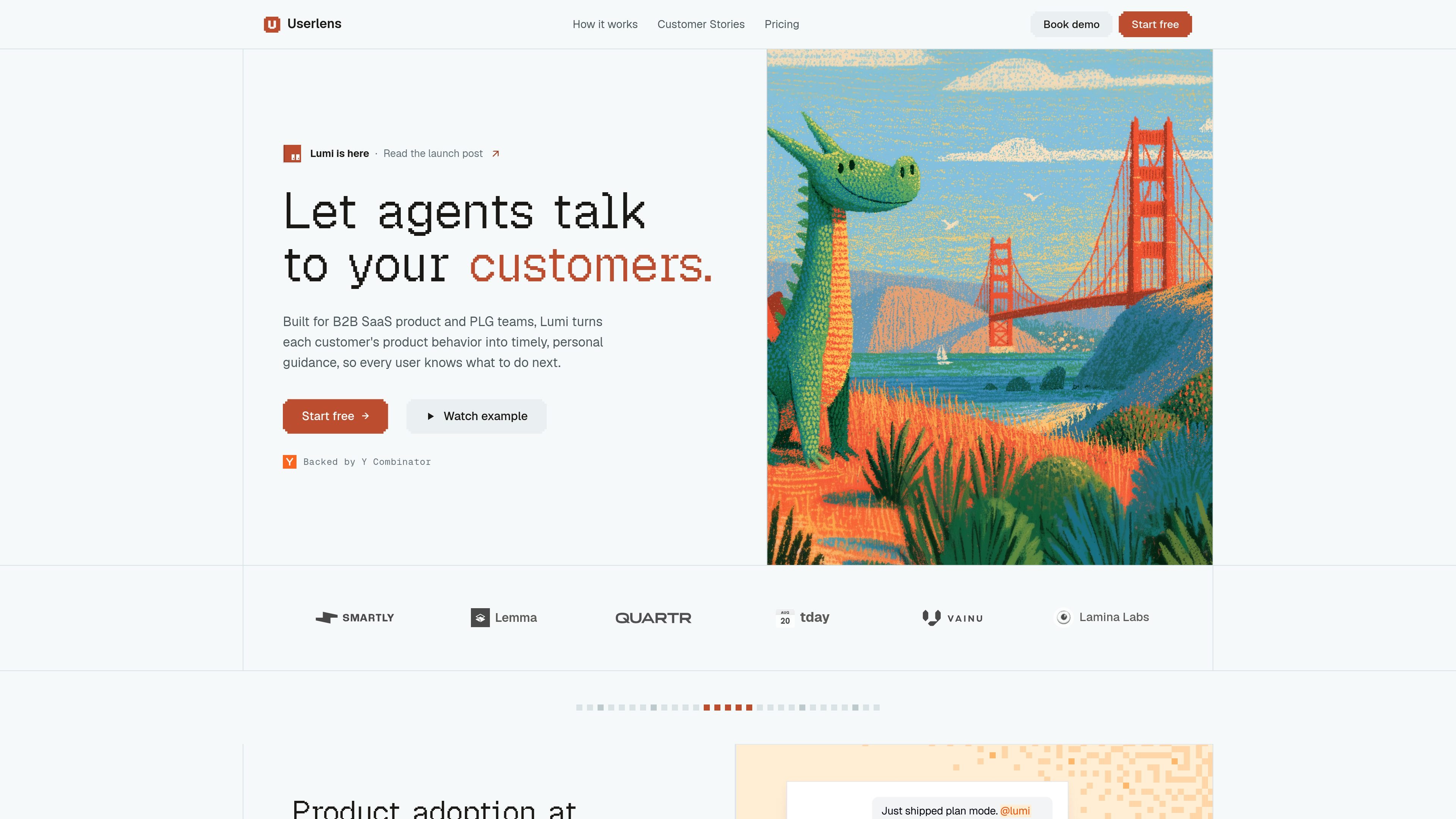
Userlens is a customer adoption and retention engine for B2B SaaS and PLG teams. Its agent Lumi turns product behavior into personalized guidance and campaigns that help users adopt the next feature or workflow.

Userlens

What Userlens is

Userlens is a customer adoption and retention engine for product-led growth teams. It uses an adoption agent called Lumi to turn product behavior into personalized guidance that helps customers move to the next useful action, feature, or workflow.

The product is aimed at B2B SaaS and AI-native products where users often get value but do not fully adopt the product. Userlens connects to product usage data and backend context, then uses that information to run adoption campaigns with approved goals, audiences, guidance, and limits.

Core capabilities

Behavior-based guidance

Lumi connects to product usage data and backend context, then looks for patterns that show when a customer is ready for a next feature, workflow, or habit. The guidance is tied to observed behavior rather than a generic onboarding sequence.

Goal-driven campaigns

Campaigns begin with an adoption goal and a qualifying audience. Lumi uses those inputs to turn a desired product behavior into a structured campaign.

Independent campaign decisions

The product can wait, skip, or decide that a person does not need help, even after they qualify for a campaign. That gives it a layer of judgment beyond simple rule-based triggers.

Campaign-level approval

Userlens says you approve the goal, audience, guidance, and limits at the campaign level instead of reviewing every individual message. This keeps the workflow centered on campaign design rather than manual message approval.

Personalized email nudges

Lumi sends personalized nudges and guidance by email, with messaging tailored to each person’s product behavior and context. The pricing page includes a per-month personalized email allowance.

Behavior-change measurement

The product measures whether product behavior changed, not just whether someone opened or clicked a message. The launch post positions this as the key adoption outcome it tracks.

Practical use cases

  • Feature adoption after release

    Use Userlens to guide customers toward a newly shipped feature when you know which users are already active but have not yet adopted the new workflow. Lumi can identify who qualifies and send behavior-based guidance tied to what they have actually done.

  • Moving users past the plateau

    Use it when users reach initial value but stall before becoming power users. Lumi can spot patterns that suggest someone is ready for a deeper workflow and nudge them toward the next step.

  • Personalized education at scale

    Use Userlens to replace broad, one-size-fits-all education with guidance that reflects each customer's context. This is especially relevant for products with varied user backgrounds or usage patterns.

  • Campaign-based adoption ops

    Use the campaign workflow to define an adoption goal, approve the audience and guidance, and let Lumi decide whether to send or skip individual messages. That is useful for teams that want control at the campaign level without hand-reviewing every message.

  • Pilot a focused campaign

    Use the lower-tier plans to try one focused adoption campaign with limited profiles before expanding to broader coverage. The pricing structure is designed to let teams start small and grow with usage.

Pros and Cons

Pros

  • Centers campaigns on real product behavior rather than generic onboarding sequences.
  • Allows campaign-level approval instead of requiring manual review of each individual message.
  • Can wait, skip, or withhold guidance when a person qualifies but does not need help.
  • Prices scale by profile volume rather than seats, which may fit teams that need to cover many users.
  • Includes a free entry plan for trying one focused campaign with limited volume.

Cons

  • The source provides limited detail on the full integration catalog and setup process beyond PostHog, database integration, and a note that Growth adds additional data integrations.
  • The public materials focus on adoption campaigns and personalized nudges, so broader retention or lifecycle features are less clearly documented.
  • Advanced security, governance, and custom integration details are only described at the Enterprise level, so smaller plans may not include those controls.

FAQ

What does Userlens do?

Userlens is built to turn product usage data into personalized nudges and campaigns. Lumi watches how each person uses the product, identifies what they are ready for next, and sends guidance aimed at moving adoption.

Who is Userlens for?

The source describes Userlens as built for B2B SaaS product teams, PLG teams, AI-native products, and other products where users get initial value but may plateau before becoming power users.

How is Userlens priced?

The pricing page shows a free plan, a Starter plan, a Growth plan, and an Enterprise plan. Pricing scales with profile volume rather than seats, and the free plan includes 100 profiles, 300 personalized emails per month, one active campaign, plus PostHog and database integration.

How does a Lumi campaign work?

Lumi starts with an adoption goal and an audience that qualifies for it. Userlens says you approve the goal, audience, guidance, and limits at the campaign level, while Lumi decides whether to send, wait, skip, or leave someone out.

What integrations are supported?

The source highlights PostHog and database integration on the lower-tier plans, and says Growth adds additional data integrations. It also mentions that if you use HubSpot Marketing, Customer.io, Iterable, or a similar lifecycle tool, you should talk to the team about switching.

Quick Facts

Category
Customer adoption and retention
Primary users
B2B SaaS product teams and PLG teams
Product agent
Lumi
Pricing model
Scales by profile volume, not seats
Website
userlens.io
Starting plan
Free plan with 100 profiles