
Live preview
Drop in a photo and see the fluted-glass effect update immediately as you adjust settings, with rendering powered by Metal.

Vitrine is a Mac app that turns photos into fluted-glass wallpapers and high-resolution image exports. It works locally on the Mac, with live preview, presets, and reusable recipes.
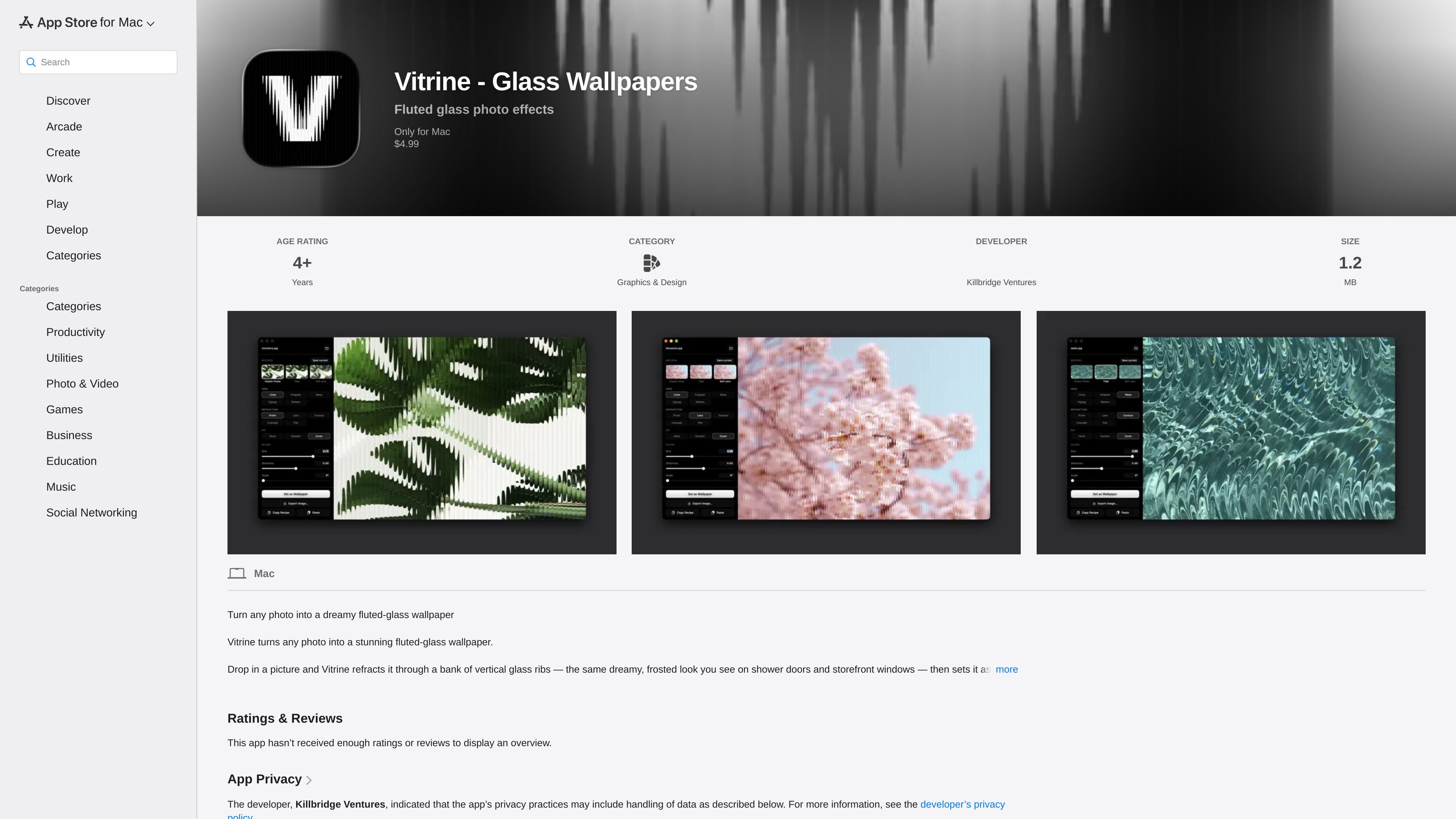
Vitrine is a Mac app for turning photos into fluted-glass wallpapers. It takes an image and refracts it through a vertical glass-rib effect, producing the frosted look associated with shower doors and storefront windows.
The app is designed for quick wallpaper creation and image export rather than account-based workflows. According to the App Store listing, it works locally on the Mac, offers live previewing, supports broad image formats, and can both set the result as wallpaper and export it as a high-resolution file.
Drop in a photo and see the fluted-glass effect update immediately as you adjust settings, with rendering powered by Metal.
Start from presets such as Classic Flutes, Soft Lens, Cathedral, Wide Prism, Tidal, Cascade, Frosted, or Diagonal before fine-tuning the result.
Adjust the glass pattern, refraction style, rib size, distortion, blur, highlights, and shadows to shape the final look.
Render the wallpaper at each display’s native resolution and apply it across every connected screen.
Export a high-resolution PNG, drag the finished image to the desktop, or keep a recipe embedded in the exported file.
Save custom presets for reuse and copy settings as shareable text so the same look can be recreated later.
Create a desktop background from a photo by applying the fluted-glass effect and setting it directly as wallpaper.
Experiment with different preset looks and manual controls to find a specific frosted, prism, or wave-like treatment for an image.
Export a high-resolution PNG when you need the transformed image outside the desktop wallpaper workflow.
Reuse a trusted look by saving presets or sharing a recipe with someone else who wants the same settings.
Work entirely on-device without creating an account or sending data to a server, according to the App Store privacy listing.
It is a Mac app for turning photos into fluted-glass wallpaper images. You can also export the finished image as a high-resolution PNG.
The app is listed as requiring macOS 26.0 or later and a Mac with Apple M1 chip or later.
The App Store listing says the app can set a finished image as wallpaper, export it, or drag it straight to the desktop.
Yes. The listing says you can copy your exact settings as shareable text, paste a recipe to recreate a look, and embed the recipe in exported files.
The page states that the developer does not collect data from the app and that everything happens on your Mac.

Pixelcut is an AI photo editor for creating and editing product images, social content, and video assets. It offers free and paid plans, plus mobile app and browser access for individual users and teams.

Petalica Paint is a web service for automatically coloring line art and tracing line drawings from photographed images. The home page says it can be used under the stated terms for commercial and noncommercial work, but it is scheduled to end on 2025-07-31 at 16:00 JST.

Wearvue AI generates personalized outfit previews from a photo, lets users refine the style for an occasion, and surfaces similar real products to shop. It is aimed at people who want to preview outfit ideas before buying and compare them with shoppable alternatives.

Upscale.media is an AI image upscaling and enhancement tool from Pixelbin that enlarges low-resolution or pixelated images and improves clarity in the browser. It offers free individual image use, paid credit plans, and team-oriented workflows such as bulk processing and API integration.

roastme.gg is a pay-to-play AI roasting site where users submit their own X handle or website, choose how much to pay, and get a public roast ranked on a leaderboard by amount paid.

Loniva is a mobile puzzle app that offers a calm daily mix of games across memory, attention, language, speed, logic, and focus. It runs on iPhone, iPad, and Android, with a free 7-day trial and a free daily workout after the trial.