
Prompt-to-mind-map generation
Generate a new mind map from a text prompt using Whimsical AI powered by Claude, then continue editing it like any other Whimsical diagram.

Whimsical AI Mind Map lets you generate editable mind maps from text prompts and organize ideas inside Whimsical’s broader diagramming workspace. It also includes a desktop MCP for local AI agent workflows with tools like Claude, Cursor, and Codex.
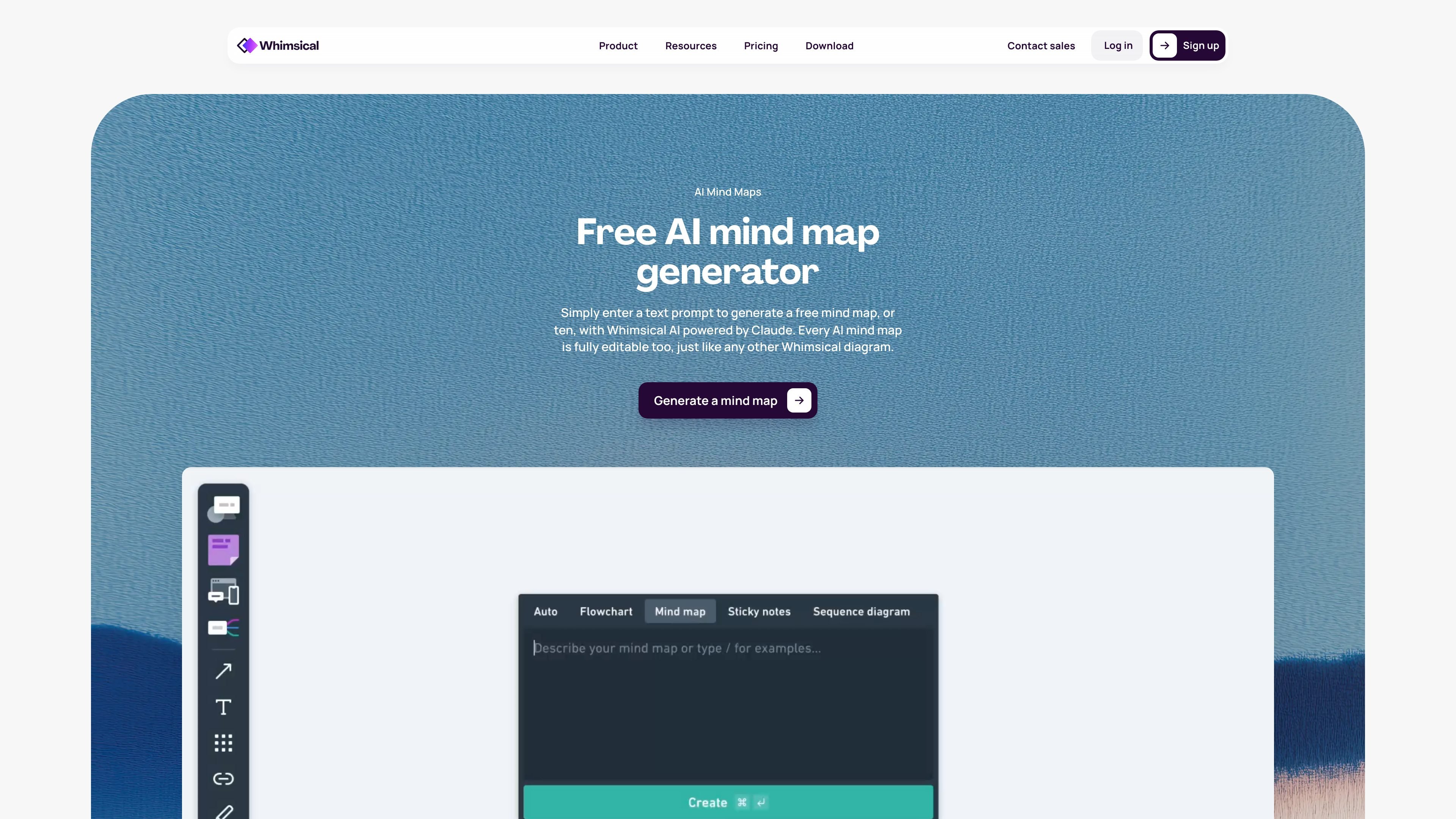
Whimsical AI Mind Map is a browser-based mind mapping tool that can generate new maps from a text prompt and then let you edit them directly inside Whimsical. It is positioned as part of Whimsical’s broader diagramming workspace, alongside flowcharts, diagrams, boards, and wireframes.
The product uses Whimsical AI powered by Claude to help you create mind maps quickly, summarize information, and organize ideas. The page also highlights a desktop MCP built into the Whimsical desktop app, which runs locally and allows AI coding agents such as Claude, Cursor, and Codex to read from and write to your Whimsical workspace.
Generate a new mind map from a text prompt using Whimsical AI powered by Claude, then continue editing it like any other Whimsical diagram.
Refine ideas on an infinite canvas with automatic layouts, curated color palettes, and movable branches designed for fast ideation.
Work with others in real time, leave comments, and use version history to review or restore earlier iterations.
Embed mind maps and other Whimsical files across supported workflows, with integration references to Notion, Jira, Slack, and more.
Use the built-in desktop MCP in the Whimsical desktop app so AI coding agents can read and write directly to your workspace.
Access templates, keyboard shortcuts, and automatic formatting to speed up mind mapping and related diagram work.
Turn a short prompt into a first-pass mind map, then adjust branches, labels, and structure as the idea becomes clearer.
Summarize a dense topic or set of notes into an organized visual map that helps teams compare relationships and next steps.
Use the desktop MCP with coding assistants to read and write workspace content while exploring codebase structure or system architecture visually.
Collaborate with teammates in real time on brainstorming sessions, leave comments, and keep track of revisions through version history.
Move a map into related Whimsical files and supported embeds to keep planning artifacts connected across a broader workflow.
Yes. The Free plan includes unlimited workspace members, 3 team boards, 3 teams, 10 guests, and 20 AI credits per workspace total, so you can try Whimsical without paying.
Yes. The page says every AI mind map is fully editable, so you can refine the result after generating it with AI.
The desktop MCP is built into the Whimsical desktop app and runs locally on your machine, which lets AI coding agents like Claude, Cursor, and Codex read and write directly to your Whimsical workspace.
Whimsical’s pricing page shows Free, Pro, and Business plans. The free tier is enough for trying the product, while paid plans add more AI credits, larger file uploads, private teams, and security or admin features.
The site points to sharing and embedding options, plus real-time collaboration, comments, version history, and integrations such as Notion, Jira, Slack, and GitHub depending on plan.

ProcessOn is an online diagramming and knowledge-sharing platform for creating mind maps, flowcharts, and related structured visuals. It supports AI-assisted generation, real-time collaboration, and team-oriented document workflows.

Whimsical AI Mind Map generates editable mind maps from text prompts inside Whimsical. It helps individuals and teams brainstorm, summarize information, and organize ideas visually.

GitMind is an AI-powered mind mapping and diagramming workspace for turning text, files, webpages, images, audio, and video into structured summaries, diagrams, and visual notes. It supports web, desktop, mobile, and Chrome extension access, with a free tier and paid plans for heavier use.

Edraw.AI es una plataforma de colaboración visual impulsada por IA que ofrece más de 40 herramientas de IA y una variedad de plantillas para agilizar la creación de diagramas, flujogramas, mapas mentales y más.

AmyMind is a web-based AI mind map generator that converts text, Markdown, PDF, Word documents, Freemind files, and YouTube captions into structured diagrams. It includes export options, editing tools, and a free tier with a paid Pro plan for heavier use.

Lucid Train is a local-first AI coding harness that turns repository code into architecture diagrams and uses those diagrams as specifications for coding agents. It is available as a desktop app and a lightweight Rust CLI, and it can run with local models or your own API keys.