
Structured micro-lessons
Wondering turns a topic into a structured course and presents it in small lesson chunks, with the homepage describing lessons as roughly three-minute segments that fit a busy schedule.

Wondering is an AI-powered learning platform that turns topics into structured courses with short lessons. It helps people learn through visual explanations, practice questions, and personalized pacing.
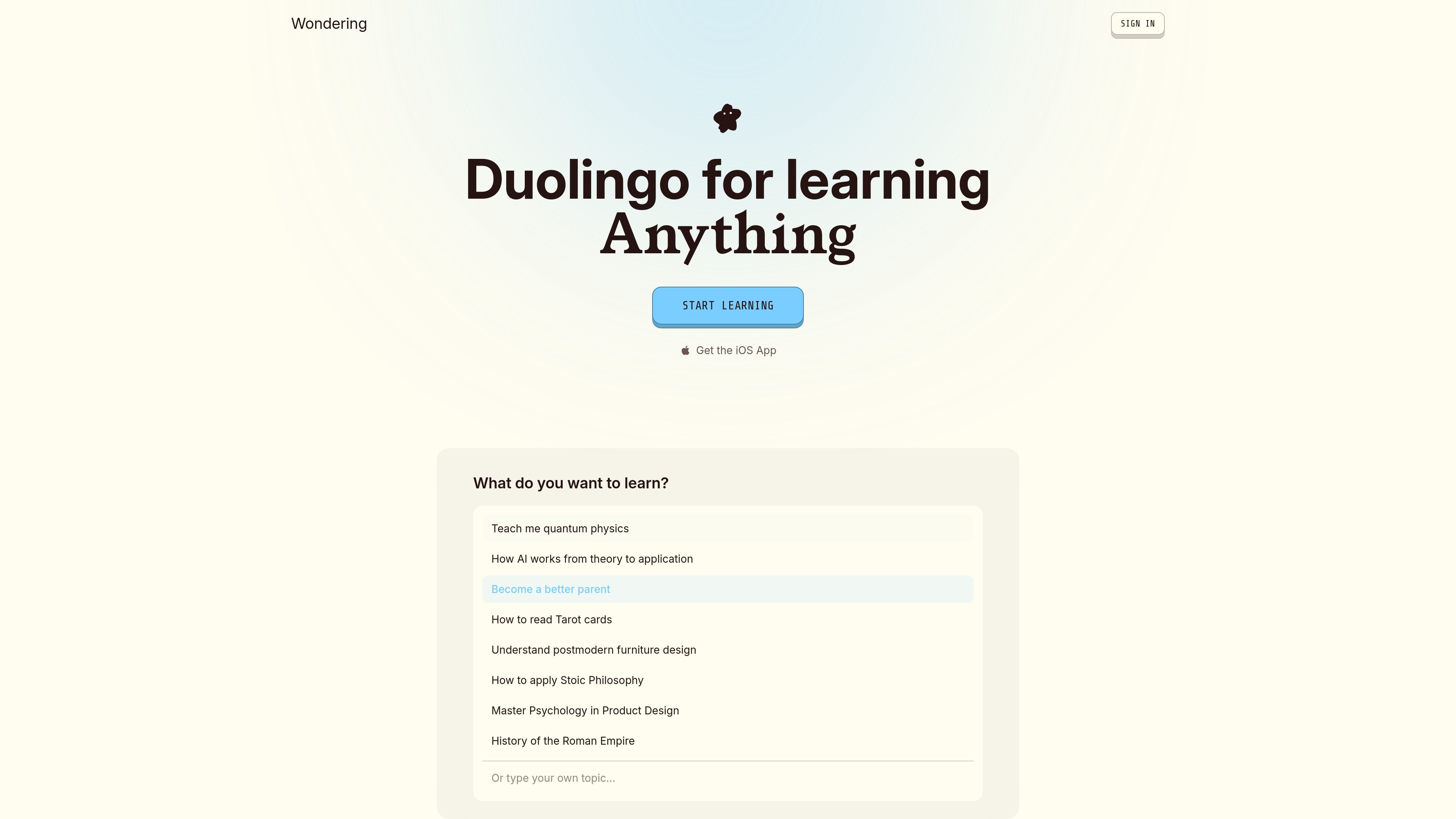
Wondering is an AI-powered learning platform that turns topics into structured courses made of short lessons. The homepage positions it as a way to learn “anything” in small chunks, with sample paths covering subjects such as quantum physics, psychology, Stoic philosophy, and product design.
The experience shown on the site combines topic selection, personalized learning preferences, and guided progress through a course. Lessons can include diagrams, summary tables, and practice questions, and the contact page confirms that lessons and questions are generated with AI.
Wondering turns a topic into a structured course and presents it in small lesson chunks, with the homepage describing lessons as roughly three-minute segments that fit a busy schedule.
The homepage shows lessons with diagrams, tables, and question formats such as multiple choice, fill-in, and ordering steps, suggesting an interactive learning format rather than static reading.
Users can browse example topics or enter their own prompt, such as quantum physics, Stoic philosophy, or product design, to start a new learning path.
The homepage includes personalization prompts for preferred explanations, examples, and pace, showing that the learning experience can be adapted to different goals and styles.
A guided path view on the homepage shows a progression from understanding fundamentals to applying, refining, and retaining the material.
The product promotes an iOS app and sign-in flow, and the contact page notes Google Sign-In and Apple Sign-In support.
Start with a broad topic and let Wondering break it into smaller lessons, diagrams, and practice questions when you want a more guided introduction than a standard search result provides.
Choose a pace such as casual, regular, or intensive when you want to fit learning into a limited routine instead of following a fixed-length course.
Adjust explanations to your background or preferred style, such as analogies, simplified language, or role-specific examples, when one-size-fits-all lessons are not enough.
Use the guided path and practice questions to move from understanding concepts to applying and retaining them, especially for topics that benefit from repetition.
Learn topics like design, psychology, philosophy, or productivity-related subjects where examples, visual hierarchy, and structured summaries can make abstract ideas easier to follow.
The site indicates that Wondering is an AI-powered learning platform that turns topics into structured courses with short lessons. The homepage also shows example prompts and guided learning paths, but it does not describe a separate course-builder product beyond that learning flow.
The contact page says Wondering uses Google Sign-In and Apple Sign-In. It also notes that if sign-in fails, you should use the same method you used when creating the account.
According to the contact page, lessons and practice questions are generated with AI. If you find an inaccuracy or quality issue, Wondering asks you to email the team with the course name and the specific lesson or question.
The contact page says push notifications are optional on iOS and can be enabled or disabled in iOS Settings → Wondering.
The site links to a Privacy Policy and Terms of Service, and the contact page gives [email protected] as the support email. The pricing page is present, but the collected source text does not include plan details or prices.

NerdSip is an AI microlearning app that generates custom 7-lesson courses on almost any topic. It supports short, gamified learning sessions on iOS and Android with quizzes, key takeaways, and visual summaries.

GameGrad turns PDF study material into quiz questions that appear inside arcade games, so users can practice active recall while they play. It offers a free tier with one PDF and a Pro plan with more uploads, more questions, and answer explanations.

BeFreed is a personalized audio learning app that turns books and other knowledge sources into narrated listening experiences. It helps people learn on demand through interactive audio, voice selection, and built-in learning tools.

Padel Chess is a web-based learning platform for improving padel tactical skills through puzzle-based practice. It helps players work on positioning, shot selection, and decision-making in realistic court scenarios.

Framework First Academy is an online learning platform focused on choosing and applying the right framework for the situation at hand. It offers 30 courses across Diagnose, Automate, Manage, and Deliver, plus a free decision map, individual course access, annual all-access, and team plans.

Sidegent is a hands-on learning platform for building AI agents and apps through browser-based courses and labs. It offers a free starting path, then a Pro subscription that unlocks the full catalog, live coding machines, and weekly lesson updates.