
Local log scanning and secret redaction
Finds supported local agent logs, then parses metrics and redacts secrets on your machine before any upload step.

Agent Analyzer is a local-first profiler for agentic coding logs. It scans supported logs on your machine, redacts secrets locally, and turns a sanitized report into a personalized plugin or setup pack.
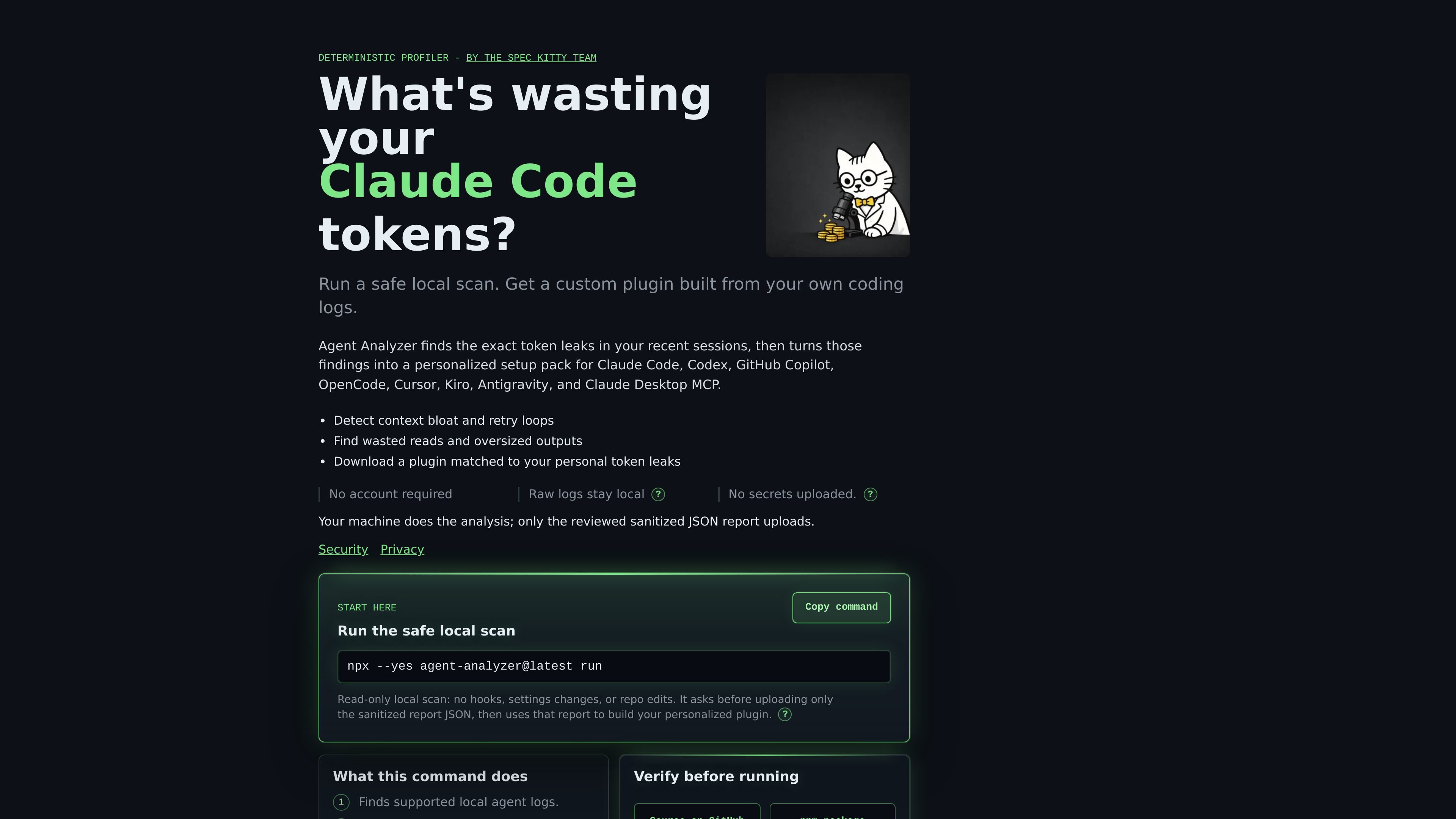
Agent Analyzer is a local-first profiler for agentic coding logs. It scans supported logs on your machine, redacts secrets locally, and produces a sanitized report that can be turned into a personalized plugin or setup pack.
The product is aimed at people who use tools such as Claude Code, Codex, GitHub Copilot, OpenCode, Cursor, Kiro, Antigravity, or Claude Desktop and want to understand where sessions waste tokens. Its core job is to identify avoidable context bloat, rereads, retry loops, and noisy tool output, then convert those findings into concrete guidance for future sessions.
Finds supported local agent logs, then parses metrics and redacts secrets on your machine before any upload step.
Uses a deterministic parser and server-side rendering instead of an LLM reading the raw logs, which keeps the analysis approach predictable.
Detects waste patterns such as repeated reads, oversized shell output, retry loops, broad discovery, and context-growth spikes.
Turns the sanitized findings into a personalized plugin with targeted skills, slash commands, setup guidance, and vetted tool recommendations.
Shows a report preview with estimated token volume, session timeline, and top problems so users can review the waste before changing anything.
Asks before upload and only sends the sanitized report JSON, with raw transcripts and raw SQLite stores kept local in the documented flow.
Use it after a few coding sessions to see whether rereads, retry loops, or large shell outputs are inflating token use.
Run it before standardizing a team setup so you can convert real log patterns into narrower commands, skills, and AGENTS.md guidance.
Use the generated report pack to understand where context growth or noisy tools are appearing before changing your setup.
Apply it when you want local-first analysis and do not want raw transcripts or logs sent through the public web flow.
Use the benchmark-backed output when comparing a candidate reducer or workflow change against measured evidence from repeated runs.
Agent Analyzer runs a read-only local scan on supported agent logs. It parses and redacts data on your machine, then asks before uploading only the sanitized report JSON needed to build the plugin.
The public flow is designed for supported local agent logs and bounded SQLite rows. The security page says it finds logs locally, redacts secrets locally, and does not receive raw transcripts through the web upload path.
The output is a report pack and a custom plugin or skill set tailored to the token-leak patterns found in your logs. The site also describes copy-ready AGENTS.md lines and vetted tool recommendations as part of the generated guidance.
The benchmark and security pages say the product is intentionally conservative: it prioritizes low-output guidance, only recommends reducers that proved useful in repeated runs, and treats telemetry tools as measurement-only when that is what the evidence supported.
The site presents Agent Analyzer as a local-first workflow for supported Claude Code, Codex, GitHub Copilot, OpenCode, Cursor, Kiro, Antigravity, and Claude Desktop-related flows, with a plugin built from the sanitized report rather than a generic checklist.

Ghost est un assistant IA en terminal pour discuter, générer du code et lancer des tâches en ligne de commande. Modèles gratuits, Linux, macOS, Windows, open source.

Devin is an AI coding agent and software engineer that helps developers and engineering teams plan and execute complex software tasks. It is available through desktop, cloud, JetBrains, and CLI surfaces, with plans for individuals, teams, and enterprises.

imgcook is a design-to-code tool that converts design drafts into front-end code. It supports plugin-based and developer workflows for Sketch, Photoshop, VS Code, and CLI usage.

Pi Coding Agent is a terminal-based coding agent for developers who want a minimal, extensible harness for interactive work and automation. It supports model switching, session branching, and multiple run modes including TUI, print/JSON, RPC, and SDK.

PromptScout tracks how ChatGPT, Gemini, Google AI Overviews, and Perplexity mention your brand or competitors, then pairs those results with source analysis and website audits. It helps teams decide what to fix in content, positioning, or site readiness next.

Sleek Analytics is a privacy-friendly web analytics tool with real-time visitor tracking, Core Web Vitals, and revenue attribution. It helps site owners understand traffic and conversions without cookie banners or a heavy setup.