
Shared company wiki that updates from live work
Almanac connects to the tools you already use, learns from the work inside them, and keeps a company wiki up to date as that work changes.

Almanac is an AI agent that works from its own computer, stays signed into connected tools, and maintains a shared company wiki from your team’s activity. It is designed for people and teams who want to delegate tasks, ask questions from company context, and get results back asynchronously.
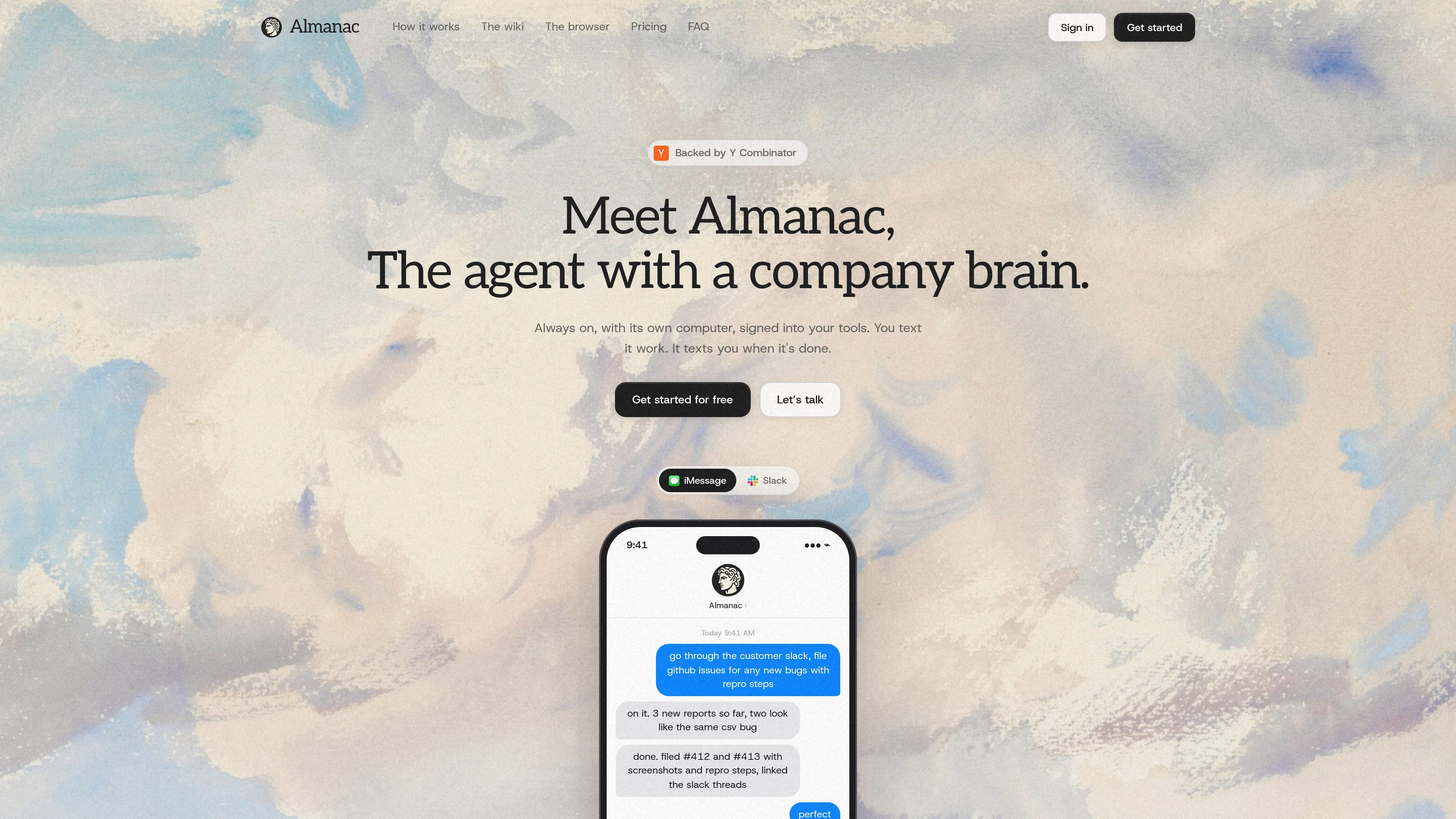
Almanac is an agent product built around two ideas: a company wiki that stays current and a computer that can act inside your tools. The homepage describes it as “the agent with a company brain,” and says you text it work, then it texts you when the work is done.
The product is designed to learn from the tools your team already uses, compile that activity into a wiki, and read the wiki before it takes action. It can work through connected accounts as well as through a browser on its own machine, which lets it continue after you leave your laptop.
Almanac connects to the tools you already use, learns from the work inside them, and keeps a company wiki up to date as that work changes.
The product runs on its own computer with its own browser, files, and logins, so it can stay signed in and keep working after you close your laptop.
It can use connected accounts and, when needed, sign into tools without a dedicated integration the way a person would in a browser.
Almanac reads the wiki before acting, uses it to stay current on context, and can answer questions from that stored company knowledge.
The product can notify you when work is done and can reach you through the app, Slack, or iMessage.
Every connection is visible, and you can revoke access, with shared accounts added explicitly by the organization.
A team can ask Almanac to keep track of customer, project, and people context across tools, then use the resulting wiki as the working source of truth for follow-up tasks.
When a question comes in over Slack or text, Almanac can answer from the wiki instead of forcing someone to search through inboxes and docs by hand.
If a task requires pulling information from connected tools, Almanac can compile the relevant details, carry out the work, and report back after it finishes.
For tools without a built-in integration, Almanac can still sign in through its own browser and work like a person would, subject to user confirmation for sensitive steps.
Teams can use shared channels and teammate access to route recurring work through Almanac while keeping the underlying accounts and wiki content controlled.
You connect the accounts Almanac should read from and act through. The source says only connected accounts are accessible, every connection is visible, and you can revoke access at any time.
No. Almanac’s source says a connected account stays usable only by you, while the shared wiki contains the useful understanding that flows out of your work. Shared accounts are added explicitly by the organization.
Yes. It is a real wiki: you can browse it, correct it, and add to it. Almanac keeps it current and uses your edits going forward.
When something needs your judgment or a sensitive step such as a login, payment, or major decision, Almanac pings you first or hands you the live browser. You can also watch every step of a run.
The source presents Almanac as running on its own always-on computer, signed into your tools, and available from the app, Slack, or text messages. It is positioned as replacing neither Notion, Linear, nor Slack.

Lasso is an ecommerce product data platform for enriching catalog records, processing supplier files, generating product content, and monitoring competitors. It combines a web app with a REST API, SDK, and MCP server for teams and developers.

Goldfish is an AI memory app for macOS that helps you reply, write, summarize, and continue using the context already on your Mac. It stores memory locally and writes in your tone.

ArtDeck is a visual reference board app for iPhone, iPad, and Mac that lets artists collect mixed reference material on one canvas and study it with ToolBox lenses. It works offline, supports optional iCloud sync, and is sold as a one-time purchase with no account required.

Malyatko is a baby tracker for logging feeding, sleep, growth, teething, and milestones in one app. It works on iPhone, Apple Watch, and widgets, with no sign-up, offline use, and family sharing through iCloud.

Struere is an AI-native platform for turning spreadsheet data into structured operational software with dashboards, alerts, and automations. It is aimed at teams that want to replace manual spreadsheet workflows without building custom tools from scratch.

Gemma AI is a phone call reminder app that calls you with scheduled reminders instead of push notifications. It helps people who want a more direct way to stay on schedule, with Google Calendar sync and conversational call interactions.