
Natural-language task assignment
WorkBuddy lets users describe a task in natural language instead of manually assembling steps. The system then turns that request into an executable workflow.

Tencent WorkBuddy is an AI agent desktop workstation for office professionals and workplace teams. It turns natural-language requests into verifiable deliverables such as reports, presentations, spreadsheets, and documents.
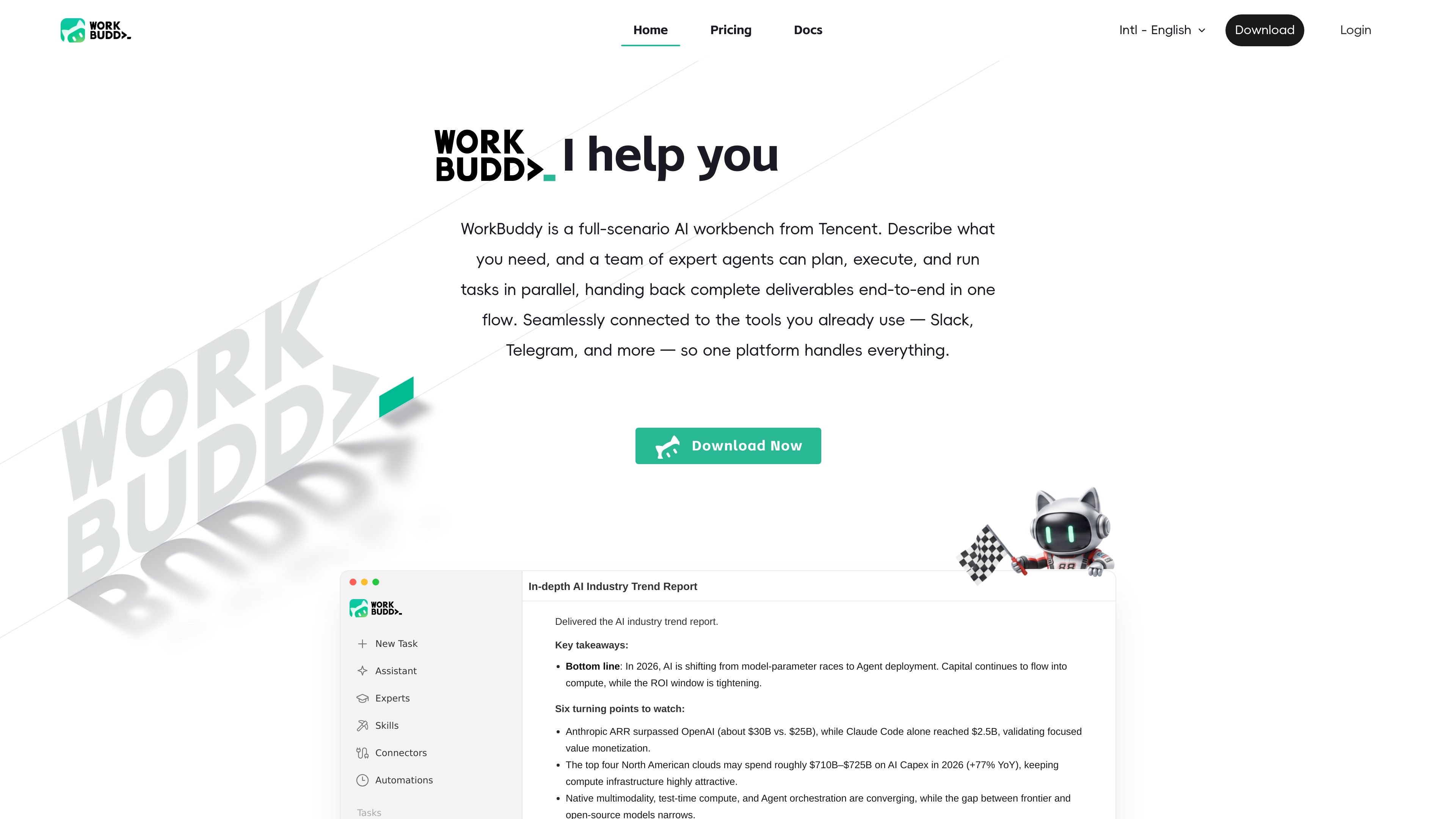
Tencent WorkBuddy is an AI agent desktop workstation for office work. It is built for people who need to turn natural-language requests into completed deliverables without manually coordinating every step.
According to the product pages, WorkBuddy can plan and execute tasks with multi-agent collaboration, work across documents, spreadsheets, presentations, and research tasks, and return verifiable outputs such as reports, decks, and data files. It also connects with office tools and messaging channels so tasks can be handed off and reviewed in one flow.
WorkBuddy lets users describe a task in natural language instead of manually assembling steps. The system then turns that request into an executable workflow.
The product is designed to plan work, break complex requests into smaller steps, and execute them autonomously, rather than acting only as a chat interface.
WorkBuddy supports multi-modal office work, including documents, spreadsheets, presentations, data analysis, and other file-based tasks.
It can read authorized local folders on the user’s computer for batch processing, which supports file organization, renaming, and format conversion workflows.
The pricing page lists a broad range of skills and connectors, plus a personalized memory capability in Pro and shared team pool, admin console, and unified billing management in Team.
The site says WorkBuddy connects with everyday office tools such as Slack, Telegram, Google Drive, GitHub, Linear, Office, and Notion, and also supports Assistant remote control through messaging apps.
Describe a research topic and let WorkBuddy gather information, synthesize findings, and produce a structured report in file formats such as Markdown, Word, or PowerPoint.
Ask the product to analyze spreadsheets or other data files, then use the output for summaries, charts, or data-focused office work.
Use WorkBuddy to turn requirements into presentations, reports, and supporting documents without switching between multiple manual steps.
Have WorkBuddy organize, rename, convert, or batch-process files in authorized local folders when you need repeated file handling.
Route tasks through Assistant on messaging platforms when you want to send work remotely and review the results later from the desktop app.
Tencent WorkBuddy is available on macOS (Apple Silicon and Intel) and Windows (x64 and ARM64). The docs also state that an internet connection is required because the product communicates with AI model services.
Yes. The FAQ says WorkBuddy supports Google OAuth and GitHub OAuth for authentication.
WorkBuddy supports remote task execution through Assistant on Slack, Telegram, and Discord. The computer running WorkBuddy must stay on for those remote tasks to be received and executed.
The docs describe WorkBuddy as producing verifiable results such as documents, reports, code, and other files. The home page also shows generated artifacts like Markdown, Word, and PPT outputs for research tasks.
The FAQ notes that most community skills are free, though some may require separate API keys for third-party services they connect to. The product also offers paid Pro, Team, and Enterprise plans.

Biji est une plateforme polyvalente conçue pour améliorer la productivité grâce à des outils et des fonctionnalités innovants.

Dcyde is a decision log for product teams that captures what was decided, the reasoning behind it, and the source in one shared place. It supports pinning decisions from Slack, Figma, or inside Dcyde and keeps the record searchable over time.

runevr is a connected workspace for creative teams that combines boards, media review, chat, recordings, drive, calls, and AI agents in one room-based environment. It is designed to reduce tool switching and keep project context together.

Goldfish is an AI memory app for macOS that helps you reply, write, summarize, and continue using the context already on your Mac. It stores memory locally and writes in your tone.

ArtDeck is a visual reference board app for iPhone, iPad, and Mac that lets artists collect mixed reference material on one canvas and study it with ToolBox lenses. It works offline, supports optional iCloud sync, and is sold as a one-time purchase with no account required.

Malyatko is a baby tracker for logging feeding, sleep, growth, teething, and milestones in one app. It works on iPhone, Apple Watch, and widgets, with no sign-up, offline use, and family sharing through iCloud.