
App-store-link workflow
Paste an App Store or Google Play link and the system pulls in app name, screenshots, videos, reviews, and product highlights to build ads from the listing.

Apptovid is an AI video ad generator that turns App Store or Google Play listings into video creatives for app promotion. It also supports manual asset uploads and outputs ads for platforms such as Meta, TikTok, YouTube, and X.
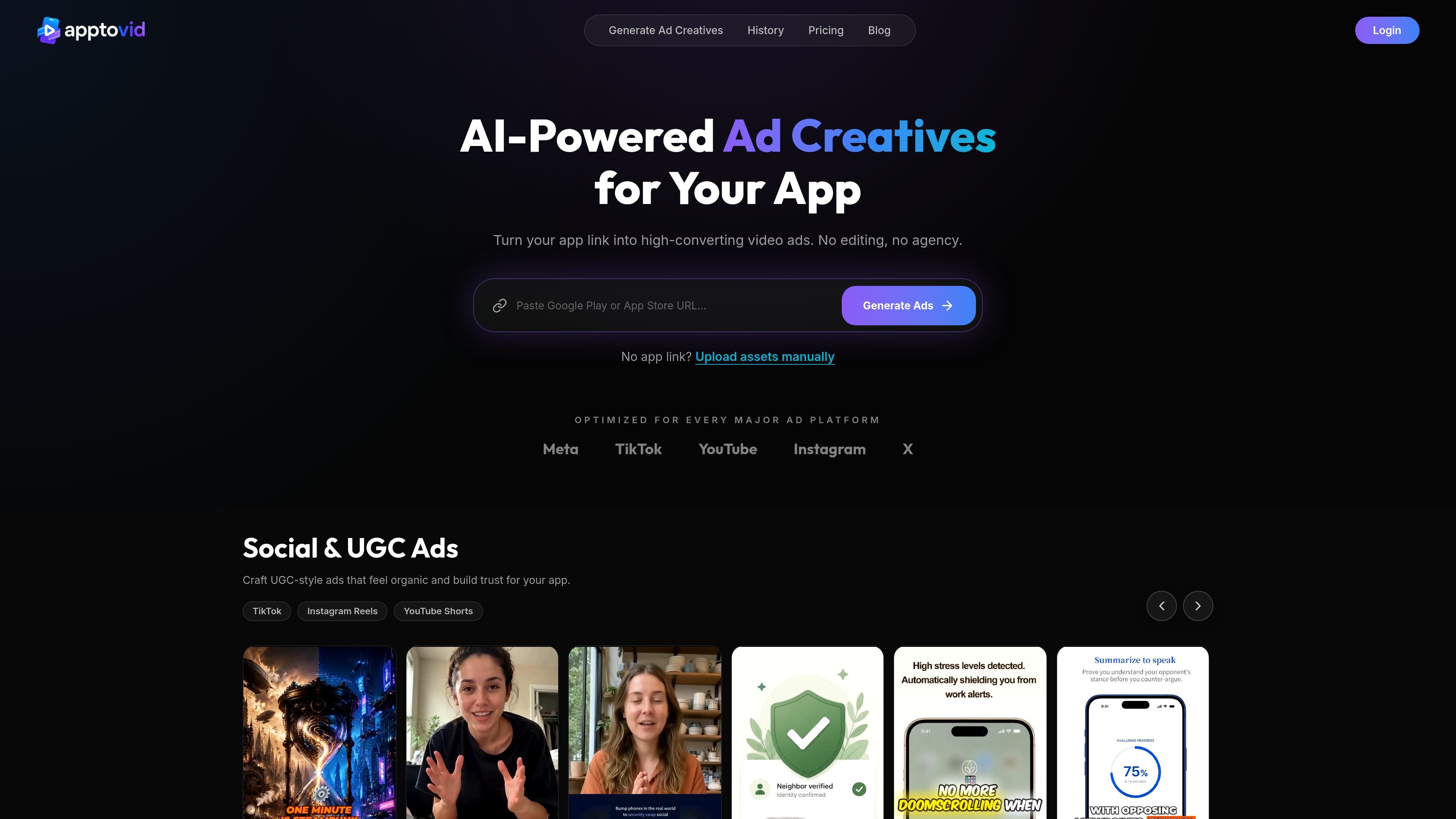
Apptovid is an AI video ad generator for mobile apps and games. It turns an App Store or Google Play link into finished video ad creatives, with a manual upload path available when you do not have a store link.
The product is positioned for teams that need app promotion assets for Meta, TikTok, YouTube, and related short-form channels. The workflow is built to reduce manual editing by automatically pulling listing materials, then generating ad variations in formats such as Social & UGC, Animated Explainer, and Storytelling ads.
Paste an App Store or Google Play link and the system pulls in app name, screenshots, videos, reviews, and product highlights to build ads from the listing.
If you do not have a store link, you can upload screenshots, videos, and descriptions manually to generate creatives.
Choose between Social & UGC Ads, Animated Explainer Ads, and Storytelling Ads depending on the message and platform fit.
Export ads optimized for Meta, TikTok, and YouTube, with the site also mentioning X and formats such as 9:16 and 16:9.
Create multiple variations for testing so campaigns do not rely on a single creative version.
The page says the AI generates scripts, voiceovers, captions, and edits from the source material.
Turn an App Store or Google Play listing into ad creatives when you need launch assets quickly and want to avoid manual editing work.
Generate several versions of the same concept to compare hooks, angles, and visual styles across campaigns.
Use UGC-style, explainer, or story-based ads to match different platforms and audience expectations.
Upload screenshots and other assets directly when a store link is not available, such as for draft apps or early-stage campaigns.
Apptovid is designed for mobile app developers, game studios, UA managers, app marketing agencies, indie developers, and growth hackers. It turns an App Store or Google Play link into video ad creatives.
Apptovid generates three ad modes: Social & UGC Ads, Animated Explainer Ads, and Storytelling Ads. The page says all three can be generated from a single app store link, and no app link is required if you upload assets manually.
Apptovid says its ad creatives are optimized for Meta, TikTok, YouTube, and X, with both vertical 9:16 and horizontal 16:9 formats mentioned on the site.
The pricing page says subscription plans include Lite, Plus, and Pro, and that one-time credit top-ups are also available. The number of videos you can make depends on the plan or credit pack you choose.
The pricing page says you can cancel from your account page. Canceling stops renewal, but you keep access until the end of the current billing cycle. The site also states refunds are not available because of the high generation costs for AI videos.

VIDEOAI.ME is an AI video generator for making spokesperson-style videos, ads, explainers, and social content from a script. It is aimed at founders, marketers, agencies, and creators who want to produce videos without filming.

Official HeyGen API documentation for building AI avatar videos, translations, lipsync, and interactive video-agent sessions. It supports direct API use plus MCP and CLI-style workflows for developers and AI agents.

艺映AI is a free AI video creation tool for generating video from text, images, or existing footage. It is positioned for short-form social content, promotional clips, and stylized AI video projects.

Krev AI is an ecommerce platform with role-based AI employees for market research, creative production, ad planning, and social publishing. It is built for brands that want product and brand context carried through connected growth workflows.

Clipia.ai is an AI image and video generation platform with presentations, an agent workflow, and developer integrations. It helps creators, teams, and developers produce media and decks from prompts, briefs, or source files using a shared credit system.

Radar is a self-hostable media intelligence and social listening app for monitoring public sources, analyzing mentions, and generating briefs or content outputs with optional Claude AI. It is aimed at individuals and small teams that want an enterprise-style workflow without a cloud account.