
Mission event countdowns
Shows live countdowns to major Artemis II mission events, including the lunar flyby and return milestones described in the source.

Artemis II Lunar Countdown is a macOS menu bar app that tracks NASA’s Artemis II mission with live countdowns, mission phases, MET, crew information, and timeline context. It is built with SwiftUI and uses publicly available NASA mission updates.
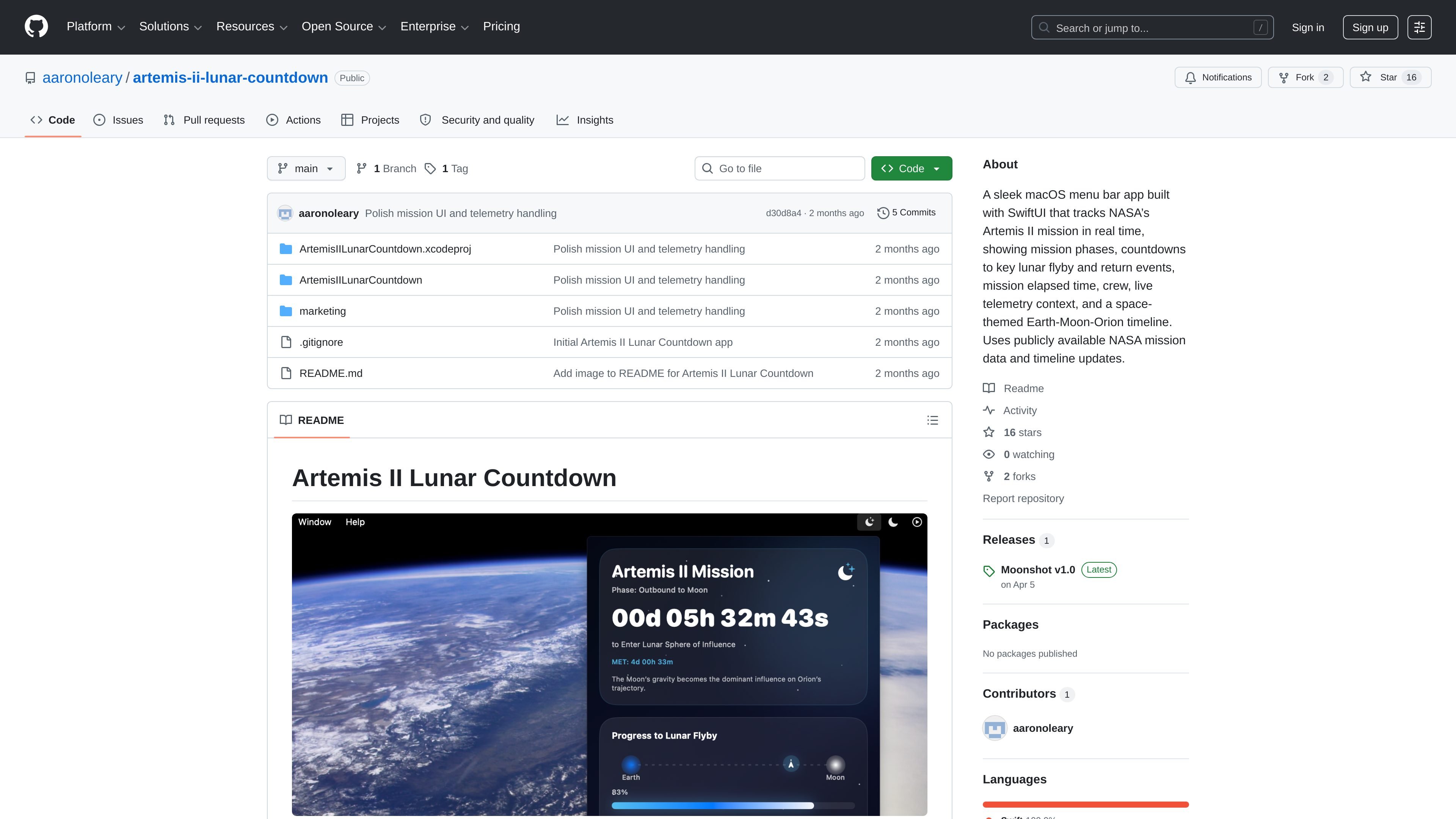
Artemis II Lunar Countdown is a macOS menu bar app for following NASA’s Artemis II mission in real time. It combines live countdowns, mission phase tracking, mission elapsed time, crew information, and a space-themed Earth-Moon-Orion timeline in a compact desktop utility.
The app is built with SwiftUI and uses publicly available NASA mission pages and updates as its data source. According to the release notes and README, it is self-distributed for macOS, with source build instructions available in the Xcode project for users who want to run it locally.
Shows live countdowns to major Artemis II mission events, including the lunar flyby and return milestones described in the source.
Summarizes the current Artemis II phase, including outbound, lunar flyby, return leg, re-entry, and splashdown.
Displays mission elapsed time so users can see how far the mission has progressed since launch.
Includes the Artemis II crew roster and mission context directly in the menu bar view.
Uses a space-themed Earth-Moon-Orion progress view to present the mission timeline visually.
Built as a menu bar-only macOS app with SwiftUI for quick at-a-glance checking.
Keep the mission visible while working on a Mac, with countdowns and phase status available from the menu bar instead of a separate full-screen app.
Check the next lunar flyby or return milestone quickly without opening multiple NASA pages or mission trackers.
Use the repository and Xcode project to inspect the app, run it locally, or adapt it for your own workflow.
Rely on the NASA-sourced update links and mission context when you want a compact reference for the latest public Artemis II information.
The app is a self-distributed macOS menu bar app built with SwiftUI. The README says to download the latest macOS release, and the source build instructions require opening the Xcode project in Xcode and running it on My Mac.
The source notes list macOS 13 or later as the requirement, and the README recommends Xcode 15 or later for building from source.
It tracks NASA’s Artemis II mission using publicly available mission pages and updates, including mission coverage announcements, live updates, the Artemis II mission page, and the Track Artemis page.
The release notes say macOS may block the app on first launch because it is self-distributed and not signed with an Apple Developer certificate. The README gives the standard Open/Allow Anyway and quarantine-flag removal steps if needed.
Yes. The app is described as a macOS menu bar-only app, so it is intended for Apple desktop systems rather than mobile or web use.

AVE is a local-first AI video editor for Mac that helps users search footage, plan edits, and execute timeline changes while keeping projects and exports on the Mac by default.

Rechroma is a web-based color workflow tool for building structured palettes and color systems from a color or an image. It supports recommendation, scale generation, contrast validation, and export to Figma and code.

GTA DataCity: San Francisco is an interactive map-based experience centered on exploring San Francisco's AI coworking locations. The homepage presents it as a playful city traversal environment with actions like running, jumping, grinding rails, and riding cable cars.

Vevey is a web product for building games, with a public focus on creating, playing, and sharing them. The collected site text confirms a pricing page exists, but does not include pricing details.

Agent Drive is a distributed cloud filesystem for AI agents that lets multiple sandboxes mount the same drive and read or write concurrently. It is aimed at shared context, handoffs, and other filesystem-based agent workflows.

Drawsy AI is a web-based visual workspace for turning messy ideas into organized canvases with project context and local codex tools. The interface also shows live collaboration and browser-based storage with a reminder to save files regularly.