
System-level input protection
With Accessibility permission enabled, Baby Desk intercepts keystrokes and clicks at the system level before macOS or another app can act on them.

Baby Desk is a macOS utility that turns the screen into a fullscreen play space while intercepting supported keyboard, mouse, and shortcut input so it does not reach open work. It is intended for parents who need to keep documents, code, meetings, or other Mac activity protected while a child interacts with the computer.
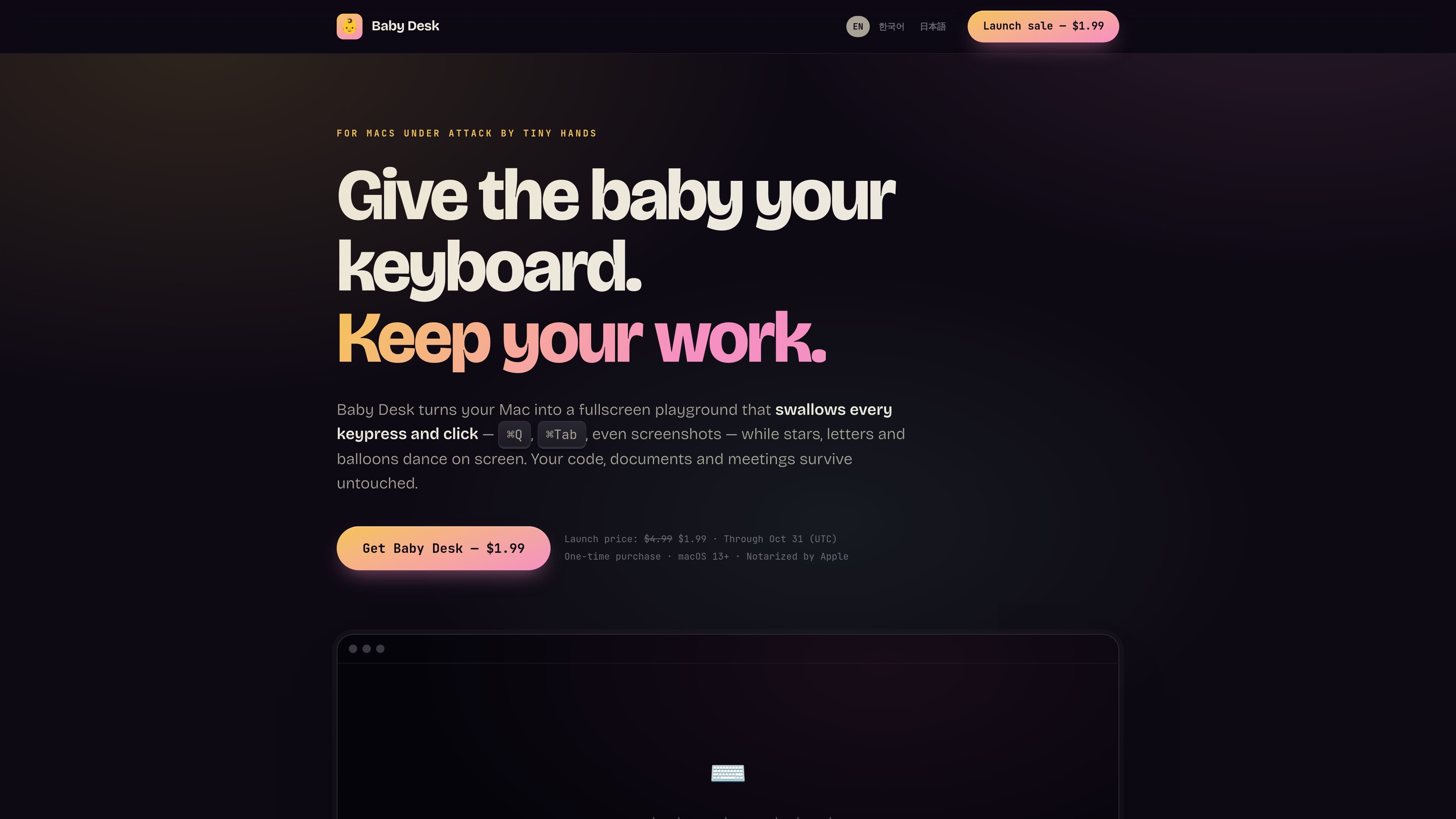
Baby Desk is a macOS app that turns the screen into a fullscreen interactive playground while protecting work from accidental keyboard and mouse input. It is designed for situations where a child is using a Mac while documents, code, meetings, or other work remain open in the background.
With Accessibility permission enabled, the app intercepts input at the system level, covering connected displays and preventing supported shortcuts, clicks, and scrolls from reaching macOS or other apps. A parent-controlled exit, optional authentication, short timers, and clearly labeled partial protection help define how the session starts and ends.
With Accessibility permission enabled, Baby Desk intercepts keystrokes and clicks at the system level before macOS or another app can act on them.
The play screen covers every connected display, including external monitors, so a child can interact with the whole visible workspace.
Choose Starlight Keyboard for giant letters and emojis with pentatonic xylophone notes, Sparkle Drawing for a fading rainbow trail, or Balloon Pop for keyboard- and click-triggered confetti.
End playtime with the secret keyboard shortcut or by holding any screen corner for three seconds. Touch ID or a PIN can add a second factor.
Set a 1-, 3-, or 5-minute session, and use volume cap and dim mode to reduce stimulation without changing the system volume.
The app explicitly reports its protection level and identifies limitations instead of claiming to block inputs it cannot intercept.
Open Baby Desk when a child wants to press keys or use the mouse while a document, code editor, or other work stays open. Supported input is contained in the play screen instead of being sent to the work.
Use the fullscreen mode when a Mac is connected to external monitors. The app extends the playground across every display rather than leaving another visible desktop available for accidental interaction.
Choose a brief 1-, 3-, or 5-minute session when a short distraction is appropriate, then let the timer show the end-of-play message without requiring the child to use the Mac normally.
Select Starlight Keyboard, Sparkle Drawing, or Balloon Pop based on whether the child is interested in pressing keys, moving the mouse, or responding to animated objects.
Baby Desk runs on macOS 13 Ventura or later and supports both Apple Silicon and Intel Macs. Its interface follows the system language and is available in English, Korean, and Japanese.
The app guides you through granting macOS Accessibility permission. With that permission, it can intercept input before macOS or other apps receive it. Without the permission, Baby Desk runs in a clearly labeled partial mode.
When the play screen is active, Baby Desk prevents intercepted input from reaching other apps. After exiting, the desktop returns with the same windows, focus, and volume.
Baby Desk cannot intercept the hardware power button, a forced shutdown, or some system trackpad gestures. It displays whether the current setup has full protection or partial protection.

MacSpoof change ou randomise l’adresse MAC Wi‑Fi sur macOS pour reconnecter aux réseaux et limiter l’enregistrement de votre identité sur Wi‑Fi public.

DemoTV is an audience-ranked station for discovering and comparing independent product demos. Founders can submit videos, embed approved demos on their websites, collect viewer inquiries and optionally commission demo production or labelled promotion without buying ranking.

Ship It: Idle Dev Tycoon is an iPhone incremental simulation game about building apps, managing a software studio, and selling it for lasting progression benefits. It supports offline play, automated builds, adviser collection, and optional in-app purchases.

NomNak est une app iPhone gratuite pour découvrir des restaurants grâce aux recommandations d’amis, avec spots enregistrés, passeport food et recherche par ville.

CAPTA is a mobile GPS waypoint app for quickly saving, organizing, and revisiting locations. It supports offline use, camera-based coordinate capture, optional cross-device synchronization, and GPX export for fishermen, explorers, and field professionals.

Ctrl+Shift+3 is a calm, text-first community platform with a chronological feed, profiles, RSS, and private groups called Clicks. It is built for reading, posting, and joining smaller communities without algorithmic ranking or vanity counts.