
Behavior tracking
Add one tracking snippet to associate site activity with identified users and see anonymous sessions separately when they cannot be attached to a person.

Behavly is a user re-engagement and product analytics platform that tracks website behavior, identifies at-risk or inactive users, and generates personalized follow-up emails. It helps product, growth, and customer teams act on user activity and measure who returns.
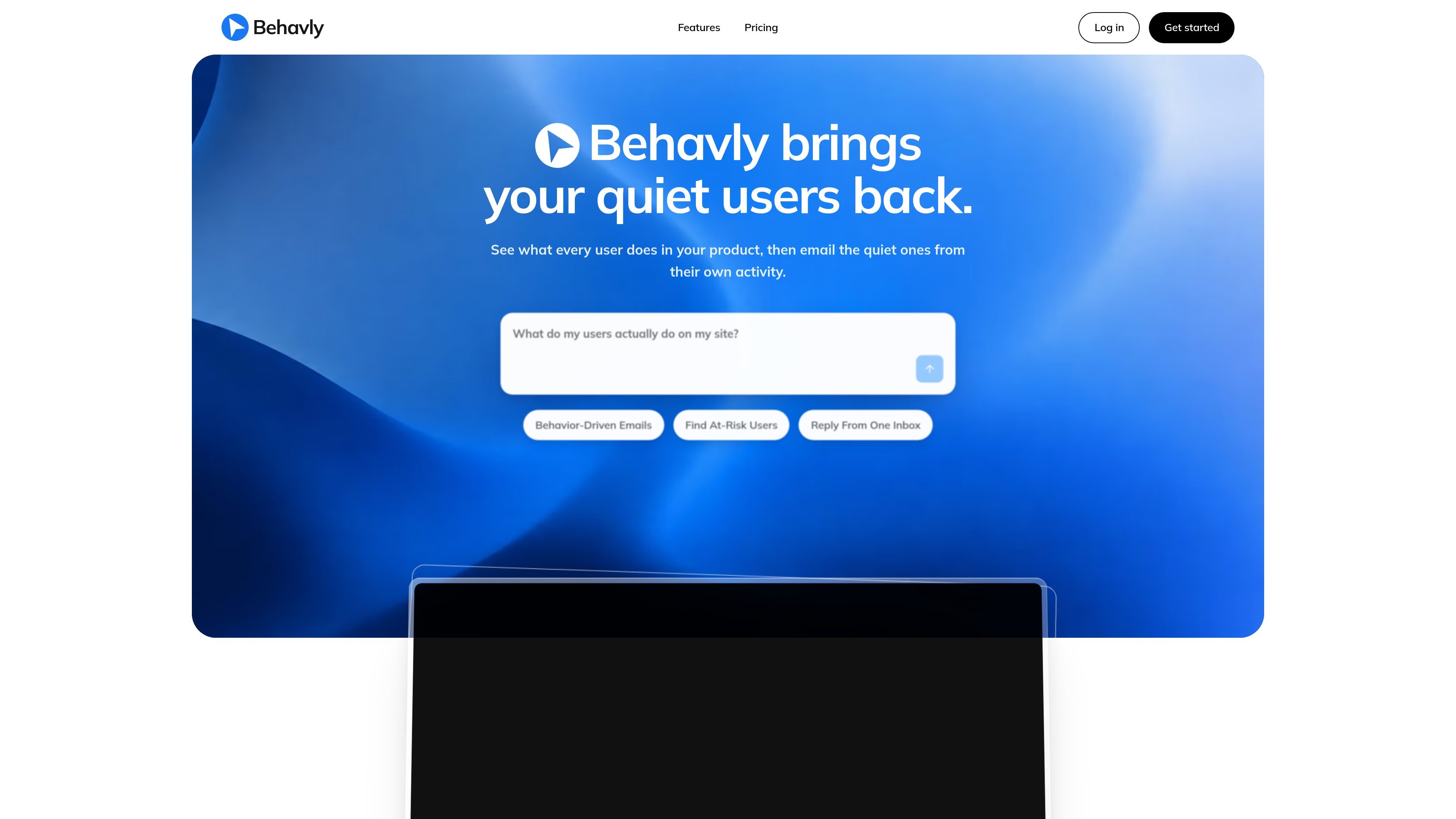
Behavly is a behavior-based user re-engagement platform for websites and digital products. It captures site activity through a tracking snippet, associates visits with users when a signed-in session is available, and helps teams identify people who became inactive or encountered specific friction points.
Teams can select a behavior pattern, generate personalized follow-up emails based on each person’s activity, and choose when those messages are sent. Campaign results show engagement and which users returned, while the Inbox keeps replies alongside the sender’s product history for more informed follow-up.
Add one tracking snippet to associate site activity with identified users and see anonymous sessions separately when they cannot be attached to a person.
Filter audiences using patterns such as visiting pricing and going quiet, starting but not returning, ignoring an upgrade, or encountering checkout friction.
Generate follow-up emails from each recipient’s own activity and write them in the recipient’s language. Campaigns can use fixed scheduling or adaptive timing within configured guardrails.
Connect a mailbox to receive replies in Behavly, where each message includes the sender’s site history. Behavly can classify replies and draft responses for a person to review and send.
Use Analytics, Analysis, and Email Engagement to review audience activity, interpret behavior, and evaluate campaign performance. Heatmaps show clicks, movement, and scroll stopping points on tracked pages.
Ask Copilot how Behavly works without leaving the app. It explains product features but is scoped to Behavly rather than acting as a general analysis tool.
Find people who viewed pricing and then stopped visiting, and send a follow-up grounded in what they had already explored rather than a generic broadcast.
Identify users who pressed a trial or signup call to action but never returned, then use a personalized email to bring them back into the product journey.
Create a targeted audience for people who encountered checkout errors or rage-click behavior, giving the team a way to address likely friction after the failed session.
Review replies with each sender’s site history attached, draft a context-aware response, and classify or triage the conversation from a shared Inbox.
Compare audience activity, interpret funnel behavior, and see which campaign recipients re-engaged and how quickly they returned.
Add Behavly’s tracking snippet to your site, connect a sending mailbox, and create an initial campaign. The campaign setup ends with a review screen, and nothing sends until the campaign is completed and approved unless you change the approval setting.
The snippet detects signed-in sessions automatically. Identified users are grouped as people, with multiple anonymous IDs for the same email merged across devices. Unattached sessions remain listed separately as anonymous browser profiles.
Approval is enabled by default, so generated emails wait for review. You can turn approval off for automatic sending. Inbox replies are not sent automatically; Behavly can draft a response, but a user must send it.
You can connect Google Workspace or Microsoft accounts, as well as mailboxes that support IMAP and SMTP. Multiple mailboxes can be connected, and campaign replies appear in the Behavly Inbox with the sender’s site activity.
Workspace administrators can turn AI off, control how customer data is treated before it is used, and set behavior-data retention. Visitor IP addresses are not stored, and account, campaign, and workspace actions are recorded in an exportable audit log.

PromptScout tracks how ChatGPT, Gemini, Google AI Overviews, and Perplexity mention your brand or competitors, then pairs those results with source analysis and website audits. It helps teams decide what to fix in content, positioning, or site readiness next.

SaveMRR is a Stripe retention tool for SaaS teams that scans billing data for churn and MRR leaks, then automates recovery through dunning, cancel-save offers, win-back emails, and onboarding nudges. It is built for founders and bootstrapped teams using Stripe.

Hype is a web tool for finding trending YouTube topics by category, time range, and scoring mode. It helps creators spot emerging ideas, inspect source videos, and decide what to cover next.

Liam is an AI copilot for managing inboxes, writing replies, prioritizing email, and scheduling meetings. It is offered free for individuals, with custom pricing for teams and enterprise.

Sleek Analytics is a privacy-friendly web analytics tool with real-time visitor tracking, Core Web Vitals, and revenue attribution. It helps site owners understand traffic and conversions without cookie banners or a heavy setup.

Struere is an AI-native platform for turning spreadsheet data into structured operational software with dashboards, alerts, and automations. It is aimed at teams that want to replace manual spreadsheet workflows without building custom tools from scratch.