
Analyze one video at a time
Paste a public YouTube video URL to start a report. The workflow is centered on turning a single video’s comment thread into a structured summary.

BeyondComments analyzes public YouTube video comments and turns them into a structured report with viewer sentiment, requests, reply candidates, sponsor hints, and next-video ideas. It is built for creators, teams, and agencies that want faster audience feedback without manually reading long threads.
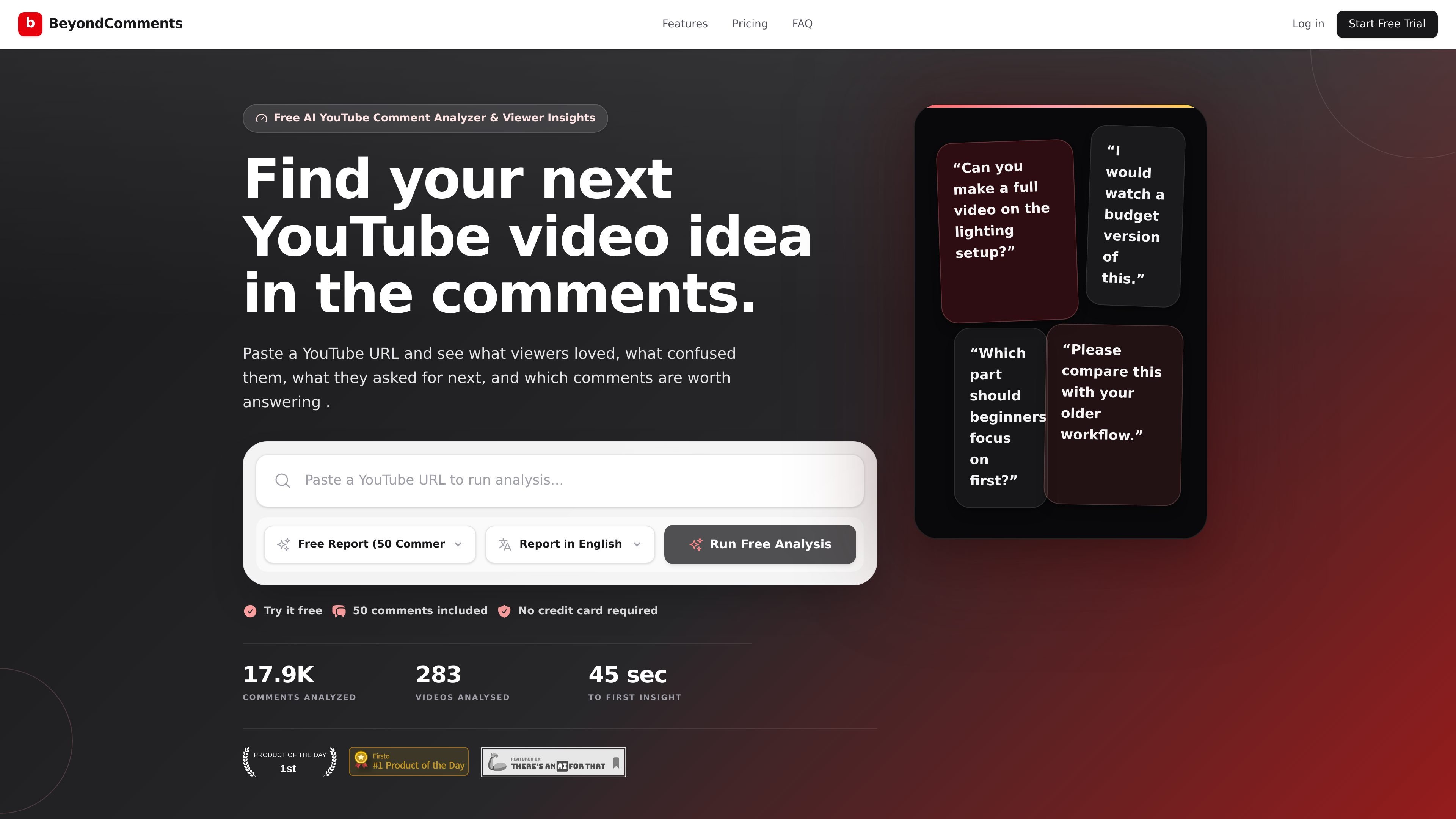
BeyondComments is a YouTube comment analyzer for creators who want to turn a video’s comment section into an actionable report. You paste a public YouTube video URL, and the product organizes viewer feedback into patterns such as requests, questions, praise, objections, sponsor interest, and comments that deserve a reply.
The product is designed to help creators decide what to answer, what to pin, and what to make next without manually scrolling through hundreds of comments. Its reports can be generated in multiple languages, and the site offers both a free tier for up to 50 comments and paid credit packs for larger analyses.
Paste a public YouTube video URL to start a report. The workflow is centered on turning a single video’s comment thread into a structured summary.
The report groups repeated requests, questions, complaints, praise, sponsor hints, and other themes so you do not have to read the thread line by line.
It highlights comments that look worth answering, including thoughtful questions and high-intent messages that may otherwise get buried.
BeyondComments surfaces audience signals such as video ideas, confusion, objections, and product or partnership interest hidden in the comments.
Users can choose a report language from nine supported options, which helps when an audience is multilingual.
The site also includes free YouTube tools such as an income calculator, thumbnail downloader, and tag generator alongside the comment analyzer.
Use the report after publishing to see which questions, requests, and objections keep coming up so you can plan the next video from actual audience feedback.
Scan a busy comment thread for thoughtful questions and loyal-fan comments that deserve a direct response before they get buried.
Look for sponsor interest, product questions, and buying intent hidden in comments so you can spot partnership signals sooner.
Review audience feedback in a shared report instead of having one person manually summarize the thread for a team or client.
Use the multilingual report options when your audience speaks more than one language and you need a readable summary in the language you work in.
BeyondComments reads a public YouTube video’s comments and organizes them into a report covering viewer sentiment, requests, questions, praise, sponsor hints, and comments worth replying to. Free reports cover the essentials, while full reports unlock additional sections and AI chat follow-up.
Free reports analyze up to 50 comments on a video and include the creator brief, momentum score, audience sentiment, agreement split, comment health, topic breakdown, and comment categories.
Full reports analyze up to 5,000 comments and unlock sections such as Comment Signals, Best Next Moves, Community Highlights, Pinned Comment Ideas, Shorts Q&A Ideas, and AI chat. Full reports use credits, with one credit per comment analyzed.
Yes. BeyondComments supports report generation in English, Spanish, Portuguese, Hindi, Russian, Japanese, French, Arabic, and Farsi/Persian.
BeyondComments says it only processes the comments and video details needed to generate the report, with data encrypted in transit and at rest.

Hype is a web tool for finding trending YouTube topics by category, time range, and scoring mode. It helps creators spot emerging ideas, inspect source videos, and decide what to cover next.

PromptScout tracks how ChatGPT, Gemini, Google AI Overviews, and Perplexity mention your brand or competitors, then pairs those results with source analysis and website audits. It helps teams decide what to fix in content, positioning, or site readiness next.

SaveMRR is a Stripe retention tool for SaaS teams that scans billing data for churn and MRR leaks, then automates recovery through dunning, cancel-save offers, win-back emails, and onboarding nudges. It is built for founders and bootstrapped teams using Stripe.

Sleek Analytics is a privacy-friendly web analytics tool with real-time visitor tracking, Core Web Vitals, and revenue attribution. It helps site owners understand traffic and conversions without cookie banners or a heavy setup.

Struere is an AI-native platform for turning spreadsheet data into structured operational software with dashboards, alerts, and automations. It is aimed at teams that want to replace manual spreadsheet workflows without building custom tools from scratch.

ClayHog est une plateforme de visibilité SEO IA pour suivre la présence des marques sur ChatGPT, Gemini, Perplexity, Claude et Google AI Overviews. Elle aide les agences, équipes marketing et SEO à suivre citations, concurrents, sentiment et opportunités de contenu depuis un seul tableau de bord.