
AI Draft Generation
The page directly provides “One-click draft” and “AI one-click draft” entry points, allowing users to generate a paper draft first and then continue refining it.

笔杆论文写作是一个面向论文写作的在线平台,提供初稿生成、提纲推荐、润色、查重、校对、降重和翻译等流程辅助。它适合需要在同一工具中完成论文起草与整理的人群。
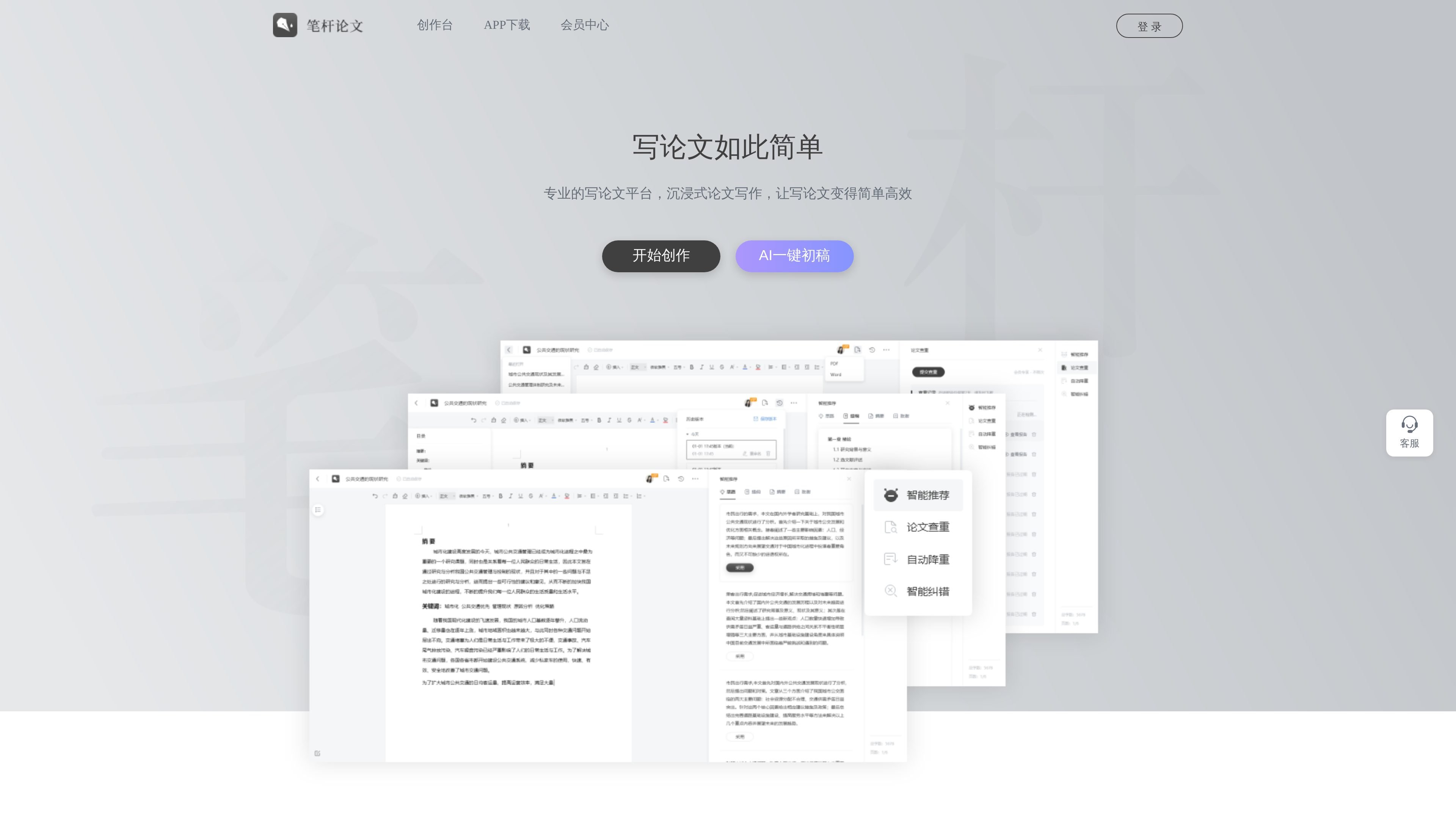
笔杆论文写作 is an online platform for paper writing. The homepage information shows that it provides integrated tools around content generation, material recommendations, editing and polishing, paper plagiarism checking, review and proofreading, intelligent rewriting, and multilingual translation. It is positioned not as a single writing tool, but as a complete workflow that covers drafting, organizing, proofreading, and rewriting.
From the features visible on the homepage, the product emphasizes capabilities such as “One-click draft,” “AI one-click draft,” “Smart outline recommendation,” “Writing idea recommendation,” and “Sentence completion,” helping users get into the writing process faster. The page also mentions that “billions of academic documents” support its AI capabilities, indicating that it mainly serves users who need assistance with academic writing.
The page directly provides “One-click draft” and “AI one-click draft” entry points, allowing users to generate a paper draft first and then continue refining it.
The platform places content generation, material recommendations, editing and polishing, plagiarism checking, proofreading, intelligent rewriting, and multilingual translation in one workflow, covering multiple stages before, during, and after writing.
The homepage emphasizes that “billions of academic documents” are used to power AI, indicating that the system draws on a large amount of academic material to support topic selection, writing, and content organization.
The page lists capabilities such as “Smart outline recommendation,” “Writing idea recommendation,” and “Sentence completion,” which are useful when you get stuck and need help with structure and expression.
The homepage states “guaranteed originality” and mentions that the robot autonomously learns specialized corpora, indicating that the product focuses on original expression and readability.
The page shows entries such as the “笔杆论文 APP” and “Creative Studio APP download,” indicating that the product offers app access or client downloads in addition to the web version.
Suitable for users who want to write the paper first and refine it step by step, using one-click draft or AI one-click draft to get a basic text before moving on to polishing and proofreading.
Suitable for users who get stuck on structure or expansion during writing, using smart outline recommendations and writing idea recommendations to organize the content.
Suitable for scenarios where you already have a draft but need to improve expression and compliance, using editing and polishing, review and proofreading, and sentence completion to refine the text.
Suitable for paper-writing workflows that need to reduce repeated wording risk and check text quality, as the page explicitly mentions paper plagiarism checking and intelligent rewriting.
Suitable for cross-language writing or scenarios where content needs to be converted into another language, as the homepage explicitly lists multilingual translation capabilities.
From the homepage information, 笔杆论文写作 provides workflow support for content generation, material recommendations, editing and polishing, plagiarism checking, proofreading, intelligent rewriting, and multilingual translation, making it suitable for people who want to complete paper writing and organization on one platform.
The page shows entry points such as “One-click draft,” “AI one-click draft,” “Smart outline recommendation,” “Writing idea recommendation,” and “Sentence completion,” which indicates it supports the writing process from first draft to revision.
The homepage mentions “billions of academic documents” powering its AI and emphasizes “the broadest knowledge base” and “the deepest professional knowledge,” suggesting that the platform focuses on academic writing scenarios.
The homepage shows entry points such as login, customer service, Creative Studio app download, and member center; the pricing page returns 404, so there is no verifiable pricing information in the publicly available content.

SpeedAI科研小助手是一款面向科研写作的AI工具,提供论文降重、降AIGC率、学术润色和AIGC检测。它支持按需付费和免费试用,适合需要处理论文与学术文本的用户。

Jenni is an AI research and academic writing assistant for students, researchers, and academics. It helps users draft papers, manage citations, review claims, and export documents from one workspace.
梅子Ai论文 est une plateforme de rédaction de thèses de haute qualité basée sur l'IA, offrant une génération illimitée de plans de travail gratuits et un service de génération rapide de brouillons initiaux.

PaperBetterAI est un outil d'écriture intelligent qui génère des travaux académiques et divers matériaux d'écriture en chinois et en anglais grâce à une technologie avancée d'IA.

悟智AI是一款面向中文写作场景的 AI 写作系统,提供模板生成、智能聊天、校对、改写、扩写、翻译和 AI 绘图等功能。它适合需要快速起草、润色或协作完成内容的个人和内容创作者。

光速写作是一款面向学生、职场人士和公务场景用户的 AI 写作软件,支持全文生成、大纲生成、改写、续写、扩写和摘要等功能。它也提供文档问答、图文问答、拍照解题和多端同步等辅助写作能力。