
Live session dashboard
Shows active Claude Code sessions in a single dashboard, including project, status, model, token totals, uptime, and recent activity.

claude-code-session-tracker is a local, open-source dashboard for monitoring Claude Code sessions, usage limits, token history, and context-window details. It is aimed at Claude Code users who want to track concurrent projects and understand token consumption from a browser-based local interface.
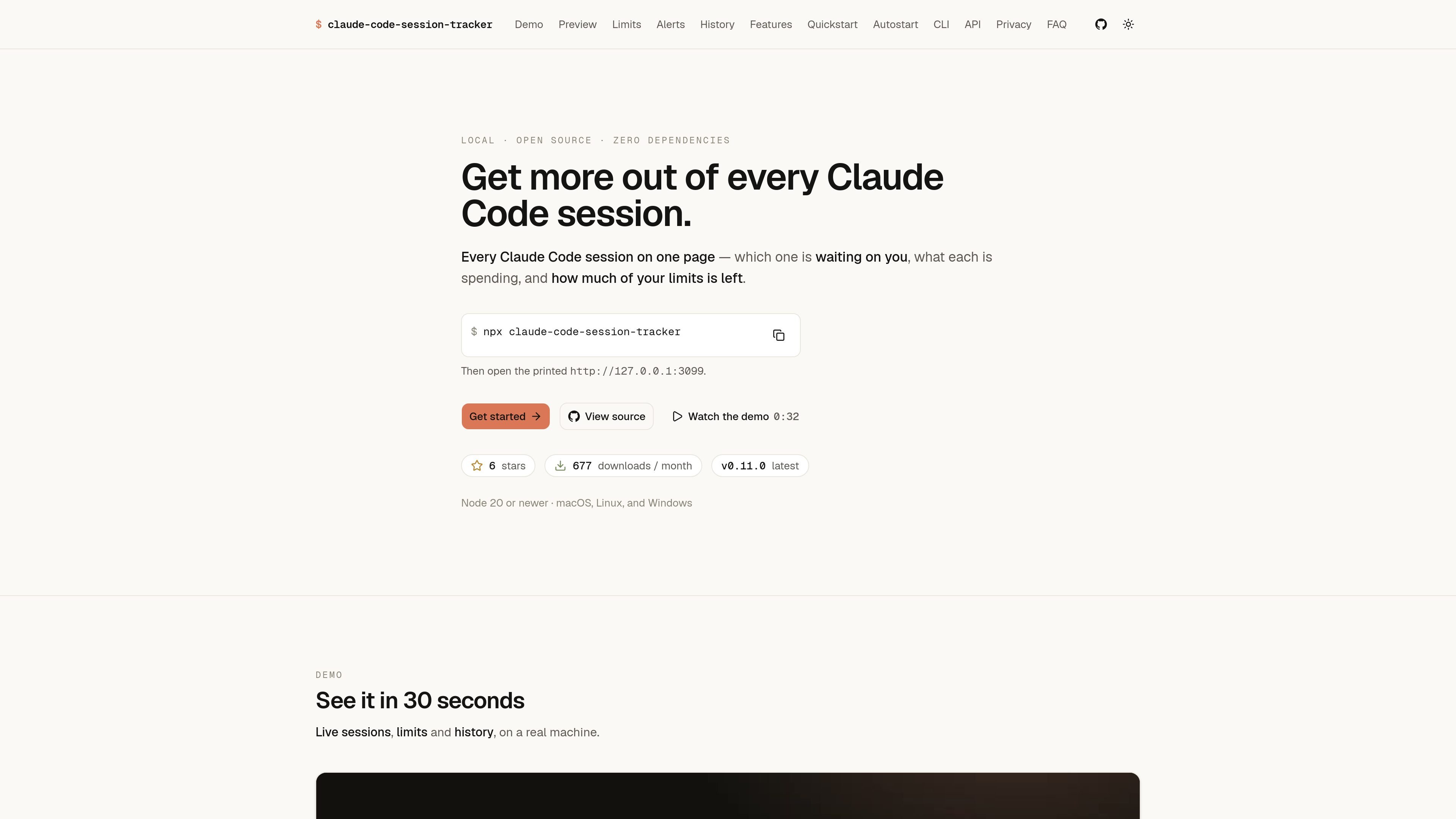
claude-code-session-tracker is a local, open-source dashboard for monitoring Claude Code sessions and usage. It brings active sessions, project and model details, token totals, and both five-hour and seven-day usage windows into one browser interface.
The tracker also provides detailed session analysis and historical reporting. Users can inspect context-window composition, review token activity by day or hour, compare projects and models, export a report, and optionally receive desktop notifications as a usage window approaches its limit. The site describes the application as read-only, loopback-bound, and designed to run without dependencies beyond Node 20 or newer.
Shows active Claude Code sessions in a single dashboard, including project, status, model, token totals, uptime, and recent activity.
Displays Anthropic's five-hour session and seven-day weekly usage readings, reset times, percentage used, and an estimate of when a limit will be reached at the current pace.
Opens detailed session views with input, output, total and cache token counts, context-window usage, static context sources, prompts, and a resume command.
Provides token history by local day, half-hour period, project, and model, with range filters, charts, a year view, export, and shareable imagery.
Can notify users before a session or weekly window is expected to run past its limit. Notifications are optional, off by default, and configurable by window.
Highlights heavier usage patterns such as long sessions and standing context, helping users identify where tokens are being spent.
Watch multiple active projects from one page, see which sessions are busy or waiting for input, and reopen a session when work needs attention.
Compare current consumption with the five-hour and seven-day windows to decide whether to continue a task, change pace, or wait for a reset.
Open a session's context breakdown to find large CLAUDE.md files, skills, tools, agents, MCP instructions, or conversation history that contribute to the window.
Use day, hour, project, and model views to understand where tokens accumulate over a month or longer, then export the resulting report for further reference.
Enable desktop alerts when working in another application so a usage window nearing its limit is surfaced before the limit is reached.
Run `npx claude-code-session-tracker`, then open the printed local address, `http://127.0.0.1:3099`, in a browser.
The dashboard shows active Claude Code sessions, session and weekly usage windows, token details, session context, and resume commands. A separate History page provides token views and export options.
Yes. Desktop notifications can be enabled in Settings for the five-hour session limit and seven-day weekly limit. Notifications are off by default and are limited to one per configured interval.
The product is presented as local and loopback-bound. The page states that it is read-only and that data does not leave the machine.
The site lists Node 20 or newer and support for macOS, Linux, and Windows. It is MIT licensed and described as open source.

ByteAsk is a terminal-first AI coding agent for C and C++ that edits repositories and verifies changes with the real compiler, debugger, sanitizers, and tests before showing a diff. It offers a free tier plus paid plans, with editor connectors and zero-retention handling described in the source.

Epherem is a static security scanner for web apps built with AI coding tools such as Lovable, Bolt, v0, Replit, Cursor, and Claude Code. It checks source files and dependencies for common security mistakes, then provides categorized findings and suggested fixes without running the app.

PromptScout tracks how ChatGPT, Gemini, Google AI Overviews, and Perplexity mention your brand or competitors, then pairs those results with source analysis and website audits. It helps teams decide what to fix in content, positioning, or site readiness next.

CreateOS Sandbox is an isolated compute environment for running code and agent workloads inside Firecracker micro-VMs. It is designed for workflows that need machine-level isolation, private networking between sandboxes, and programmatic control through SDK, CLI, or MCP.

Sleek Analytics is a privacy-friendly web analytics tool with real-time visitor tracking, Core Web Vitals, and revenue attribution. It helps site owners understand traffic and conversions without cookie banners or a heavy setup.

GitBot is a local browser-based workspace for creating reusable coding bots powered by Claude Code, Codex, or OpenCode. It helps developers run those agents across repository folders with persistent threads and configurable permissions.