
Plugin-based setup
Install the `@jiggai/recipes` and `@jiggai/kitchen` plugins, then restart the gateway to load team scaffolding and the UI.

ClawRecipes helps OpenClaw users scaffold agent teams and individual agents from Markdown recipes, with a marketplace, file-first shared context, and a companion UI called ClawKitchen. It is aimed at teams that want repeatable workflows they can inspect and version in git.
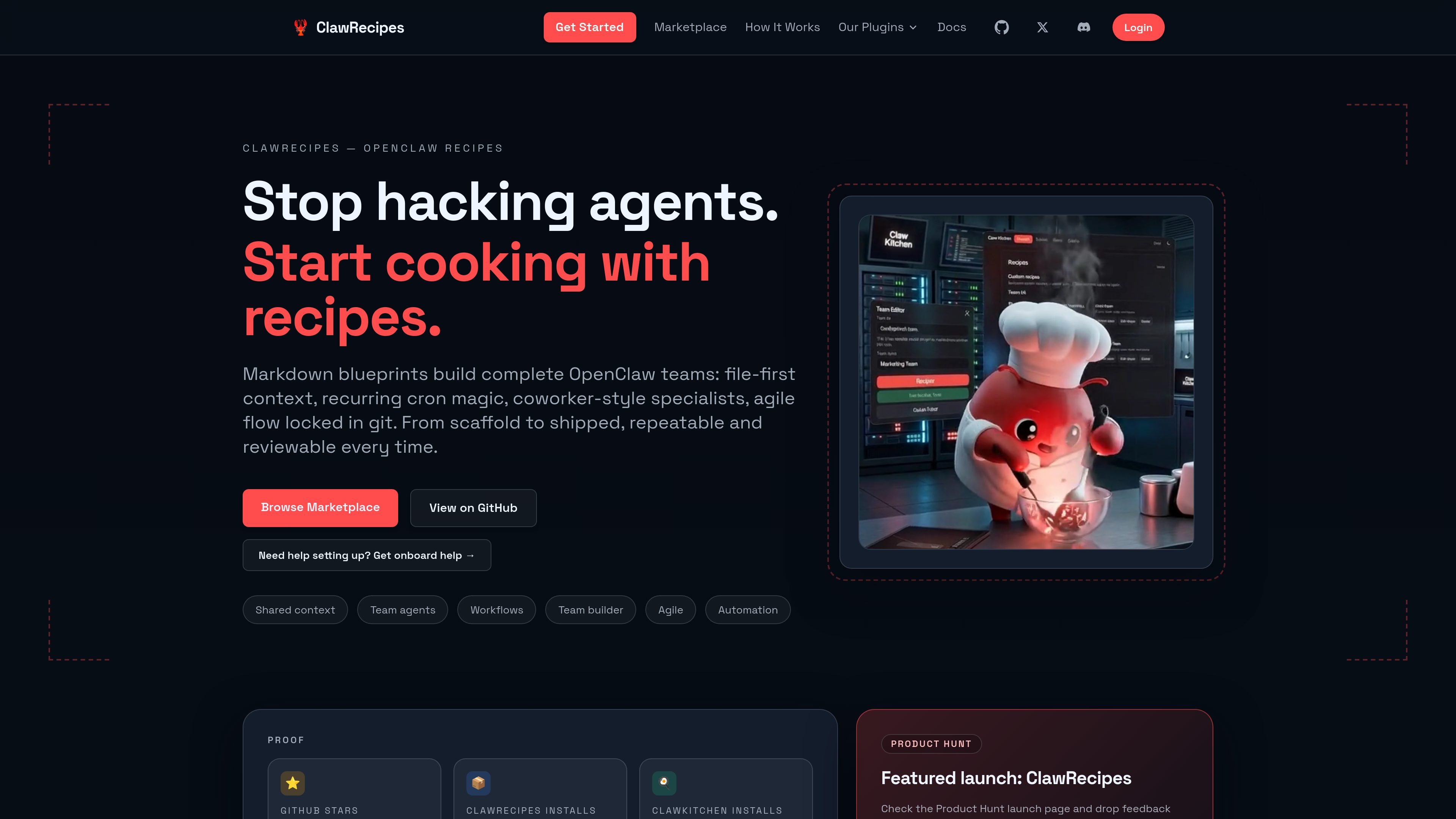
ClawRecipes is an OpenClaw recipe system for scaffolding teams and individual agents from Markdown-based blueprints. It pairs terminal commands with a public marketplace so teams can start from proven structures instead of assembling roles and workflows manually.
The product is designed around file-first operations: shared context, tickets, checklists, outputs, and workflow definitions live in versioned files. ClawKitchen adds a user interface for editing teams, managing context, and running workflows day to day, while the underlying recipes keep the operating model explicit and reviewable.
Install the `@jiggai/recipes` and `@jiggai/kitchen` plugins, then restart the gateway to load team scaffolding and the UI.
Scaffold a full team or a single agent from terminal commands so you can start from a known structure instead of building from scratch.
Store tickets, notes, checklists, outputs, and artifacts in shared Markdown files that stay readable, greppable, and versioned.
Define team roles, lanes, conventions, and workflows in recipe files so the operating structure stays explicit and repeatable.
Browse and install team recipes and agent recipes from a marketplace, then tailor them for your own workspace.
Use ClawKitchen to create and edit teams, manage files, run workflows, and inspect outputs without staying in the terminal.
Use the team scaffolds to create a development, product, marketing, research, or other role-based team with shared workspace conventions.
Use individual agent recipes when you only need one focused agent, such as a developer, researcher, editor, or project manager.
Use the marketplace when you want a ready-made template instead of defining roles, lanes, and workflows from scratch.
Use ClawKitchen when you want to edit team files, inspect workflow runs, and manage context from a UI instead of the terminal.
Use the cron and workflow patterns for recurring check-ins, triage, reminders, or other repeatable operations that should stay explicit and prompt-gated.
Yes. The setup flow starts by installing both the ClawRecipes and ClawKitchen plugins, then restarting the OpenClaw gateway so the extensions load.
ClawRecipes provides team and agent scaffolds, while ClawKitchen adds a UI for creating, editing, and running teams day to day.
The site shows command-line setup through `openclaw` and a marketplace for installing pre-built recipes. It also describes OpenClaw configuration for enabling ClawKitchen, but does not document other third-party integrations.
No pricing details are published on the site. The pricing URL currently returns a 404 page.

Codex Plugins bundle reusable skills, app integrations, and MCP servers into workflows you can install in the Codex app or use from Codex CLI. They help extend Codex with connected-service tasks, reusable instructions, and shared team workflows.

Struere is an AI-native platform for turning spreadsheet data into structured operational software with dashboards, alerts, and automations. It is aimed at teams that want to replace manual spreadsheet workflows without building custom tools from scratch.

Studio CLI is the terminal interface for WordPress Studio. It lets you manage local sites, preview sites, authentication, and Blueprint-based site creation from the command line.

Goldfish is an AI memory app for macOS that helps you reply, write, summarize, and continue using the context already on your Mac. It stores memory locally and writes in your tone.

Lasso is an ecommerce product data platform for enriching catalog records, processing supplier files, generating product content, and monitoring competitors. It combines a web app with a REST API, SDK, and MCP server for teams and developers.

garden-md is an open-source Node.js CLI that turns meeting transcripts into a local company wiki. It links entities across transcripts, keeps the original text intact, and renders the result as a browsable wiki.