
Screenshot capture modes
Capture areas, windows, full screens, and scrolling content, including long pages, chats, documents, and code that extend beyond one screen.

CleanShot X is a Mac screen capture app for screenshots, screen recordings, and sharing. It also includes built-in editing, OCR, and CleanShot Cloud for link-based collaboration.
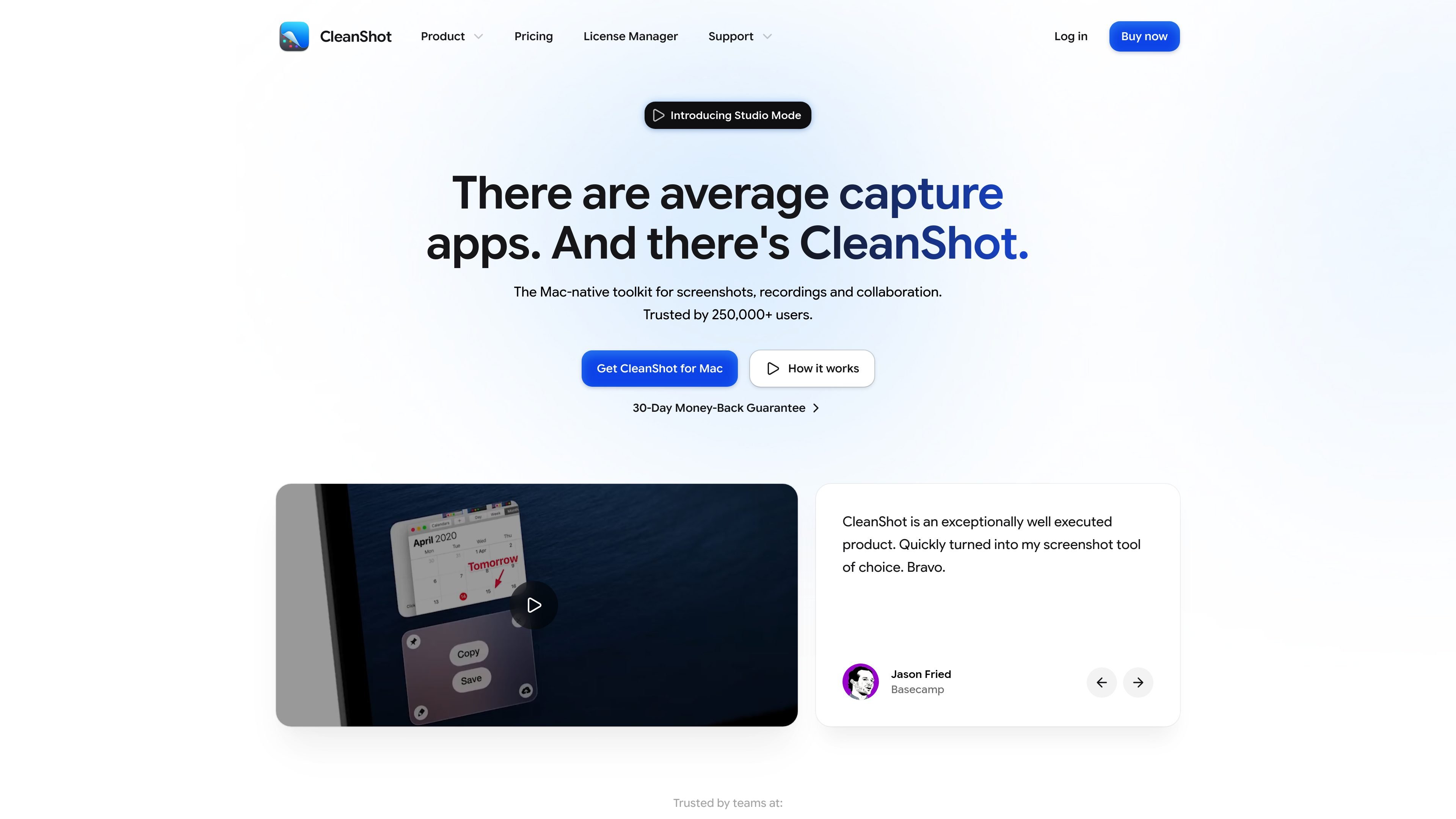
CleanShot X is a Mac-only screen capture toolkit for screenshots, screen recordings, and sharing. The product combines capture tools, a built-in editor, CleanShot Cloud, and workflow features designed to keep captures easy to find, annotate, and send without switching apps.
The site positions CleanShot as a native Mac app for people who create annotated screenshots, record short videos or GIFs, and share captures with teammates or clients. It also supports deeper team workflows on Pro plans with centralized access management, SSO, SCIM, and security controls.
Capture areas, windows, full screens, and scrolling content, including long pages, chats, documents, and code that extend beyond one screen.
Record the screen as MP4 or GIF, capture microphone or computer audio, and show or hide the cursor, keystrokes, clicks, and camera bubble while recording.
Edit screenshots inside the app with annotation tools such as arrows, blur, pixelation, spotlight, shapes, text, and crop and resize controls.
Upload screenshots or recordings to CleanShot Cloud and share a clean link, with support for comments, custom domain and branding, file access control, password protection, SSO, SCIM, and admin controls on Pro plans.
Use Studio Mode to trim recordings, add smooth zooms, adjust cursor movement, and export polished videos from a built-in editor.
Copy text from images with on-device OCR, read QR codes, keep capture history, pin screenshots on top, and customize shortcuts, formats, and sharing behavior.
Create polished screenshots for documentation, tutorials, support responses, or internal notes using annotations, blur, cropping, and backgrounds.
Record product demos, walkthroughs, and bug reproductions as video or GIF, then refine the result in Studio Mode before exporting.
Capture long pages, chat threads, or code samples that do not fit on one screen by using scrolling capture.
Share captures with teammates or clients through CleanShot Cloud, where links, comments, branding, and team controls help keep feedback attached to the asset.
Copy text from screenshots or scanned images with OCR when you need to reuse content without retyping it.
No. CleanShot Cloud is included with a license, but the pricing page says it is not required to use the app or its other features. It is used for screenshot uploading.
CleanShot requires macOS 13.0 or newer. The pricing page also notes that some OCR languages may require the latest macOS version to work properly.
Yes. The pricing page says CleanShot 5.0 introduced Studio Mode, which lets you add animated zooms to specific parts of a screen recording with smooth motion blur.
No trial is offered on the site, but CleanShot does provide a 30-day money-back guarantee. The app is also available through Setapp, which has its own 7-day free trial.
No. The pricing page says there is no Windows version and no current plan to release one.

Biji est une plateforme polyvalente conçue pour améliorer la productivité grâce à des outils et des fonctionnalités innovants.

Dcyde is a decision log for product teams that captures what was decided, the reasoning behind it, and the source in one shared place. It supports pinning decisions from Slack, Figma, or inside Dcyde and keeps the record searchable over time.

Goldfish is an AI memory app for macOS that helps you reply, write, summarize, and continue using the context already on your Mac. It stores memory locally and writes in your tone.

ArtDeck is a visual reference board app for iPhone, iPad, and Mac that lets artists collect mixed reference material on one canvas and study it with ToolBox lenses. It works offline, supports optional iCloud sync, and is sold as a one-time purchase with no account required.

Malyatko is a baby tracker for logging feeding, sleep, growth, teething, and milestones in one app. It works on iPhone, Apple Watch, and widgets, with no sign-up, offline use, and family sharing through iCloud.

hob is an independent workspace for coding agents that keeps agent sessions, terminals, history, and follow-up work organized around the tools and providers you already use. It is aimed at developers who want local control over routing, history, and workspace structure rather than a bundled model stack.