
Background Noise Removal
Automatically removes background noise from podcast audio and video, including common distractions such as vehicles, babies, dogs, and doors.

Cleanvoice is an AI podcast editor that removes background noise, filler words, pauses, mouth sounds, and other speech artifacts from audio and video files. It also offers transcription, summaries, timeline export, batch uploads, and API access for podcast workflows.
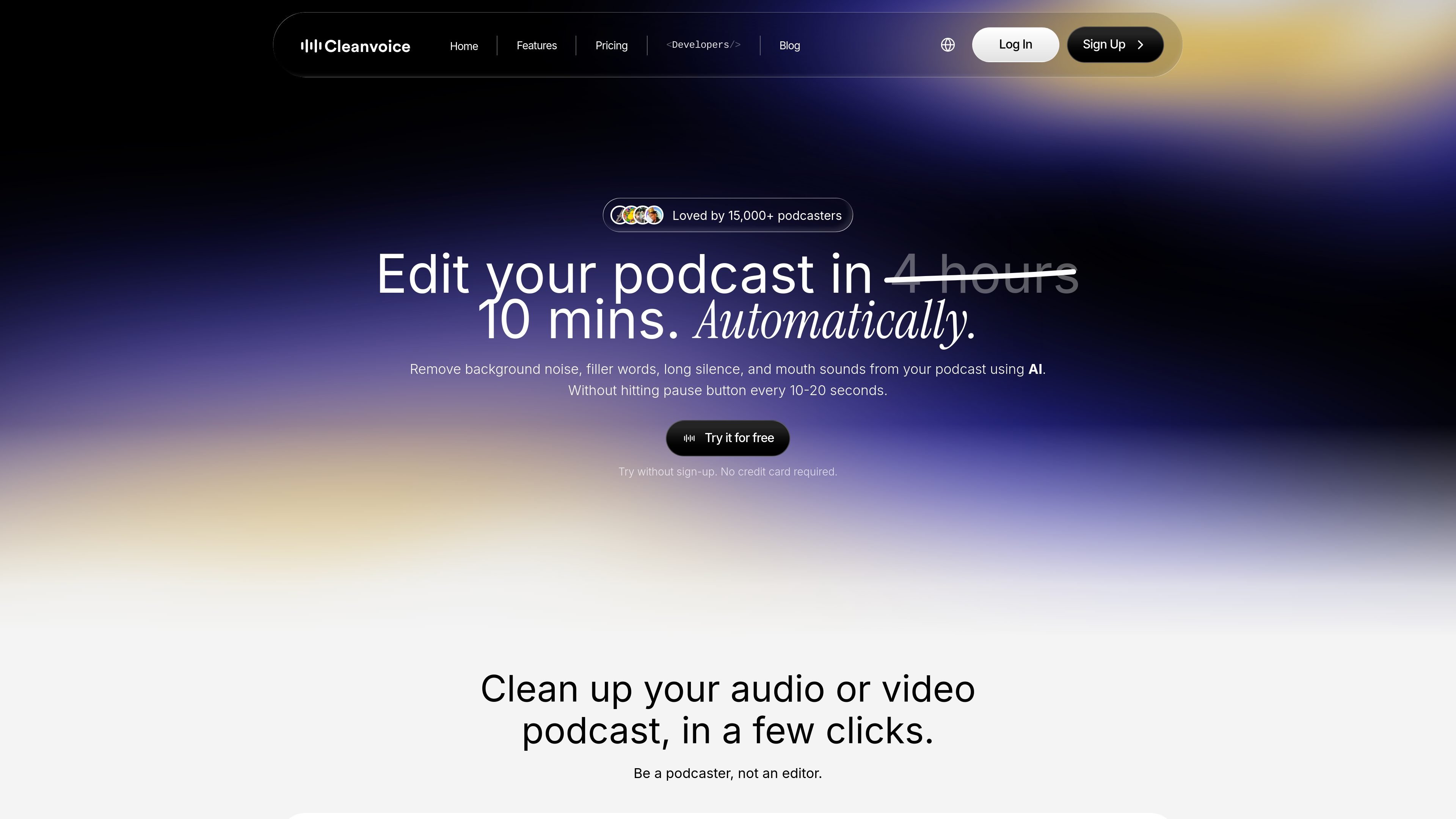
Cleanvoice is an AI podcast editor for cleaning up audio and video recordings without manual, timeline-heavy editing. It focuses on removing background noise, filler words, long silences, mouth sounds, and similar speech artifacts, while also generating transcripts, summaries, and exportable edit timelines.
The workflow is built around uploading files, letting the service transcribe and clean them automatically, and then downloading clean files or export markers. The site also positions the product for use at scale through an API and supports common podcast and voiceover use cases, including batch uploads and multitrack editing.
Automatically removes background noise from podcast audio and video, including common distractions such as vehicles, babies, dogs, and doors.
Detects and removes filler words in more than 20 languages, helping shorten pauses and tighten spoken content.
Cleans up long pauses, dead air, mouth sounds, and breath sounds to make recordings sound more polished.
Generates podcast summaries, show notes, and chapter markers from the recording so you do not need to work from a long transcript first.
Creates transcription and can export timelines or markers of removed sections for review in external editing tools.
Supports multitrack editing so separate guest tracks can be cleaned and synced into a single podcast session.
A solo podcaster can upload an episode, let Cleanvoice remove filler words, long pauses, and mouth sounds, and then download a cleaner version without editing every section by hand.
A producer working with remote guests can clean separate tracks, sync them into one session, and export the result for final review.
A team that publishes regular episodes can use the API to automate cleanup, transcription, and summaries across repeated uploads.
A creator who also needs written assets can turn a recording into a transcript, summary, show notes, and chapter markers in one pass.
An editor who wants to keep manual control can export timestamps or markers of removed parts and finish the project in tools such as Audacity, Audition, or Reaper.
Cleanvoice is designed for podcasters, media agencies, businesses, audio engineers, and video editors who need automated cleanup and transcription for audio or video files.
Yes. The site says you can try Cleanvoice for free without a credit card, and you get additional free credits after signing up.
Cleanvoice supports common audio and video formats, including .wav, .mp3, .m4a, .flac, and .mp4, and it also supports batch uploads.
Yes. Cleanvoice can export timestamps or markers of edited parts, which you can bring into tools such as Audacity, Audition, and Reaper for manual finishing.
Cleanvoice stores original and edited files for 7 days before removing them permanently.

CAMB.AI Streams dubs live audio in multiple languages in real time for broadcasts on platforms like YouTube, Twitch, and X. It plugs into existing live workflows using common streaming protocols and avoids a post-production step.

Video Effects SDK adds real-time webcam effects such as background blur, background replacement or removal, denoising, framing, beautification, and color grading. It is built for teams shipping live video experiences on web, desktop, and mobile platforms.

Fylom is an AI podcast generator that turns a topic or question into a researched narrated episode. It supports typed or spoken prompts, voice selection, and recurring show-style listening.

BeFreed is a personalized audio learning app that turns books and other knowledge sources into narrated listening experiences. It helps people learn on demand through interactive audio, voice selection, and built-in learning tools.

LALAL.AI is an AI audio processing platform for stem separation, voice cleanup, and voice transformation. It supports browser-based upload, preview, and download workflows for audio and video files, plus premium and enterprise options.

Optimo is a free, open-source CLI for optimizing and converting images and videos with format-specific commands built on ImageMagick and FFmpeg. It helps developers prepare web assets, batch process media, and automate compression from the shell or a Node.js script.