
Online video editing
Edit videos in the browser with drag-and-drop controls and a broad set of basic editing tools, including trim, crop, split, resize, rotate, flip, merge, and speed adjustment.

Clipfly is a browser-based AI creative platform for editing videos and generating images, music, and AI-assisted video content. It is aimed at users who want a single web tool for quick editing, AI generation, and media cleanup without desktop software.
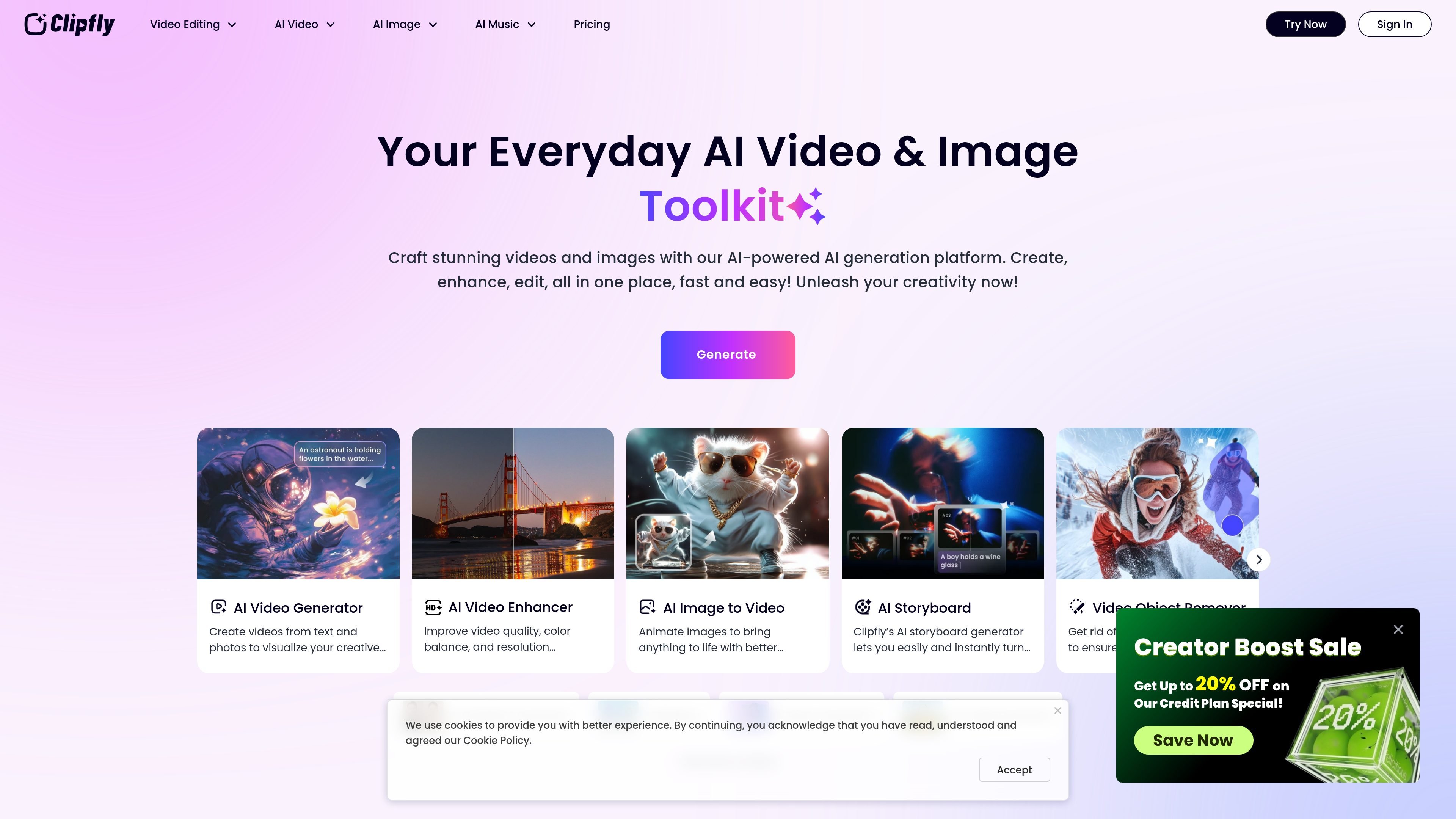
Clipfly is an online creative platform that combines video editing, AI video generation, image tools, and AI music creation in one browser-based product. The site positions it as a way to create and refine content without desktop software or advanced editing experience.
Its video editor supports common edit-first tasks such as trimming, cropping, splitting, merging, adding subtitles, adjusting speed, and layering audio, images, text, transitions, and effects. Separate AI tool pages extend that workflow with text-to-video generation, image-to-video conversion, talking avatars, lip sync, old photo animation, and enhancement tools for fixing or improving existing media.
The pricing page shows that Clipfly offers subscription plans and credit-based AI usage. Plans are organized into Premium, Pro, Pro+, and Business tiers, while individual AI actions such as video generation, watermark removal, background removal, and enhancement consume credits.
Edit videos in the browser with drag-and-drop controls and a broad set of basic editing tools, including trim, crop, split, resize, rotate, flip, merge, and speed adjustment.
Add subtitles, text, overlays, transitions, animations, and effects to shape the structure and pacing of a video without leaving the web app.
Work with audio by extracting sound, adding music or audio tracks, muting, changing speed, and adjusting volume, which supports more complete video finishing.
Use AI tools to generate videos from text, convert images to video, create talking avatars, lip sync clips, animate old photos, and build storyboard or reel-style content.
Improve existing footage with AI enhancement tools such as upscaling, unblurring, background removal, object removal, watermark removal, and green screen editing.
Create and edit images and songs with additional AI tools, including image generation, image enhancement, background replacement, and music generation from text or lyrics.
Start with an uploaded clip or template, then trim, crop, split, merge, and polish it with transitions, captions, audio, and effects before exporting a finished video.
Turn a text prompt or script into a video, then use AI video tools to build avatar-led clips, reels, storyboards, or other generated content.
Improve lower-quality footage by applying AI enhancement tools such as upscaling, unblurring, background removal, object removal, or green screen cleanup.
Create social, business, or educational videos such as product promos, explainers, classroom recordings, birthday videos, weddings, or other event recaps.
Generate or modify supporting media such as images, backgrounds, headshots, and songs when a project needs more than video editing alone.
Clipfly works directly in the browser as an online video editor and AI creative platform, so users can start with uploads, templates, or AI tools without installing desktop software.
The source pages show MP4, MOV, AVI, and WebM support for uploads in the video editor, and export is described as MP4 with up to 4K resolution and no watermark on the video editor page.
Clipfly’s pricing page shows both subscription plans and credit packs. The subscription plans include Premium, Pro, Pro+, and Business tiers, while AI features also consume credits for actions such as video generation, watermark removal, and image or video enhancement.
The video editor page describes a drag-and-drop workflow with trimming, cropping, splitting, speed changes, captions, transitions, animations, and effects, while the AI tools page adds generation, enhancement, and object or watermark removal tools.
The source pages highlight both personal and business use cases, including marketing videos, educational videos, social media content, and special moments such as birthdays and weddings.

AI Song Maker is a web-based AI music generator that creates songs from text or lyrics and includes related tools such as vocal removal, track extension, and section replacement. It offers free and paid plans with credits, downloads, and commercial-use terms described on the pricing page.

Une plateforme IA tout-en-un qui combine des outils pour l'image, la vidéo, la voix, l'écriture et le chat afin d'améliorer la créativité et la collaboration.

Slidesgo is a presentation template platform for Google Slides, PowerPoint, and selected Canva workflows. It offers free and Premium templates, plus AI-assisted presentation creation and team-friendly access options.

VIDEOAI.ME is an AI video generator for making spokesperson-style videos, ads, explainers, and social content from a script. It is aimed at founders, marketers, agencies, and creators who want to produce videos without filming.

Pixelcut is an AI photo editor for creating and editing product images, social content, and video assets. It offers free and paid plans, plus mobile app and browser access for individual users and teams.

Wysera is an AI business platform that combines PostWyse for content and OpsWyse for CRM and revenue workflows, powered by the shared Wyse AI. It is built for solo operators, teams, and agencies that want approval-first automation across publishing, lead follow-up, and related operations.