
OAuth-scoped MCP connection
Connect an OAuth-capable MCP client to CrawlRaven without installing software or pasting an API key. Access is limited to the websites and scopes approved during the browser consent flow.

CrawlRaven MCP Server connects Claude, ChatGPT, Cursor, Claude Code, and other OAuth-capable MCP clients to structured Search Console, linked GA4, keyword, opportunity, and timeline data. It helps SEO practitioners investigate performance changes, prioritize content work, and review search outcomes from an AI chat workflow.
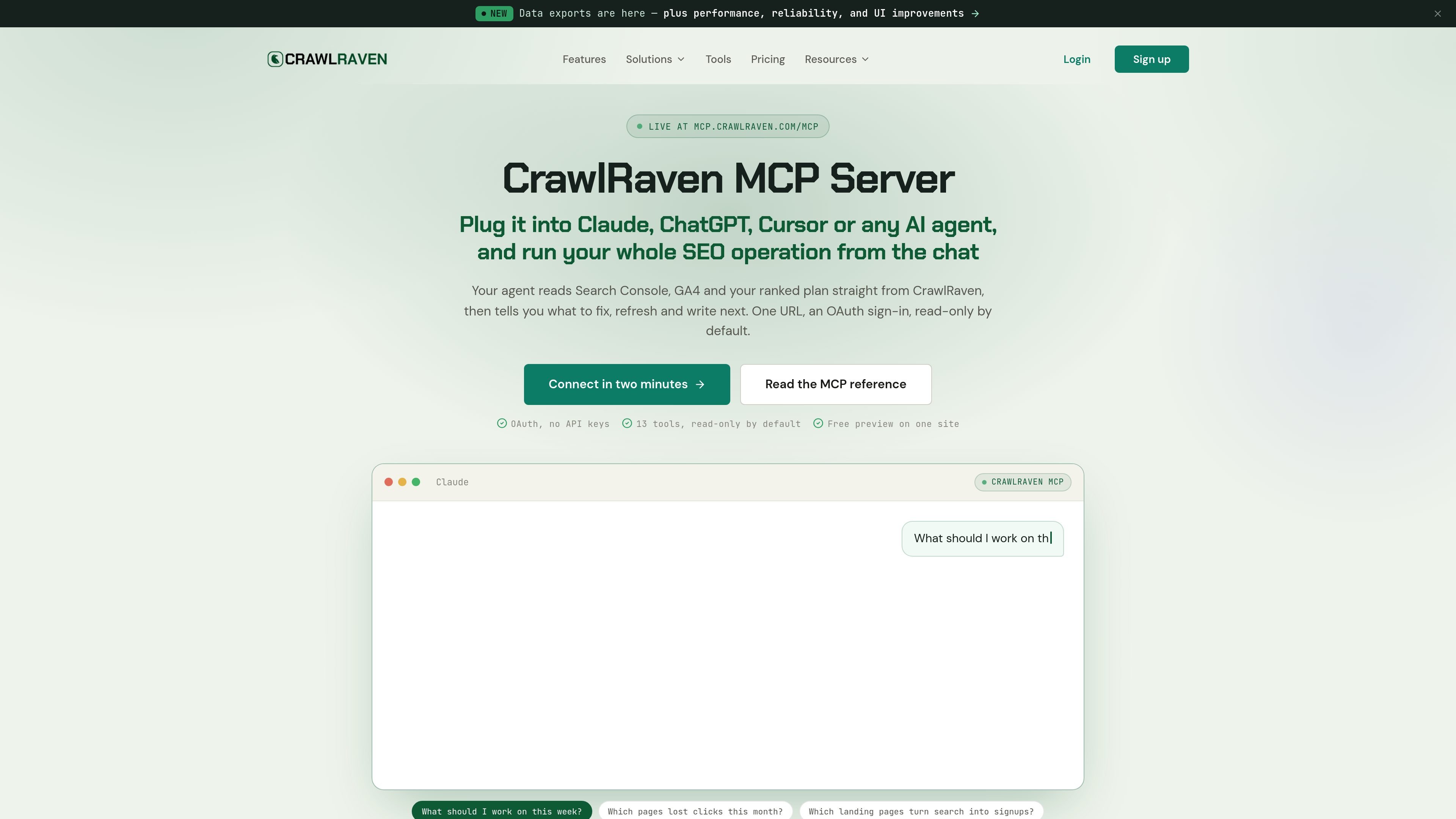
CrawlRaven MCP Server is a remote Model Context Protocol server that gives AI clients scoped, typed access to data held in CrawlRaven. It connects Search Console performance, a linked GA4 property, ranked SEO opportunities, target keywords, and timeline information to conversational tools used in clients such as Claude, ChatGPT, Claude Code, and Cursor.
After an OAuth connection, an AI assistant can retrieve structured rows for questions such as which pages lost clicks, which queries have impressions without clicks, which landing pages produced GA4 key events, or what to work on next from the opportunity list. The server is read-only by default, while manual annotation changes are handled through separately approved tools. A free preview is available to eligible accounts, and paid access can expose up to 13 tools.
Connect an OAuth-capable MCP client to CrawlRaven without installing software or pasting an API key. Access is limited to the websites and scopes approved during the browser consent flow.
Query Search Console data for sites, pages, queries, and performance windows from 1 to 365 days. Tools return structured rows rather than requiring CSV exports or dashboard screenshots.
Use data from the GA4 property already linked to a website to identify landing pages, sessions, engagement, and key events alongside search performance.
Read CrawlRaven’s prioritized opportunities, target keyword plan, content gaps, runner-up keywords, decay tracking, and cannibalization flags to turn search data into a ranked work list.
Compare performance changes with Google updates and your own timeline notes. The annotation tools can plan and track manual notes, but proposed changes require human approval.
Ask an AI client to find pages with the largest click losses over a selected period and compare the timing with Google updates or internal timeline notes before deciding whether the issue is site-specific or broader.
Use queries, pages, positions, and opportunity evidence to identify striking-distance pages, low-click queries, content decay, or query conflicts, then turn the ranked findings into a writer’s refresh checklist.
Combine Search Console landing-page performance with linked GA4 outcomes to identify which pages generate key events, not just impressions or clicks, over a chosen reporting window.
Review target keywords that have no ranking page, group queries by intent, and inspect keyword-map or cannibalization signals while working from the existing plan in CrawlRaven.
Use the tool catalog from an agency or multi-site account to inspect several approved websites, while keeping access constrained by the OAuth connection’s website and scope permissions.
Add https://mcp.crawlraven.com/mcp to an OAuth-capable MCP client, sign in to the CrawlRaven account that owns the relevant websites, review the requested permissions, approve the connection, and return to the client. There is nothing to install and no API key to paste. The documentation recommends calling list_websites first because its website_id is required by the other tools.
The server is documented for Claude.ai, Claude Desktop, Claude Code, ChatGPT, Codex, Cursor, and other OAuth-capable MCP clients. The client chooses a tool based on the question, then receives structured rows with the reporting period and any stated truncation.
Eligible free accounts can use a bounded preview with one activated website, fixed 28-day Search Console reporting, up to 50 rows for supported result types, no pagination or annotations, and 20 shared tool calls per UTC day. Paid access can expose up to 13 tools, subject to the scopes approved for the connection.
The server is read-only by default. Twelve tools are read-only; manual annotation changes use separately scoped tools and require approval. The client only sees the tools and data permitted by the OAuth scopes approved in the browser.
CrawlRaven offers a free plan for one website and paid lifetime access. The pricing page lists one-time lifetime tiers of $39 for one website, $79 for three, $129 for ten, and $999 for 100 websites; paid access includes the MCP catalog subject to approved scopes. Prices are sold in batches and may change for future batches.

PromptScout tracks how ChatGPT, Gemini, Google AI Overviews, and Perplexity mention your brand or competitors, then pairs those results with source analysis and website audits. It helps teams decide what to fix in content, positioning, or site readiness next.

ClayHog est une plateforme de visibilité SEO IA pour suivre la présence des marques sur ChatGPT, Gemini, Perplexity, Claude et Google AI Overviews. Elle aide les agences, équipes marketing et SEO à suivre citations, concurrents, sentiment et opportunités de contenu depuis un seul tableau de bord.

beehiiv is a newsletter platform for creators, publishers, and brands that want to build, grow, and monetize email newsletters and websites from one place. It offers a free Launch plan, plus paid tiers for more advanced growth, monetization, and support features.

Scribeist is an AI-powered writing platform with dedicated workspaces for novels, blogs, essays, and notes. It combines project-aware AI, fiction continuity tools, SEO-focused blog tools, and publishing integrations.

findloc.ai publishes public AI reports for local markets and checks individual business websites for AI visibility signals. It helps owners, marketers, and agencies see which businesses AI assistants recommend and what their own site may be missing.

LoupeKit is a browser panel that inspects live web pages for stack details, layout, SEO, accessibility, and AI-generated code smells. It works as an over-the-page extension with a free tier and Pro options for exports, reports, advisories, and server-side readings.