
Automatic Photo Colorization
The page clearly says it can use an AI image colorization algorithm to add natural, realistic color to old black-and-white photos instead of applying a traditional color filter.

Cutout.Pro 的在线照片上色工具可将黑白、褪色或旧照片自动转换为彩色图像。它支持上传、拖放、粘贴图片或使用图片 URL,适合家庭旧照、历史影像和黑白素材的快速上色。
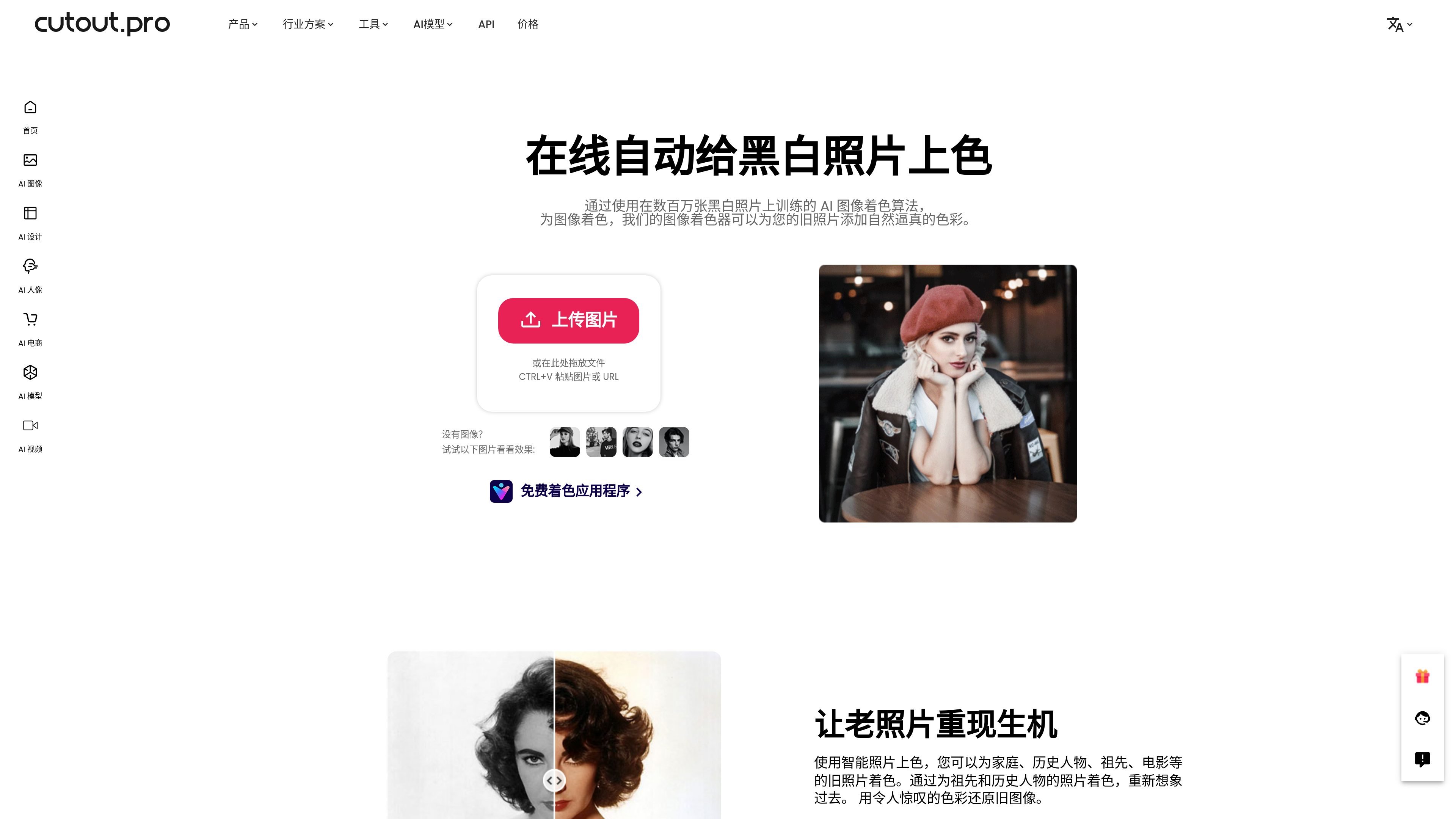
Cutout.Pro's online photo colorizer turns black-and-white, faded, or old photos into color images. The page describes it as an intelligent free online colorizer whose main job is to use AI image colorization algorithms to add natural, realistic color to old photos.
The page explicitly says the algorithm was trained on millions of black-and-white photos and is used for family photos, historical figures, ancestor photos, classic movie stills, and black-and-white landscapes. Users can upload an image directly, or drag and drop, paste an image, or use an image URL to start processing.
The page clearly says it can use an AI image colorization algorithm to add natural, realistic color to old black-and-white photos instead of applying a traditional color filter.
The product description says the algorithm was trained on millions of black-and-white photos and combines deep learning to generate consistent color results.
It supports uploading images, drag-and-drop file handling, and pasting an image or URL, which lowers the entry barrier for basic use.
The page lists family photos, historical figures, ancestors, classic film stills, and black-and-white landscapes as supported subjects, showing it is not limited to a single type of image.
The source page repeatedly emphasizes that color results can be obtained in a few seconds, making it suitable for scenarios where you want to quickly review restoration effects.
Add color to old family group photos or single old photographs for preservation and display of family memories.
Add color to ancestor photos, historical figures, or archival images to help recreate the visual look of the past.
Colorize classic movie stills, black-and-white stills, or black-and-white landscapes to quickly view a color version.
When you need images quickly, upload to the online tool and generate a color result immediately, which is useful when you want to preview the effect before deciding whether to continue.
This tool is intended for colorizing black-and-white photos, faded photos, and old family photos. The examples on the page also mention ancestors, historical figures, classic film stills, and black-and-white landscapes.
The page says you can upload an image, drag and drop a file, paste an image, or use an image URL.
The page shows that it uses an AI image colorization algorithm and deep learning, trained on millions of black-and-white photos, to add natural, continuous color to old photos.
The source page does not clearly state the full set of input formats, batch processing options, or export options for this tool. More details would need to be confirmed in the actual interface and the related pricing page.

Upscale.media is an AI image upscaling and enhancement tool from Pixelbin that enlarges low-resolution or pixelated images and improves clarity in the browser. It offers free individual image use, paid credit plans, and team-oriented workflows such as bulk processing and API integration.

Pixelcut is an AI photo editor for creating and editing product images, social content, and video assets. It offers free and paid plans, plus mobile app and browser access for individual users and teams.

Petalica Paint is a web service for automatically coloring line art and tracing line drawings from photographed images. The home page says it can be used under the stated terms for commercial and noncommercial work, but it is scheduled to end on 2025-07-31 at 16:00 JST.

Wearvue AI generates personalized outfit previews from a photo, lets users refine the style for an occasion, and surfaces similar real products to shop. It is aimed at people who want to preview outfit ideas before buying and compare them with shoppable alternatives.

PhotoAid’s AI Image Enlarger is a free browser-based tool for upscaling images without a standard blur-heavy resize. It supports JPEG, WEBP, and PNG uploads and is described as working best for photos with faces.

Magic Eraser est un outil alimenté par l'IA qui permet aux utilisateurs de supprimer rapidement des objets, des personnes, du texte et des imperfections indésirables des photos avec facilité.