
Voice dictation into any app
Dictately listens to natural speech and converts it into text, then injects the result directly into the app you are using.

Dictately is a macOS voice dictation app that types cleaned-up speech directly into desktop apps. It is designed for people who want faster writing, context-aware output, and multilingual support without browser extensions or plugins.
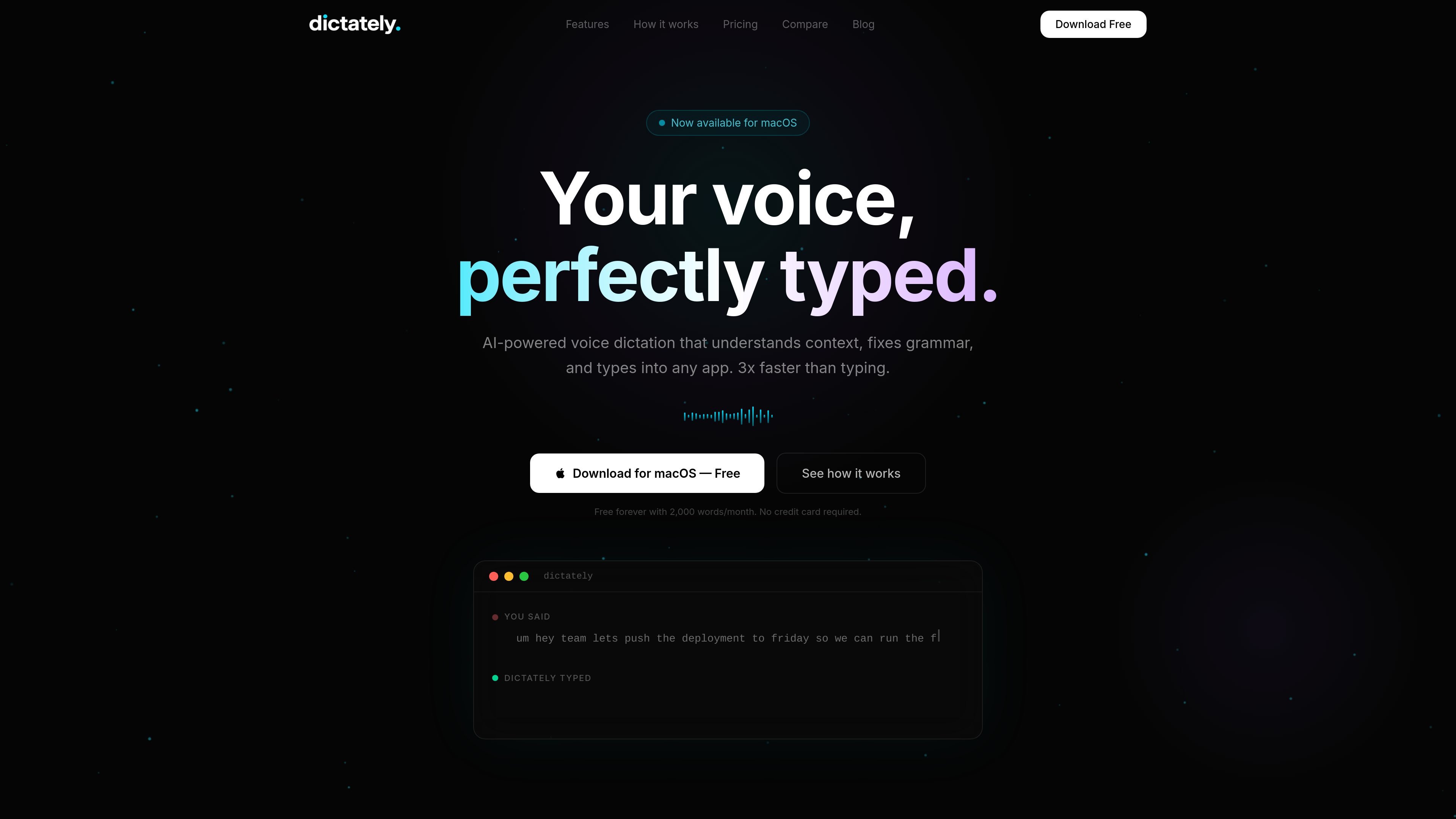
Dictately is an AI voice-to-text app for macOS that turns spoken input into typed text inside the app you already use. The homepage says it works by holding a key, speaking naturally, and releasing the key to get cleaned-up text inserted directly into the active application.
Its main job is not just transcription, but editing as it types. The product says it removes filler words, fixes grammar, adds punctuation, and adapts to the context of the app, which makes it suitable for messages, emails, notes, code comments, and other short-form writing tasks.
Dictately listens to natural speech and converts it into text, then injects the result directly into the app you are using.
The app rewrites messy speech into cleaner copy by removing filler words, fixing grammar, adding punctuation, and formatting the output.
Dictately uses the active application as context so the tone can shift between casual chat, professional email, and technical writing.
A command mode lets you ask for edits such as making text more professional or summarizing what you said.
The product supports 99+ languages with automatic detection and can switch languages mid-sentence.
The homepage says Dictately offers an on-device private English mode, along with cloud-based AI features in other workflows.
Draft Slack replies, email responses, and meeting follow-ups by speaking instead of typing, then let the app clean up the wording before it is inserted.
Write code comments, pull request descriptions, and documentation in editors such as VS Code or IntelliJ, where the app’s context awareness can adapt tone and style.
Capture notes, outlines, and long-form ideas while moving between meetings or working away from the keyboard.
Use the cleanup and language detection features when writing in a non-native language or switching between languages during the same message.
Reduce hand strain by dictating text into the desktop apps you already use, including chat, email, and productivity tools.
Dictately is a macOS voice dictation app that listens while you hold a key, then types cleaned-up text into the active app. The homepage says it works across apps without plugins or extensions.
The homepage says Dictately uses AI to remove filler words, fix grammar, add punctuation, and format the text before typing it back into your app.
Dictately is shown as available now for macOS, with support for Apple Silicon and Intel Macs on the roadmap page text shown in the source. The homepage also positions it as working anywhere you can type.
The site says the free tier includes 2,000 words per month and no credit card is required to start. It also shows a Pro plan and a Lifetime option on the pricing page content captured from the homepage.
The source shows a pricing page path, but the captured pricing URL returns a 404 and detailed team-plan information is not available in the provided text. The homepage does mention enterprise contact for teams.

SpeakoFlow is a free, open-source desktop voice-to-text app for Windows, macOS, and Linux. It supports dictation into any app, voice-driven writing with Flow, cleanup, translation, and a screen-aware assistant.

Sanota is an app that turns spoken memories, reflections, and interviews into clear written stories. It supports personal storytelling, family history, and shared memories, with guided prompts and subscription pricing.

Dictro is a private AI dictation app for Mac that turns speech into polished text in any editable app. It works on Apple Silicon Macs, processes locally by default, and can also run in an optional cloud Fast Mode.

ProWritingAid is a writing assistant for storytellers that offers grammar checking, style editing, paraphrasing, and story analysis inside popular writing apps. It includes a free plan, paid tiers, and tools for chapter critique, manuscript review, and collaborative editing.

Carbon Voice is an asynchronous voice messaging app for teams and individuals, with transcripts, AI catch-up, and cross-device access. It helps people and agents communicate without needing a live call.

Goldfish is an AI memory app for macOS that helps you reply, write, summarize, and continue using the context already on your Mac. It stores memory locally and writes in your tone.