
Menu-bar activity view
Shows detected Claude Code and Codex activity in a Mac menu-bar app, with mascots representing working, waiting, and recently finished activity.

Die With Me is a macOS menu-bar companion for Claude Code and Codex users that tracks remaining usage, connects friends, and opens a shared chatroom when allowances run low. It also supports social participation without an AI assistant and offers Codex reset notifications.
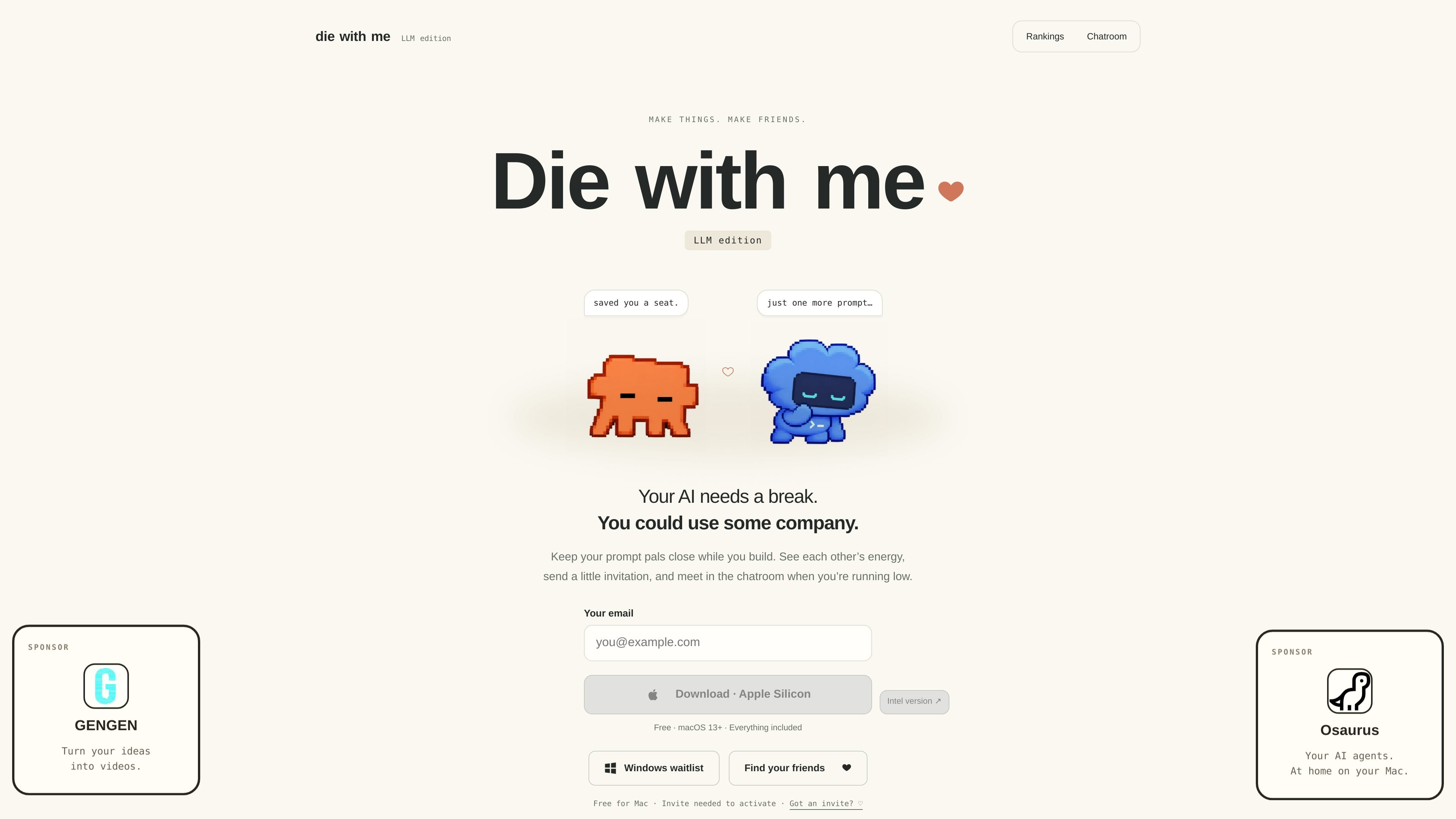
Die With Me is a macOS menu-bar companion for people who use Claude Code or Codex. It reads available usage information, represents activity through sleepy mascots, and lets members compare remaining energy with friends or the wider community.
The app is designed around the pause that happens when an AI usage allowance runs low. An invite-activated account can connect friends, open a shared chatroom at low usage, and provide small social features such as statuses, temporary voice thoughts, and mascot lounges. People without a coding assistant can choose to join as a person simply to hang out, although usage tracking requires the relevant sign-in connection.
Shows detected Claude Code and Codex activity in a Mac menu-bar app, with mascots representing working, waiting, and recently finished activity.
Displays remaining session or weekly energy for Claude Code and Codex, using the lowest remaining value for rankings.
Lets members add people with friend codes or usernames, send friend requests, and compare Friends and Global rankings.
Opens a shared chatroom when usage is low, allowing people to greet each other, discuss what they were building, or wait together.
Includes lightweight social interactions such as temporary recorded thoughts, status messages, mascot interactions, and small lounge visits for snacks.
Can watch for reported Codex usage resets and send notifications while the app is running; the site says it checks every five minutes.
Connect Claude Code or Codex usage, glance at remaining energy, and continue working without repeatedly checking separate usage pages.
Add colleagues or friends with invite codes or usernames, then use the Friends view to see who is still working and who is close to running out.
When a session or weekly allowance is nearly depleted, enter the shared room to exchange a message, share what you were making, or wait for the next reset alongside other users.
Choose “Just here to hang out” during setup if you want the statuses, friend connections, visits, and lounge interactions without connecting an AI coding assistant.
Enable Codex reset watch to receive notice when a reset is reported, then reopen the app to check the allowance before returning to work.
Die With Me is a Mac menu-bar app for Claude Code and Codex usage tracking, social rankings, friend connections, and a chatroom that opens when usage is low.
Download the Mac app, drag it into Applications, then open an invitation link or enter an invite code. Claim a username and connect Claude Code during setup if you want usage tracking. Codex usage is fetched through an existing Codex sign-in.
The site describes the app as free for Mac and supports macOS 13 or later. A Windows waitlist is available, but no Windows release date is stated.
An invite is needed to activate the app. Existing members can provide invites, and the site also directs people without a code to contact the maker on Instagram.
When usage is low, the app opens a chatroom for participants to say hello, share what they are building, or wait together. The homepage describes the threshold as 20% or less for a session or weekly energy, while the join page describes 10% or less; the exact threshold may depend on the usage state or current product behavior.

PromptScout tracks how ChatGPT, Gemini, Google AI Overviews, and Perplexity mention your brand or competitors, then pairs those results with source analysis and website audits. It helps teams decide what to fix in content, positioning, or site readiness next.

SaveMRR is a Stripe retention tool for SaaS teams that scans billing data for churn and MRR leaks, then automates recovery through dunning, cancel-save offers, win-back emails, and onboarding nudges. It is built for founders and bootstrapped teams using Stripe.

Hype is a web tool for finding trending YouTube topics by category, time range, and scoring mode. It helps creators spot emerging ideas, inspect source videos, and decide what to cover next.

Sleek Analytics is a privacy-friendly web analytics tool with real-time visitor tracking, Core Web Vitals, and revenue attribution. It helps site owners understand traffic and conversions without cookie banners or a heavy setup.

Struere is an AI-native platform for turning spreadsheet data into structured operational software with dashboards, alerts, and automations. It is aimed at teams that want to replace manual spreadsheet workflows without building custom tools from scratch.

ClayHog est une plateforme de visibilité SEO IA pour suivre la présence des marques sur ChatGPT, Gemini, Perplexity, Claude et Google AI Overviews. Elle aide les agences, équipes marketing et SEO à suivre citations, concurrents, sentiment et opportunités de contenu depuis un seul tableau de bord.