
In-place AI toolbar
Highlight text in an editable field, press Ctrl+Shift+Space, and run an action without opening another application or manually copying and pasting.

Edyt is a desktop AI text assistant for macOS and Windows that lets users rewrite, proofread, explain, translate, and process selected text with custom prompts inside other apps. It also offers on-device text recognition for PDFs, images, and screenshots, with results returned in the current workflow or an accompanying panel.
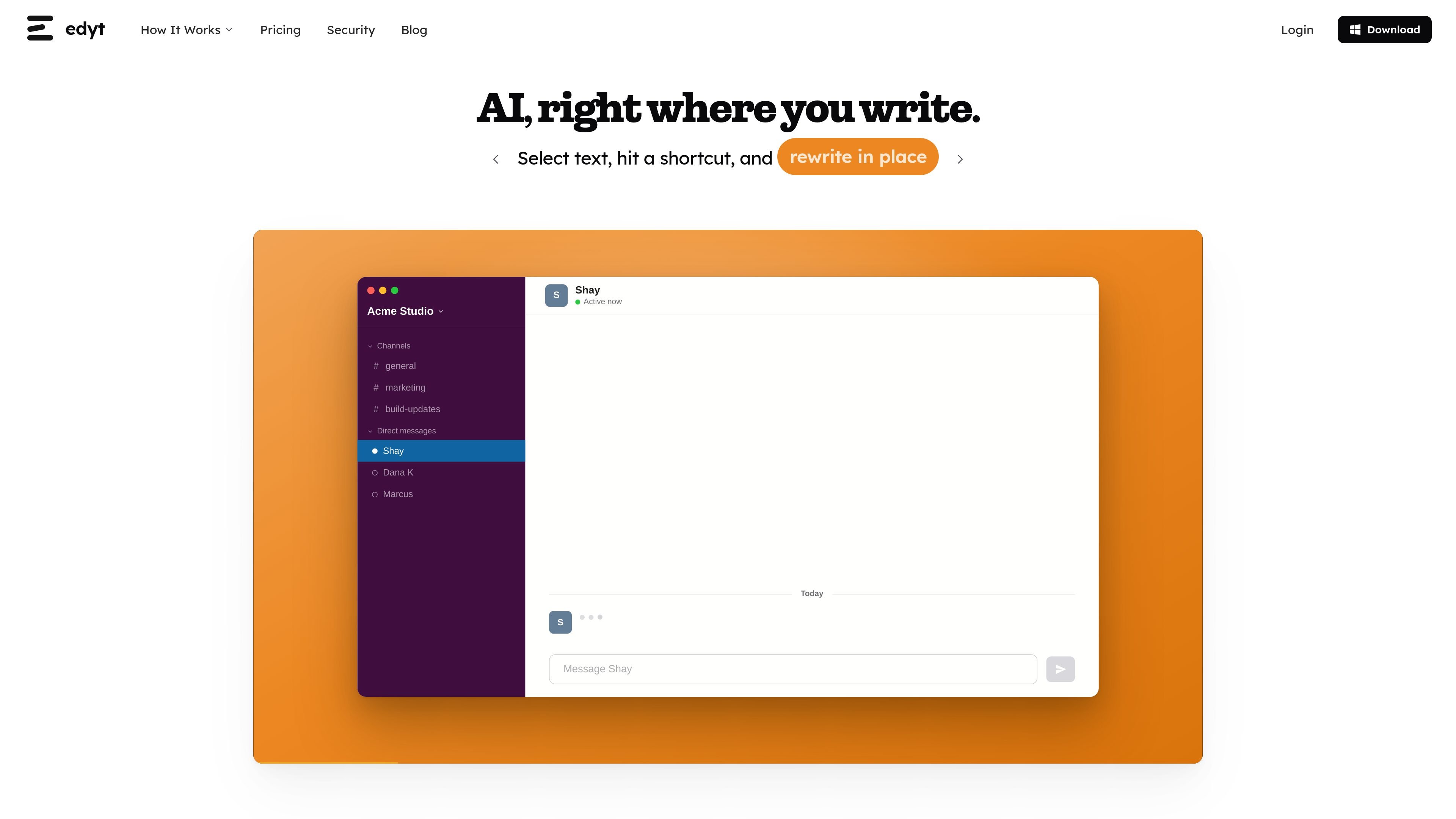
Edyt is a desktop AI text assistant for macOS and Windows that works inside apps with editable text fields. Users select text, press a keyboard shortcut, and choose an action from an on-screen toolbar instead of switching to a separate AI window or copying text between applications.
Its tools cover rewriting, proofreading, alternative phrasing, explanations, translation, and custom prompts. Edyt can also read text from PDFs, images, and screenshots through on-device text recognition, then send only the recognized text used for an action. The free plan is available without a credit card, while Pro provides unlimited usage and priority email support.
The Mac release supports macOS 12.3 or later on Apple Silicon and Intel. Windows support is available for Windows 10 or later, 64-bit, as a beta release. Edyt says text sent for processing is encrypted and discarded rather than stored, while screen-reading captures remain on the device during recognition.
Highlight text in an editable field, press Ctrl+Shift+Space, and run an action without opening another application or manually copying and pasting.
Rewrite selected text for tone, grammar, or clarity while replacing the selection where it sits.
Review grammar, spelling, and style issues without automatically rewriting the sentence. Corrections can be accepted individually or applied with Fix All when Edyt is confident.
Generate multiple versions of a sentence side by side, choose how many options to receive from three to fifteen, and insert or copy the preferred version.
Explain jargon or dense passages in a panel, ask follow-up questions, and translate selected text while preserving meaning and formatting.
Run saved custom prompts on selected text, with editable prompts, categories, and remappable shortcuts managed from the dashboard.
Select an email or message in an editable field and use rewrite, proofreading, or alternatives to adjust tone, correct issues, or compare several phrasings before sending.
Highlight a dense paragraph, unfamiliar term, or technical passage and open an explanation in the panel, with follow-up questions available for additional context.
Translate selected content from within the current app, then refine the wording through the translation panel while keeping the source meaning and formatting.
Apply a saved prompt to recurring work such as formatting or enforcing a preferred writing style, using the same shortcut across different desktop applications.
Drag over text in a PDF, image, screenshot, or video-call interface when the text cannot be selected normally, then send the recognized text to an explanation, translation, or custom prompt action.
Edyt is a desktop AI text assistant for Mac and Windows. Select text in an editable field, press Ctrl+Shift+Space to open its toolbar, and choose an action such as rewriting, proofreading, explaining, translating, or running a custom prompt. The result appears in the relevant app or panel.
The free plan has no credit card requirement and includes estimated daily, weekly, and monthly usage limits. The Pro plan adds unlimited usage and priority email support; pricing is listed separately for monthly and annual billing.
Edyt supports macOS 12.3 or later on Apple Silicon and Intel, and Windows 10 or later in 64-bit beta form. The stable release is currently Mac-only, while Windows is available as a beta.
Edyt processes selected text over an encrypted connection and says it does not store, log, sell, share, or use that text to train AI models. Screen-reading recognition runs locally, and only the recognized text used for an action is sent for processing. The service notes that OpenAI may briefly retain API requests for abuse monitoring under its own policy.
Yes. Every action shortcut can be remapped, and prompts can be edited. Custom prompts can be created, organized in categories from the dashboard, and synchronized across devices.

Rubriq 是一款面向科研写作的 AI 学术论文润色与翻译工具,支持个人订阅、机构方案和论文查重相关服务。它帮助研究人员在上传稿件后快速生成带修订痕迹的可审阅文档。

ProWritingAid is a writing assistant for storytellers that offers grammar checking, style editing, paraphrasing, and story analysis inside popular writing apps. It includes a free plan, paid tiers, and tools for chapter critique, manuscript review, and collaborative editing.

Dictro is a private AI dictation app for Mac that turns speech into polished text in any editable app. It works on Apple Silicon Macs, processes locally by default, and can also run in an optional cloud Fast Mode.

Goldfish is an AI memory app for macOS that helps you reply, write, summarize, and continue using the context already on your Mac. It stores memory locally and writes in your tone.

SpeakoFlow is a free, open-source desktop voice-to-text app for Windows, macOS, and Linux. It supports dictation into any app, voice-driven writing with Flow, cleanup, translation, and a screen-aware assistant.

Paperpal 是一款面向学术写作的 AI 工具,提供文献阅读、语言润色、引用、查重、AI 检测和投稿前检查。它适合需要在英文论文和学术材料上进行写作、修改与合规自检的学生、研究人员和教师。