
Brief-first product framing
Framekind starts from a product brief, where you can capture audience, jobs, references, constraints, and product mood before code is generated.

Framekind is a studio for turning product ideas into real Flutter projects, with a visible workflow for briefing, shaping, inspecting, and exporting code. It is aimed at makers who want one workspace for the concept, UI, API contracts, and generated Flutter output.
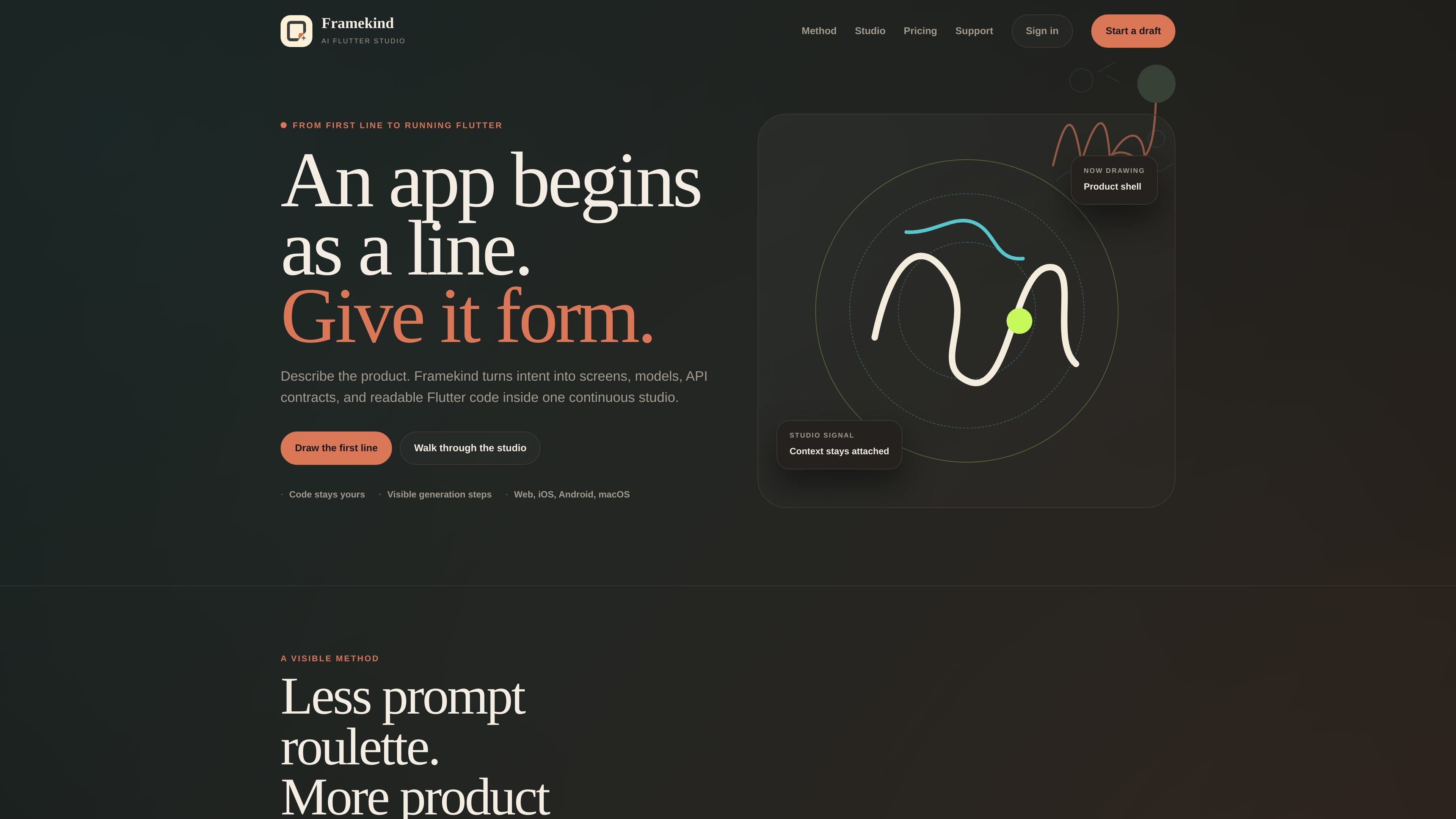
Framekind is a product-building studio for creating real Flutter projects from an initial idea. The site describes it as a continuous copilot that helps users brief, shape, inspect, and export an app while keeping the full build context visible.
Its core workflow is organized around moving from a rough product brief into screens, models, API contracts, and readable Flutter code. Rather than hiding progress behind an opaque generator, Framekind presents draft state, source, generation status, diffs, build history, and export decisions in the same workspace.
Framekind starts from a product brief, where you can capture audience, jobs, references, constraints, and product mood before code is generated.
The studio connects visual canvas, Flutter source, API contracts, and feedback in one flow so the current context stays attached while you iterate.
The page states that Framekind turns intent into screens, models, API contracts, and readable Flutter code inside one continuous studio.
Generation steps remain visible, including draft state, source, API room, export decision, diffs, build history, and ownership, so the build process is inspectable.
The product room includes preview, layers, source code, API contracts, and export areas, indicating a workspace organized around reviewing and shaping the app as it is built.
The site explicitly names web, iOS, Android, and macOS in the generation flow, pointing to multi-platform Flutter output.
Use Framekind when you want to turn an early idea into a structured Flutter starting point by capturing audience, constraints, references, and product mood before code is generated.
Use it when you need to move between visual exploration and code review without losing context, such as refining a screen while inspecting the corresponding Flutter source and API contracts.
Use it when you want to review a build before exporting, with visible generation state, diffs, build history, and ownership supporting a more deliberate handoff.
Use it for Flutter-based apps that need to span multiple platforms, since the page explicitly references web, iOS, Android, and macOS in the generation flow.
Use the free or trial plans to test whether the workflow fits a solo maker or small team before committing to a paid cadence.
Framekind is presented as a studio for briefing, shaping, inspecting, and exporting a real Flutter project. The site describes a workflow that turns intent into screens, models, API contracts, and readable Flutter code.
The page says you can move between a visual canvas, Flutter source, API contracts, preview, layers, feedback, and export without resetting context. That suggests it is designed for iterative app creation rather than one-off prompt generation.
The source highlights Web, iOS, Android, and macOS as visible generation targets. It does not provide a separate supported-format matrix beyond Flutter code and export from the studio.
The pricing page lists three tiers: a Free plan, a Maker 7-day trial, and a Studio 7-day trial. It also notes annual recommendations for Maker and Studio, with exact availability confirmed at checkout.
The page presents Framekind as a product-room workspace with visible generation steps, generation state, diffs, build history, and ownership before export. It does not document a dedicated team/admin feature set beyond that shared workspace framing.

ByteAsk is a terminal-first AI coding agent for C and C++ that edits repositories and verifies changes with the real compiler, debugger, sanitizers, and tests before showing a diff. It offers a free tier plus paid plans, with editor connectors and zero-retention handling described in the source.

CreateOS Sandbox is an isolated compute environment for running code and agent workloads inside Firecracker micro-VMs. It is designed for workflows that need machine-level isolation, private networking between sandboxes, and programmatic control through SDK, CLI, or MCP.

GitBot is a local browser-based workspace for creating reusable coding bots powered by Claude Code, Codex, or OpenCode. It helps developers run those agents across repository folders with persistent threads and configurable permissions.

hob is an independent workspace for coding agents that keeps agent sessions, terminals, history, and follow-up work organized around the tools and providers you already use. It is aimed at developers who want local control over routing, history, and workspace structure rather than a bundled model stack.

Manta AI is an autonomous web app testing tool for teams that want to map application behavior, catch regressions, and generate tests without writing scripts or maintaining selectors. It works from a URL and supports plain-English test flows, run results with screenshots, and scheduled or deployment-triggered checks.

SonOf connects to your repo and PM tool, audits the codebase and surrounding product context, and turns approved work into shipped tickets with senior engineering review. It is aimed at founders and engineering leaders who need backlog help without hiring a full team immediately.