
Lifetime doomscroll estimate
Enter your daily screen time and age to see an estimate of how many waking years your phone may take over the rest of your life.

Habit Doom is an iPhone app and companion doomscroll calculator that estimates how many years of waking life daily screen time may cost. It also lets users compare their current usage with a lower target and links that estimate to habit-based app blocking.
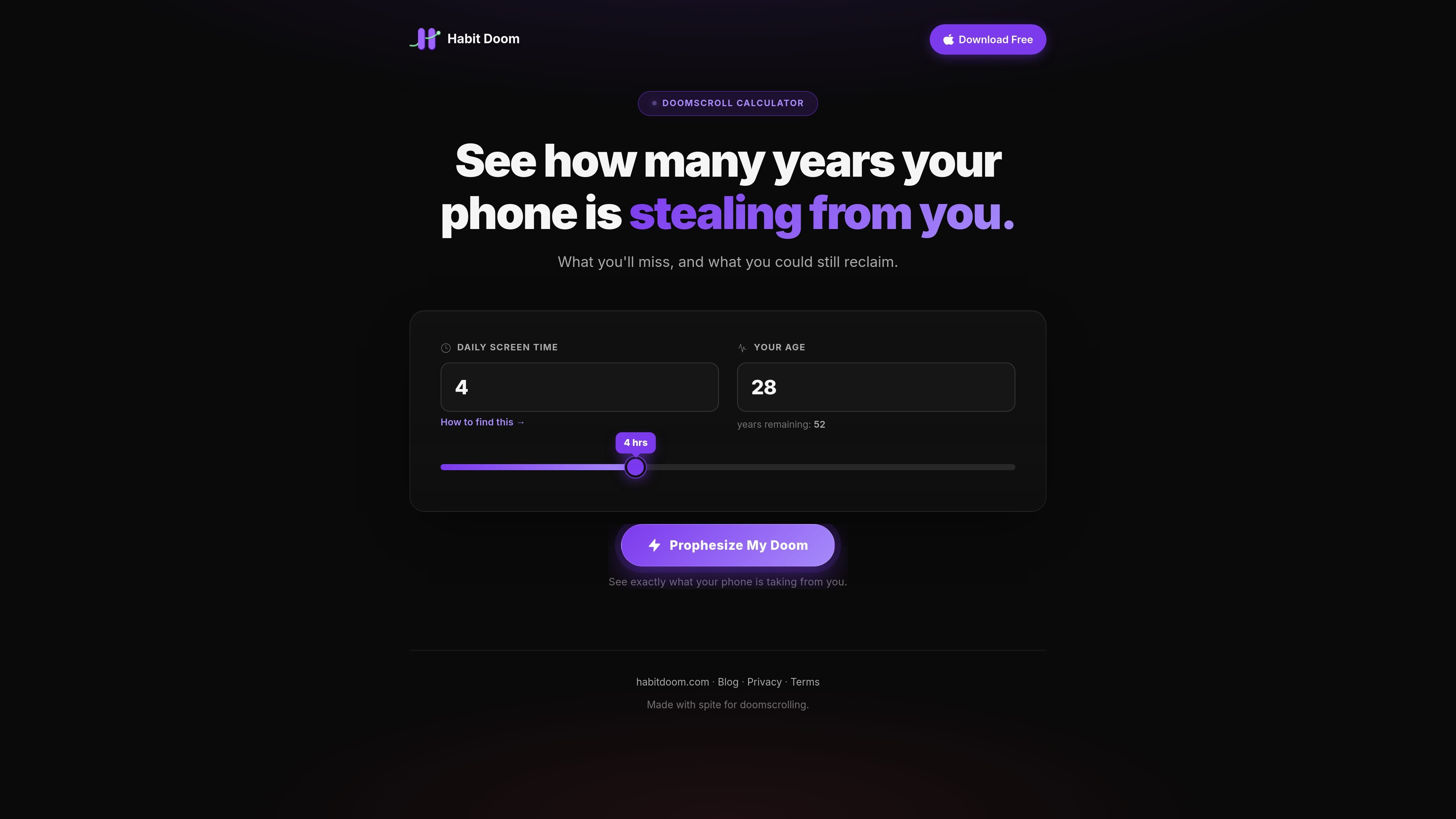
Habit Doom is an anti-doomscroll iPhone app, and this page adds a companion calculator that turns daily screen time into an estimate of how many years of waking life your phone may take. The calculator asks for your current screen time and age, then shows the result alongside examples of what that time could otherwise become.
The broader product is built around habit-based app access: you choose distracting apps, complete daily habits, and earn screen time back. The pricing page describes a free iOS download with Pro upgrades for heavier habit tracking and more advanced blocking features.
Enter your daily screen time and age to see an estimate of how many waking years your phone may take over the rest of your life.
Move a target-screen-time slider to compare your current usage with a reduced daily target and see what you could reclaim.
Shows a written breakdown of what the time represents, including example activities at lifetime, yearly, and monthly scales.
Provides a copy/share flow with text, image, and X sharing options so the result can be saved or sent to someone else.
Includes a methodology section that distinguishes between cited research and reasoned estimates, with assumptions explained on the page.
Connects the calculator to Habit Doom’s habit-based app locking workflow, where habits are completed to earn app access.
A person can enter their own screen time and age to get a concrete estimate before deciding whether they want to change their habits.
Someone trying to reduce usage can move the target slider and compare the reclaimable time at a lower daily screen-time goal.
A user can share the result with a friend or family member as a simple way to explain why they want to cut back.
A reader considering the app can use the calculator as an entry point into Habit Doom’s habit-based locking workflow.
An existing user can use the calculator’s numbers and methodology page as context for reviewing whether their current routine still feels acceptable.
The calculator is a web page that asks for your daily screen time and age, then estimates how many years of waking life your phone may take if the pattern stays the same. It also lets you lower the target screen time to see what you could reclaim.
Yes. The source shows an iOS app that locks distracting apps until you complete your daily habits. The calculator page itself is separate, but it points to the same Habit Doom product.
The page explains that the calculator is based on cited research where possible, plus reasoned estimates where evidence is thinner. It uses a simple assumption that your current screen time continues unchanged.
The source mentions the app is free to download on iOS and also shows free and paid options on the pricing page, including monthly, yearly, and lifetime Pro plans.
The FAQ text on the pricing page says Habit Doom uses Apple's native Screen Time API and does not run background processes, which it says means no battery impact. The calculator page does not add more technical detail.

Maya is an online AI tutor for children, mainly serving grades 1–6. It explains school topics from a child’s spoken, written, or photographed input, provides multiple-choice practice, and explains the reasoning behind incorrect answers.

Momentra monitors public event sources, discovers and refreshes event records, and delivers structured data to calendars, guides, newsletters, apps, and AI workflows. It is built for independent publishers and event-discovery platforms that aggregate events from many community organizations.

WPMaven turns a natural-language business idea into a previewed WordPress website, offer, and launch setup, then supports recurring content, follow-up, planning, and reporting. It is aimed at entrepreneurs, small businesses, and agencies that want AI operators to handle preparation while they approve what goes public.

Codemind is a delegated coding service that writes and tests JavaScript or TypeScript code against acceptance criteria, then returns the files to a coding agent. It helps developers offload implementation and verification while keeping planning and review in their existing agent session.

SalesRep is an omnichannel customer communication platform for sales, marketing, and support teams. It combines messaging channels, AI agents, workflows, broadcasts, CRM and commerce integrations, and shared team inboxes in one workspace.

Milepost is a driving journal for car enthusiasts that records routes, stops, photos, notes, distance, speed, and weather for scenic drives and road trips. Users can save private Roadbooks, replay drives, share them with friends, and connect compatible AI agents through its documented MCP endpoint.