
Text-based icon generation
Create app icons from a brief text prompt by describing the objects you want to see in the image. The interface asks users to keep the prompt short and clear.

IconifyAI is an AI app icon generator that turns short text prompts into custom 1024x1024 icons for Android and iOS projects. It offers multiple styles, palette-aware color handling, and downloadable PNG/JPG outputs with commercial ownership stated on the site.
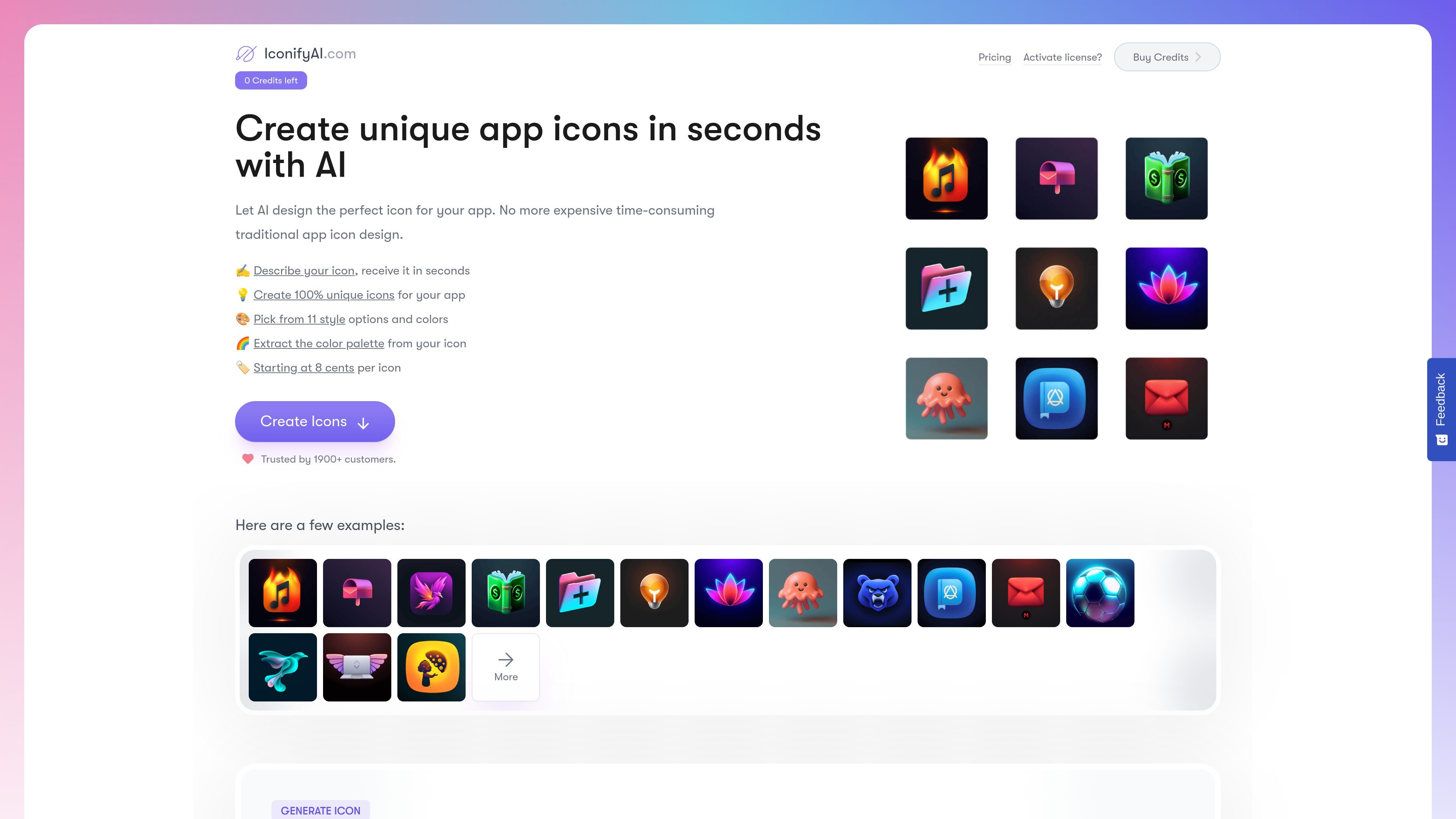
IconifyAI is an AI icon generator for creating app icons from a text description. The homepage positions it as a faster alternative to traditional icon design, with generation that starts from the objects, colors, and style you want in the final image.
The product targets people who need custom app icons for mobile apps and related projects. The site highlights short generation time, multiple visual styles, 1024x1024 downloads, and ownership of the generated icon, and it includes separate Android and iOS icon pages plus a public gallery of AI-generated examples.
Create app icons from a brief text prompt by describing the objects you want to see in the image. The interface asks users to keep the prompt short and clear.
Choose from 11 style options shown on the page, including Metallic, Textured, Pixelated, Clay, Gradient, Solid, Mascot, Flat, Vintage, Sketch, and Photorealistic.
Select a color direction, and the product says it can extract a color palette from the icon or brand colors.
Preview the generated icon and download it as a 1024x1024 HD image. The page also says icons can be copied as an image for easier sharing.
The site says generated icons are fully owned by the user, including selling rights and copyright.
Independent builders can turn a rough app idea into a usable icon quickly by describing the object, color direction, and style they want.
Designers can use the style presets and palette extraction to explore several visual directions before committing to a final icon.
Teams shipping mobile apps can create platform-specific icon variations using the Android and iOS-focused pages.
Founders or marketers who need a finished asset can download a 1024x1024 icon and use the ownership terms for commercial projects.
Users who want inspiration before generating can browse the public gallery of AI-generated icons.
The generator creates app icons from a short text description. On the page, users are prompted to name the objects they want to see, choose a color direction, pick a style, and set the number of icons.
The site states that generated icons are delivered in less than one minute.
The FAQ says you can create as many icons as you need as long as you have sufficient credits; it does not mention a hard usage cap.
The FAQ states that each result is delivered as a 1024x1024 icon in PNG and JPG format, and it also mentions font recommendations and color palette ideas.
The page says you keep full ownership of the generated icon, including commercial rights and the ability to resell it.

Le générateur de peinture AI est un logiciel en ligne qui génère automatiquement des œuvres d'art en fonction des descriptions textuelles fournies par les utilisateurs.

The Genesis Art turns a meaningful date into a one-of-a-kind digital artwork backed by a registry and certificate system. It is aimed at people marking milestones such as a birth, wedding, or founding day.

Skybox AI by Blockade Labs generates 360° skyboxes and environments for games, XR, film, education, architecture, and other production workflows. The site also shows integrations for tools like Unity, Blender, Godot, SketchUp, Figma, and Roblox.

智小象(HiDream.ai)est une plateforme de création entièrement en chinois basée sur l'intelligence artificielle générative, conçue pour aider les utilisateurs à maîtriser facilement les compétences créatives de l'AIGC.

promptoMANIA est un générateur de prompts d'art AI qui aide les utilisateurs à créer des prompts détaillés pour divers modèles de diffusion de texte à image.

Petalica Paint is a web service for automatically coloring line art and tracing line drawings from photographed images. The home page says it can be used under the stated terms for commercial and noncommercial work, but it is scheduled to end on 2025-07-31 at 16:00 JST.