
Infinite-canvas project management
Arrange boards, notes and visual connections on a zoomable surface, with kanban-style columns and tasks embedded in the workspace.

is.team is a visual project management workspace that combines an infinite canvas, kanban boards, AI planning and task automation. It is designed for teams that want to coordinate human work, external AI agents and connected tools such as GitHub, Slack, Drive, Figma and Calendar.
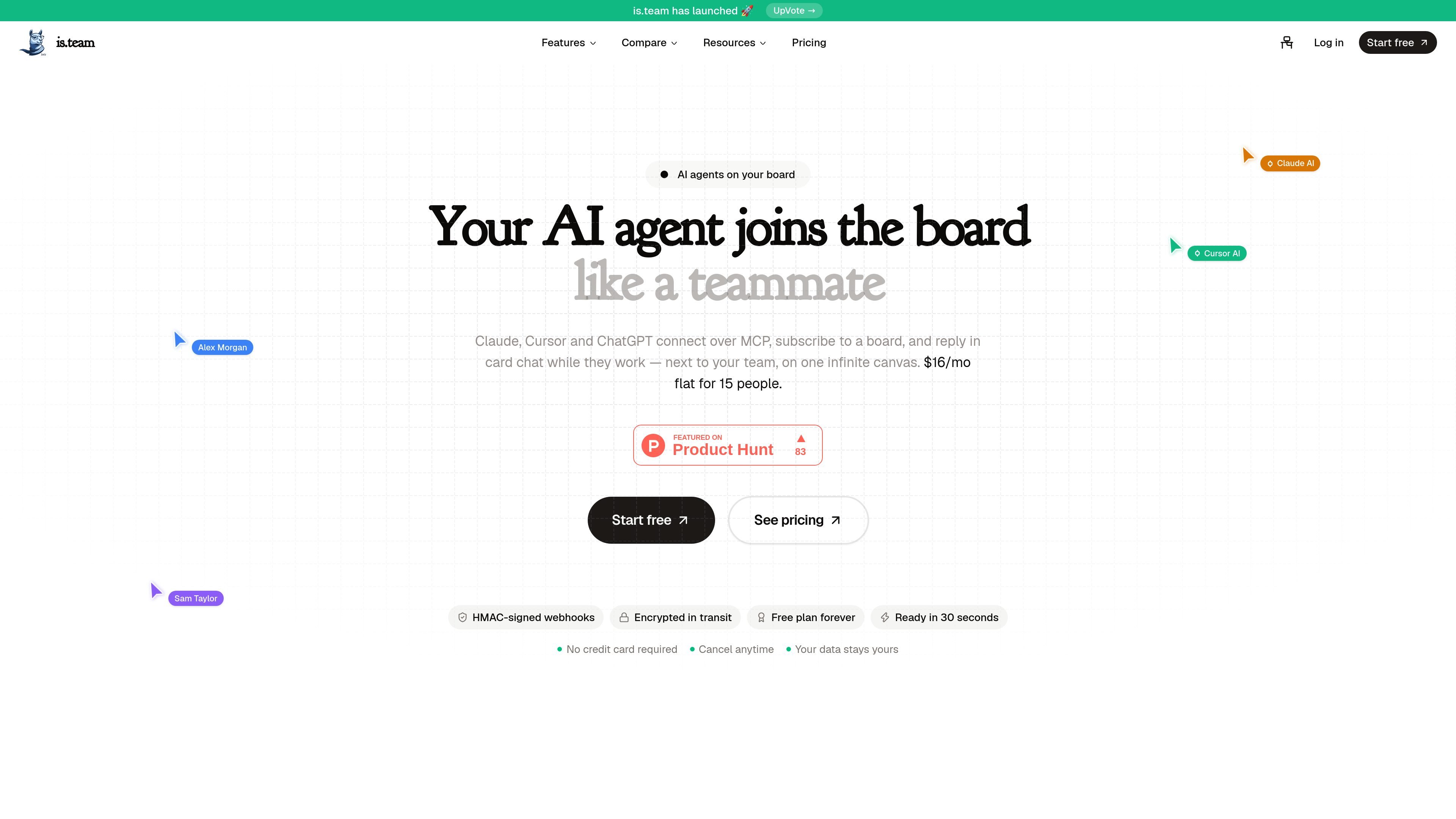
is.team is a visual project management tool that combines an infinite canvas with kanban-style boards, tasks, notes and connections. A workspace provides the team area for members, boards and billing, while the canvas lets teams arrange related work visually rather than keeping every board in a separate view.
The product is designed to keep project execution, meeting follow-up, connected development work and AI assistance in one workspace. Teams can use built-in AI planning and note processing, connect external agents such as Claude through MCP, and link services including GitHub, Slack, Google Drive, Figma and Google Calendar.
Arrange boards, notes and visual connections on a zoomable surface, with kanban-style columns and tasks embedded in the workspace.
Use AI to create project phases, tasks, story points and team assignments from a project description or meeting notes.
Connect Claude, Cursor and ChatGPT through MCP so agents can subscribe to boards and reply in card chat while they work.
Record meeting discussions with the AI note taker, then summarize them and extract action items as tasks; the pricing page notes that note-taker credits are one-time workspace credits rather than a monthly allowance.
Link GitHub pull requests and issues, receive Slack task alerts, preview Google Drive and Figma files in tasks, and sync task deadlines with Google Calendar.
Trigger workflows with task events through HMAC-SHA256-signed outgoing webhooks, or create tasks through board-specific incoming webhooks for services such as Zapier and Make.
Place planning boards, notes and linked workflows on one canvas so an engineering lead can see project structure while tasks remain organized in kanban columns.
Describe a product or paste meeting notes to generate phases, tasks, effort estimates and assignments, giving a team a starting plan before manual refinement.
Connect an external coding agent through MCP, subscribe it to a board and use card chat to coordinate work alongside human teammates.
Link pull requests to tasks, receive assignment and comment notifications in Slack, and keep task deadlines synchronized with Google Calendar.
Use incoming and outgoing webhooks to create tasks from external systems or trigger actions when tasks are created, moved, completed or commented on.
is.team is a visual project management tool built around an infinite canvas. A workspace contains members, boards and billing, while boards use columns and tasks for kanban-style work.
Create a workspace, add a board from the canvas toolbar, create tasks inside a column, and drag tasks between columns to change their status. Boards and notes can also be connected with visual arrows.
Yes. The Free plan has no time limit and does not require a credit card. It includes unlimited tasks, one workspace, two boards and up to three team members.
External AI agents including Claude, Cursor and ChatGPT can connect through MCP, subscribe to a board and reply in card chat while working. is.team also includes AI workflow planning, AI card assistance and meeting-note task extraction, with availability varying by plan.
The product connects with GitHub, Slack, Google Drive, Figma and Google Calendar, and supports Zapier and Make through webhooks. Integration availability varies by service and plan.

Biji est une plateforme polyvalente conçue pour améliorer la productivité grâce à des outils et des fonctionnalités innovants.

Dcyde is a decision log for product teams that captures what was decided, the reasoning behind it, and the source in one shared place. It supports pinning decisions from Slack, Figma, or inside Dcyde and keeps the record searchable over time.

runevr is a connected workspace for creative teams that combines boards, media review, chat, recordings, drive, calls, and AI agents in one room-based environment. It is designed to reduce tool switching and keep project context together.

Carbon Voice is an asynchronous voice messaging app for teams and individuals, with transcripts, AI catch-up, and cross-device access. It helps people and agents communicate without needing a live call.

Goldfish is an AI memory app for macOS that helps you reply, write, summarize, and continue using the context already on your Mac. It stores memory locally and writes in your tone.

ArtDeck is a visual reference board app for iPhone, iPad, and Mac that lets artists collect mixed reference material on one canvas and study it with ToolBox lenses. It works offline, supports optional iCloud sync, and is sold as a one-time purchase with no account required.