
Shot-by-shot recording flow
Record clips one shot at a time with a hold-to-record interaction, then move into a review-and-arrange workflow before sharing the finished result.

Kody Video is a private, on-device web clips camera for recording short shots, arranging them, and exporting one finished video. It is free and open source, designed for phones, and also works on desktop with keyboard support.
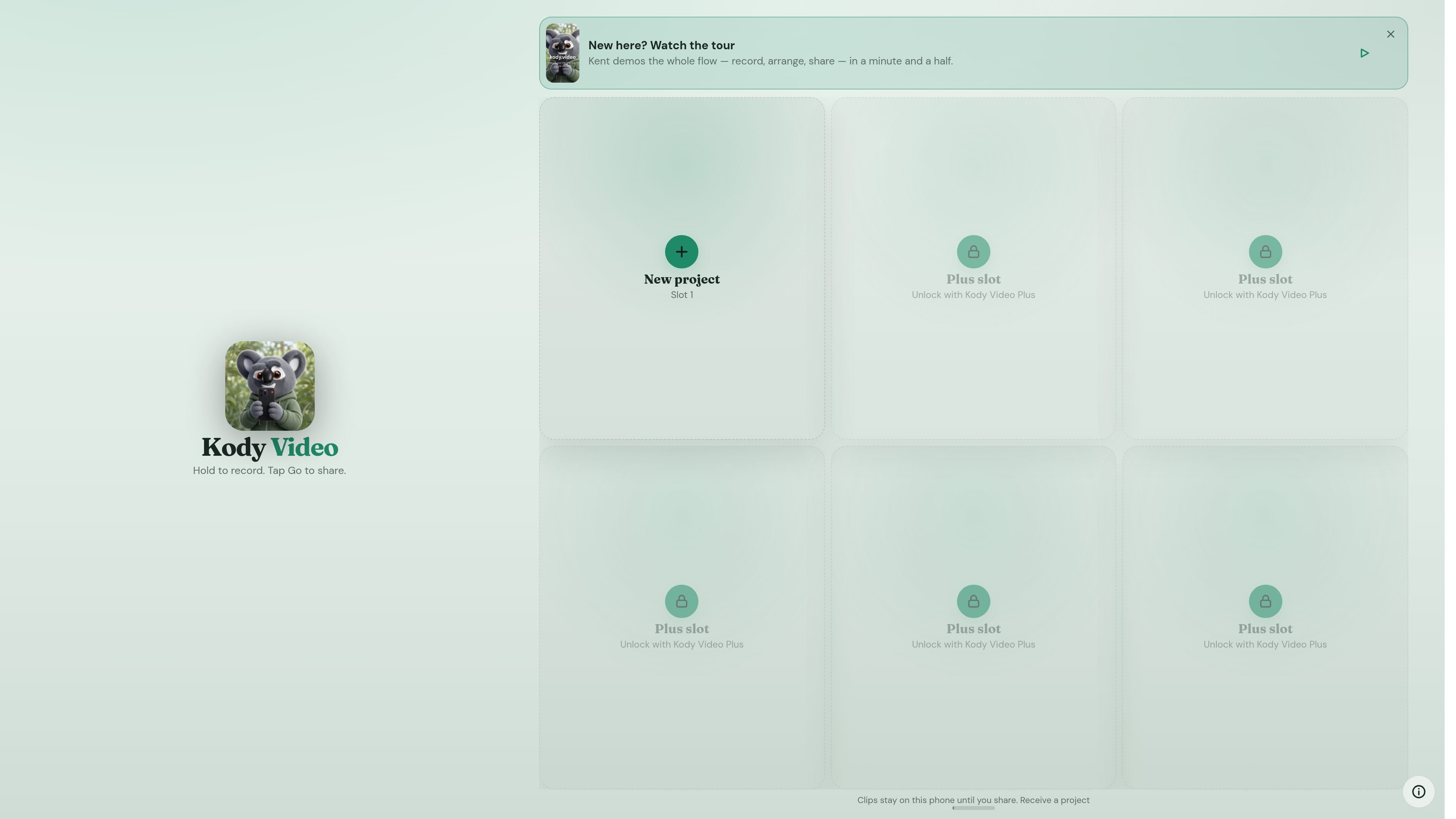
Kody Video is a private, on-device clips camera for the web. It is built around a simple flow: hold to record, arrange the clips you captured, then export one finished video.
The product is free and open source, and the app’s own pages emphasize that clips stay in the browser’s storage until you export or share them yourself. It is designed primarily for phones, but it also works on desktop and includes keyboard shortcuts for recording, editing, and playback.
Record clips one shot at a time with a hold-to-record interaction, then move into a review-and-arrange workflow before sharing the finished result.
Trim clips on a filmstrip editor and export the project as one video when you are done.
Keep clips in browser storage on the device instead of uploading them as you record.
Save each project as a single .kodyvideo backup file for later restoration or for moving a project between devices.
Send a project to another device over the local network by opening the receive screen and entering the code or scanning the link/QR shown on the sending device.
Designed for phones first, but available on desktop with keyboard shortcuts for recording, editing, playback, and deleting clips.
Create a short clip sequence on a phone, review the pieces, trim them in the editor, and export a single finished video for sharing.
Work offline or with minimal account overhead by keeping recordings in the browser instead of sending them to a cloud library.
Move a project to another browser or device by saving a .kodyvideo backup file and restoring it later.
Send a project from one device to another over the local network when you want to continue editing on a different screen.
Edit from a desktop using shortcuts for recording, clip ordering, trimming, playback, and deletion.
Kody Video is a web app that runs on the device itself. The source says it is private by design, with clips staying in the browser’s storage until you export them yourself.
The source explicitly says it works on desktop and is designed as a mobile camera app for the best experience. It also lists keyboard controls for desktop use.
Yes. The app says every project can be saved as a single .kodyvideo backup file, which can be used to move a project between devices or restore it later.
Kody Video can send a project to another device over the local network through a short-lived matchmaking room. The receiving browser opens kody.video/receive.
The source says the latest export is cached so tapping Go on an unchanged project is instant. It does not provide a full list of output formats or share targets beyond exporting one video.

Ailytics is an AI-powered video analytics product for construction, manufacturing, and other heavy industries. It is positioned to improve safety and operational efficiency by turning site footage into actionable insight.

Dina is a macOS app for creating polished screen recordings with automatic zoom, cursor smoothing, captions, transcript editing, and presentation-focused layouts. It is built for recording, refining, and exporting demos and tutorials on Mac.

Tavus is an AI video platform for building real-time, face-to-face agents, digital twins, and AI companions. It combines APIs, custom replicas, and multilingual conversational workflows for developers and teams.

HiringPartner.ai is an autonomous AI recruiting platform for sourcing, screening, and interviewing candidates 24/7. It supports ATS-connected workflows, bulk resume uploads, and reviewable interview outputs for hiring teams.

Video Effects SDK adds real-time webcam effects such as background blur, background replacement or removal, denoising, framing, beautification, and color grading. It is built for teams shipping live video experiences on web, desktop, and mobile platforms.

DeepMotion is a web-based AI motion capture and 3D animation platform with Animate 3D for video-to-animation and SayMotion for text-to-animation. It helps creators and teams generate motion in a browser and export results in common production formats.