
Interactive lessons
Interactive lessons cover more than 100 openings, 20+ endgames, and a beginner track focused on fundamentals and the reasoning behind each move.

LearnChess is a chess training platform that combines interactive lessons, puzzles, and an AI coach to help players understand positions and improve their play. It supports game import from Lichess, Chess.com, FEN, PGN, and screenshots, plus a Chrome extension for capturing boards from the screen.
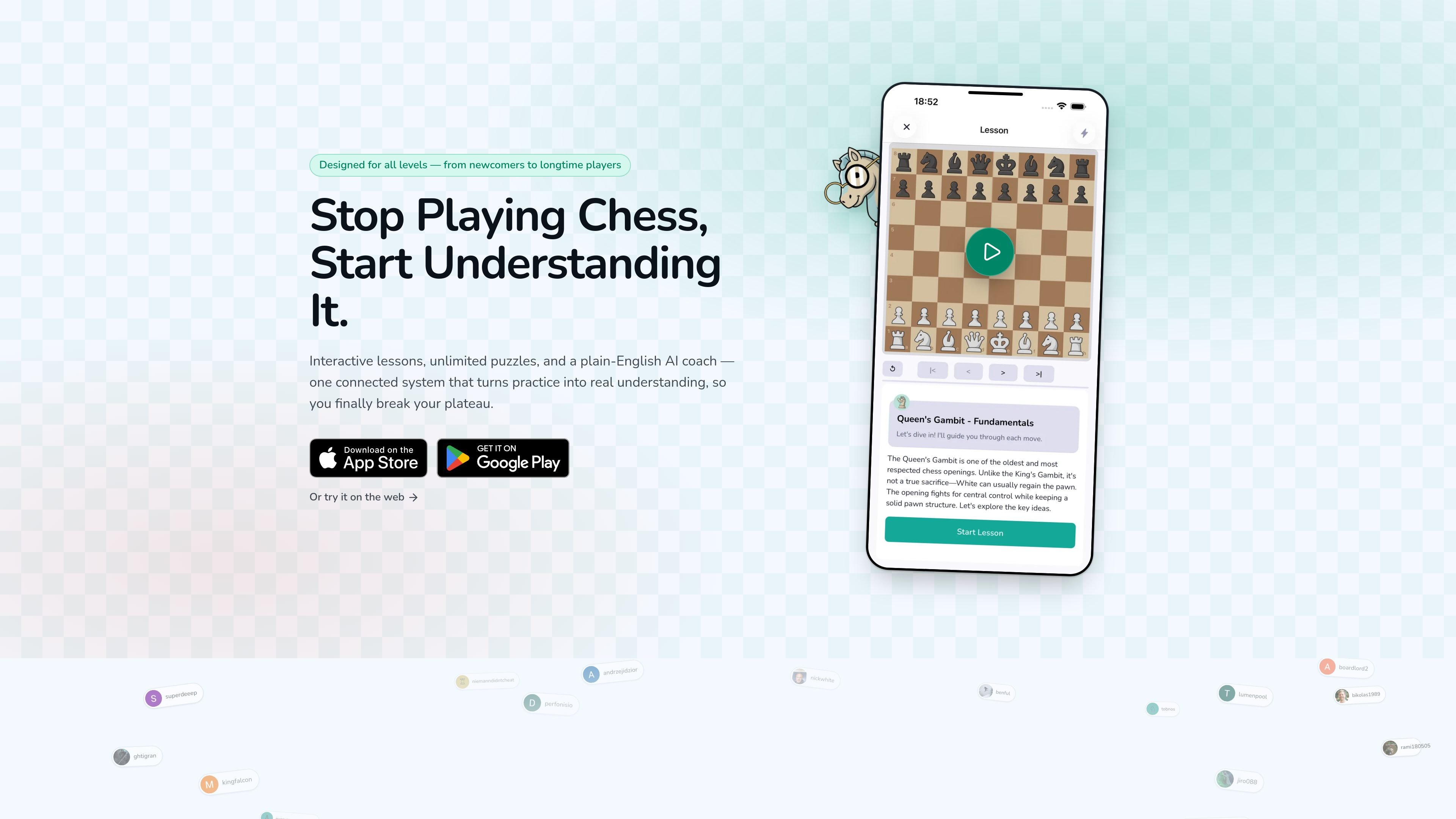
LearnChess is a chess improvement platform built around lessons, puzzles, and an AI coach that explains positions in plain English. Its main job is to connect study, practice, and analysis so players can move from memorizing moves to understanding ideas.
The product centers on a single workflow: learn a concept, drill it with puzzles, then review mistakes and engine evaluations with the coach. The site also includes tools for importing games and positions from Lichess, Chess.com, FEN, PGN, screenshots, and on-screen boards, which makes it easier to study positions found anywhere.
Interactive lessons cover more than 100 openings, 20+ endgames, and a beginner track focused on fundamentals and the reasoning behind each move.
Practice tactics, themed drills, and puzzles built from your own games and mistakes, with rated puzzles and a learn-from-mistakes mode on paid plans.
Ask questions about a position and get Stockfish evaluations explained in plain English instead of raw engine notation.
Paste a FEN or PGN, import from Lichess or Chess.com, or send a position directly from a screenshot into the analysis workspace.
Branch moves into separate tabs, see automatic opening names and ECO labels, and review full-game analysis with move classifications and turning points.
Capture any board on screen with the free Chrome extension or screenshot upload, then send it to analysis or turn it into a puzzle.
Work through structured lessons on openings, endgames, and fundamentals when you want a guided path instead of jumping straight into engine analysis.
Solve rated puzzles, themed drills, or positions built from your own games to practice recurring tactical patterns and learn from mistakes.
Import a game, position, or screenshot and use Stockfish plus the AI coach to understand what happened move by move.
Capture a board from a video, article, book, stream, or website and turn it into a playable position without rebuilding it manually.
Track progress through awards, streaks, and a leaderboard while you continue a daily study routine.
LearnChess combines interactive lessons, unlimited puzzles, and an AI coach in one study loop. The site also says it is designed for all levels, from newcomers to longtime players.
Yes. The pricing page shows a free Pawn plan, and the homepage says the product is free to start with daily puzzles, beginner lessons, and the AI coach included.
LearnChess supports imported games from Lichess and Chess.com, as well as FEN or PGN input on the analysis board. It can also read positions from screenshots through the Chrome extension or screenshot upload flow.
The site says the AI coach explains Stockfish evaluations in plain English and is grounded in live engine output, master games, player databases, and opening theory. It is presented as a guide for understanding positions rather than a raw engine interface.
The source does not list team, classroom, or collaborative account features. The public pages mainly describe individual study workflows and a community leaderboard.

GameGrad turns PDF study material into quiz questions that appear inside arcade games, so users can practice active recall while they play. It offers a free tier with one PDF and a Pro plan with more uploads, more questions, and answer explanations.

ChessWoodie is a chess tactics training app based on the Woodpecker Method. It helps players build pattern recognition through repeated puzzle cycles, track speed and accuracy, and review missed tactics from their own games.

MentorSpace is an AI-powered mentoring product for startup and academic planning. It helps students, founders, and small groups create 90-day roadmaps, get context-aware guidance, and track progress over time.

Padel Chess is a web-based learning platform for improving padel tactical skills through puzzle-based practice. It helps players work on positioning, shot selection, and decision-making in realistic court scenarios.

DailyPlay.ai is a behavioral growth platform that uses AI site scanning and micro-games to help brands improve engagement and conversion. It supports web, mobile, and other digital touchpoints, with a one-line script setup and a free engagement scan.

LangPanda is a browser extension for learning languages from streaming video and other supported sites. It combines instant subtitle lookup, flashcard creation, vocabulary tracking, and spaced-repetition review for 36 languages.