
Full-text semantic paper search
Use plain-language queries to search Lune's indexed corpus of top-tier computer science conference papers and find foundational, related, or recent work.

Lune Research connects AI agents to indexed top-tier computer science papers, citation context, full-text sources where available, and curated research guidance. It supports literature reviews, experimental design, claim checking, and academic writing through a web app, AI-client connector, MCP server, or optional CLI.
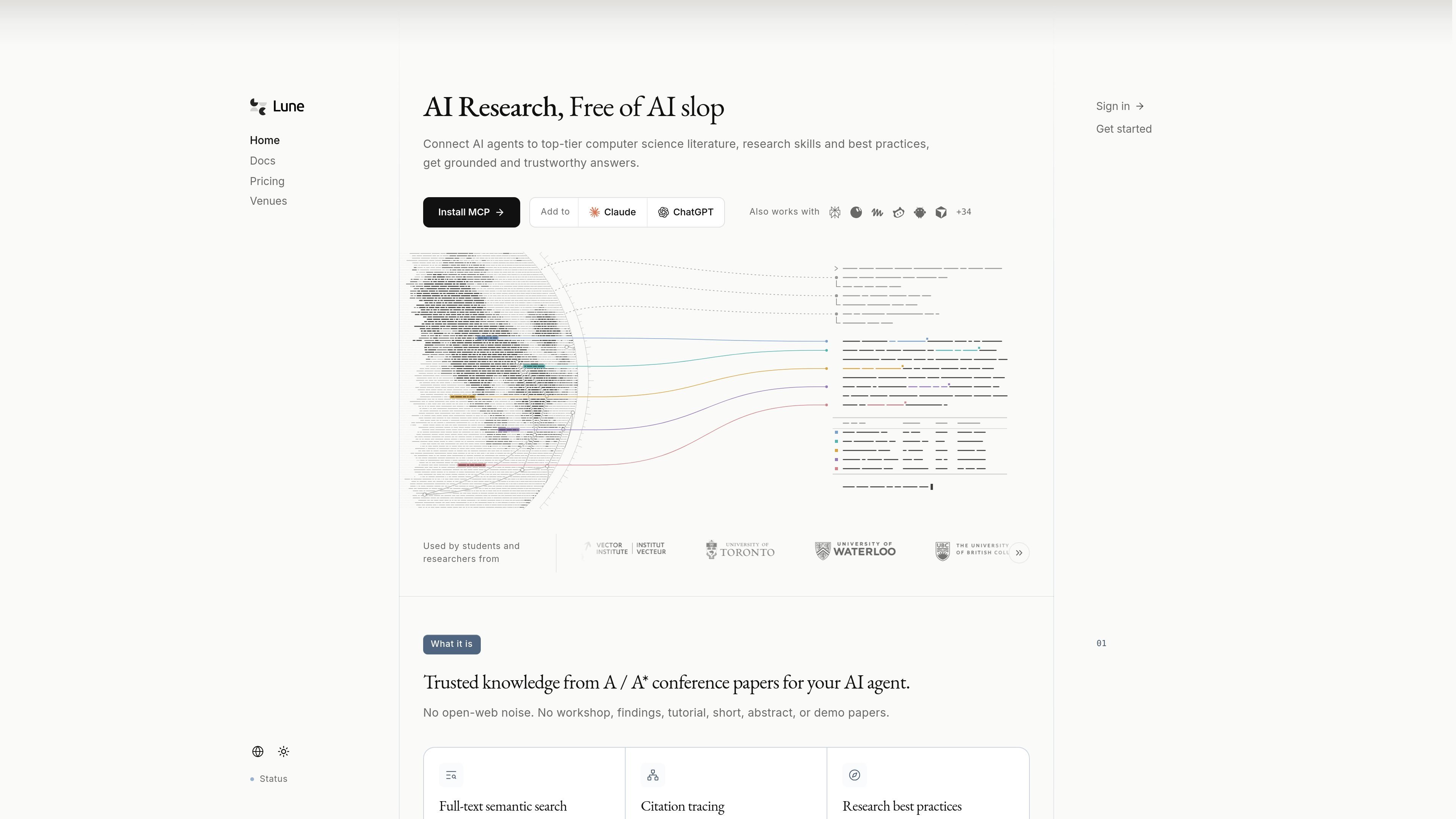
Lune Research is a research retrieval service and MCP server for AI agents. It connects web AI apps and local agent clients to an indexed collection of top-tier computer science conference papers, allowing an agent to search literature, inspect sources, trace citations, and retrieve research guidance instead of relying only on model memory or open-web results.
The service is designed for workflows that move from literature discovery to experimentation and writing. Search results can include paper abstracts, authors, venue and publication metadata, citation relationships, stable source links, and full-text passages where Lune has permission to index the source. Its guidance tools cover literature reviews, evaluation design, ablation studies, research writing, peer review, and venue selection. Lune is available as a hosted web miniapp, an AI-app connector or plugin, an MCP server, and an optional command-line setup.
Use plain-language queries to search Lune's indexed corpus of top-tier computer science conference papers and find foundational, related, or recent work.
Inspect paper abstracts, authors, venue and publication metadata, stable source links, and indexed source passages when full text is available.
Follow references a paper cites and later indexed papers that cite it to understand research lineage and surrounding evidence.
Check claims against the corpus, with a verbatim quote where the evidence contains one, and gather evidence across multiple searches for a defined task.
Retrieve curated guidance for literature reviews, evaluation design, ablations, research writing, peer review, and venue selection.
Connect the hosted MCP server or local stdio package to web AI apps, coding agents, and other MCP clients so the agent can call Lune during a research workflow.
Ask an AI agent to identify foundational papers, related work, and possible gaps, then inspect abstracts, metadata, full text, and citation relationships before forming a literature map.
Use the guidance library and paper corpus to examine whether an idea is already established, compare it with prior methods, and frame a research question with evidence.
Retrieve recommendations about expected baselines, ablations, datasets, and evaluation practices while planning experiments, then use claim checking to test specific statements against indexed sources.
Have an agent draft related-work or technical prose from retrieved papers while retaining source links, citation context, and checked evidence for later review.
Connect Lune to a team-shared plan or an existing AI client so collaborators can use the same research service across web chat and local development workflows.
Lune can be used as a hosted web miniapp, as a connector or plugin inside supported web AI apps, or through its MCP server in local clients such as Claude Code, Cursor, VS Code, Codex, OpenCode, Antigravity, Zed, and other MCP clients. An optional command-line package can help configure local connections.
Lune searches indexed top-tier computer science conference papers and can return abstracts, authors, venue and publication metadata, citation relationships, stable source links, and full-text passages when it has permission to index the paper. It also provides curated research guidance for methods, evaluation, writing, peer review, and venue selection.
The hosted MCP server uses OAuth or an access key in a Bearer authorization header. Web apps that support browser sign-in can use OAuth; apps that require a fixed credential can use an access key created from the Lune dashboard.
Lune offers a free plan with 10 requests per day. The Pro plan is listed at $4.99 per month for 300 requests per day, and the Max plan at $9.99 per month for 600 requests per day. Extra usage is available as $0.99 for 300 additional requests, and credits do not expire.
Lune's indexed corpus focuses on top-tier computer science venues, including CORE A* or CCF A conferences. The site states that it excludes workshop, findings, tutorial, short, abstract, and demo papers; full text is available only where Lune has permission to index it.

CreateOS Sandbox is an isolated compute environment for running code and agent workloads inside Firecracker micro-VMs. It is designed for workflows that need machine-level isolation, private networking between sandboxes, and programmatic control through SDK, CLI, or MCP.

Hype is a web tool for finding trending YouTube topics by category, time range, and scoring mode. It helps creators spot emerging ideas, inspect source videos, and decide what to cover next.

GitBot is a local browser-based workspace for creating reusable coding bots powered by Claude Code, Codex, or OpenCode. It helps developers run those agents across repository folders with persistent threads and configurable permissions.

Codex Plugins bundle reusable skills, app integrations, and MCP servers into workflows you can install in the Codex app or use from Codex CLI. They help extend Codex with connected-service tasks, reusable instructions, and shared team workflows.

Wallie is an open-source AI streamer that watches your screen, hears chat, and generates live commentary in a configurable persona. It runs locally on your machine with your own keys and is aimed at faceless content, autonomous streams, and real-time reactions.

ClayHog est une plateforme de visibilité SEO IA pour suivre la présence des marques sur ChatGPT, Gemini, Perplexity, Claude et Google AI Overviews. Elle aide les agences, équipes marketing et SEO à suivre citations, concurrents, sentiment et opportunités de contenu depuis un seul tableau de bord.